shadcn.io is an independent project built on shadcn/ui
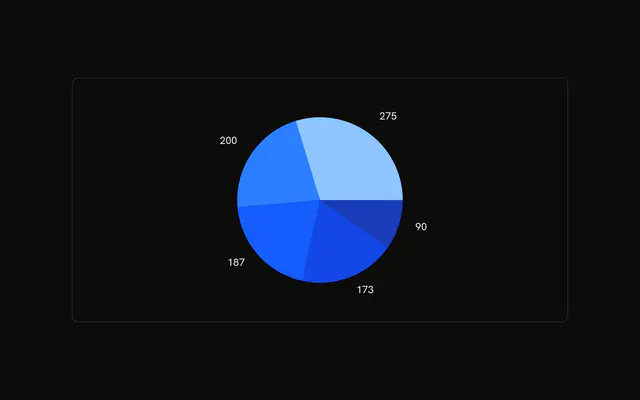
The visitor count sits outside each browser slice, tied to it by a short line. Hover still names the browser and shows the same count.
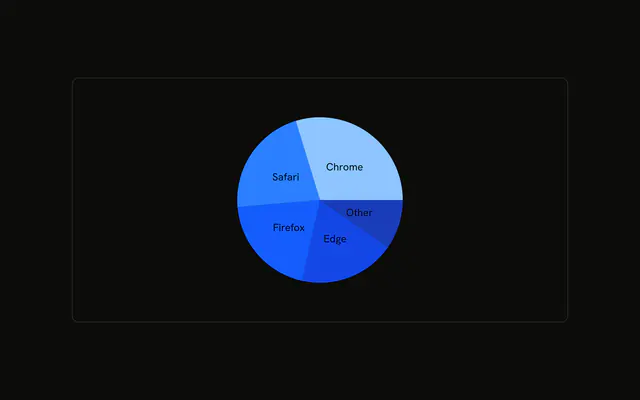
Use outside labels when the values must be readable without a hover. Names inside the slices, or a Table, work better when the numbers collide. In React, Ark UI does not put the counts outside the pie. The label reads the rows you pass.
Installation
Anatomy

Usage
<div className="w-full max-w-xl rounded-md border bg-background p-4">
  <ChartContainer
    className="mx-auto aspect-square max-h-[250px] pb-0 [&_.recharts-pie-label-text]:fill-foreground"
    config={chartConfig}
  >
    <PieChart>
      <ChartTooltip content={renderTooltipContent} />
      <Pie data={chartData} dataKey="visitors" label nameKey="browser" />
    </PieChart>
  </ChartContainer>
</div>
FAQ
How do the numbers get outside the slices?
Pie sets label and dataKey to visitors, so each slice prints its visitor count outside the pie. nameKey is browser. This file leaves labelLine unset, so the connector from the slice to that number stays on.
How is the outside text colored?
ChartContainer adds [&_.recharts-pie-label-text]:fill-foreground to mx-auto aspect-square max-h-[250px], plus pb-0. That selector paints the label text with the foreground color.
Which numbers are printed?
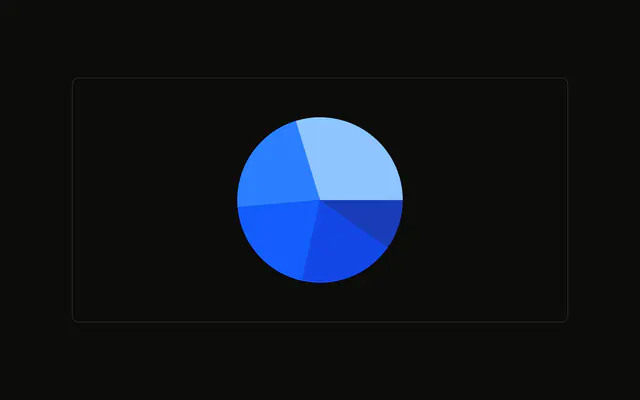
Chrome is 275, Safari 200, Firefox 187, Edge 173, and Other 90. The text beside the slice is that visitors value. The browser name is the slice's nameKey.
How are the slices colored?
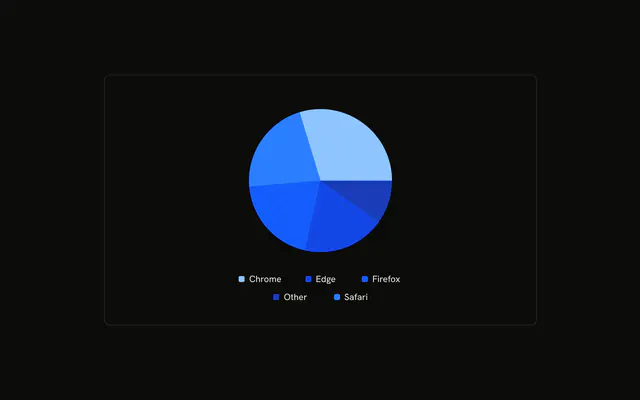
Each row sets fill to var(--color-chrome) or the matching browser variable. config maps chrome through other to --chart-1 through --chart-5 and to labels Chrome, Safari, Firefox, Edge, and Other.
API Reference
Chart
Sets config={chartConfig} and content={renderTooltipContent}. The rest is on the Chart page.