shadcn.io is an independent project built on shadcn/ui
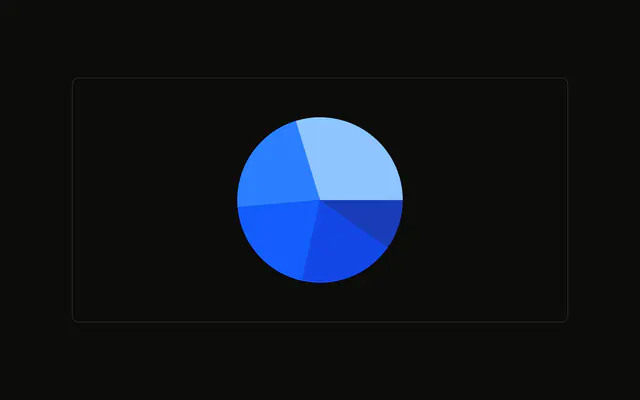
A browser pie with no labels on the slices. Under it, a legend wraps the browser names and their color swatches.
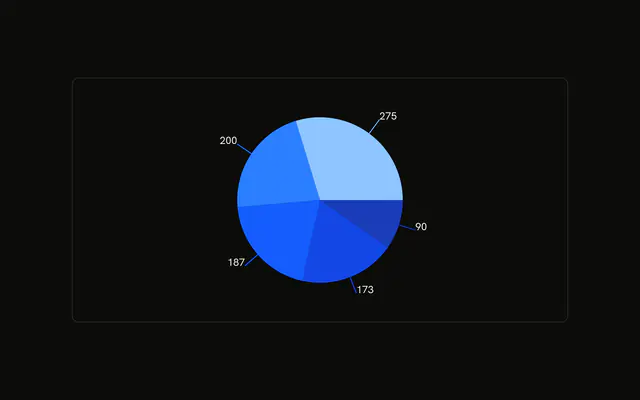
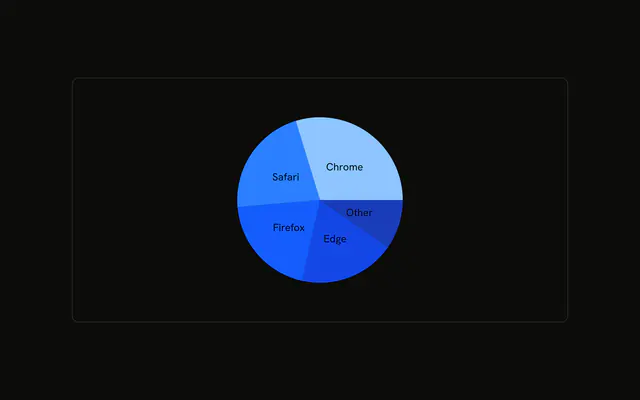
Use a legend when there are several categories, or the slices are too small for text. Labels on the slices work for a few big pieces. A Table works when the legend would wrap forever. In React, Ark UI only publishes the color variables. Slice size comes from the rows you pass.
Installation
Anatomy

Usage
<div className="w-full max-w-xl rounded-md border bg-background p-4">
  <ChartContainer
    className="mx-auto aspect-square max-h-[300px]"
    config={chartConfig}
  >
    <PieChart>
      <Pie data={chartData} dataKey="visitors" nameKey="browser" />
      <ChartLegend
        content={
          <ChartLegendContent
            className="-translate-y-2 flex-wrap gap-2 *:basis-1/4 *:justify-center"
            nameKey="browser"
          />
        }
      />
    </PieChart>
  </ChartContainer>
</div>
FAQ
How is the legend attached?
PieChart renders ChartLegend with content set to ChartLegendContent. nameKey is browser on both Pie and ChartLegendContent, so each item looks up chrome and the other keys in config.
How do the legend items wrap?
ChartLegendContent sets className to -translate-y-2 flex-wrap gap-2 *:basis-1/4 *:justify-center. Items wrap, each takes a quarter of the row, and the block is shifted up by translate-y-2.
Where does the legend sit?
ChartLegend keeps the default verticalAlign of bottom. ChartContainer is mx-auto aspect-square max-h-[300px], which leaves room for that legend under the circle.
What text does each legend item show?
config labels are Chrome, Safari, Firefox, Edge, and Other, with colors --chart-1 through --chart-5. The swatch color comes from those entries. This demo has no ChartTooltip.
API Reference
Chart
Sets config={chartConfig} and nameKey="browser". The rest is on the Chart page.