shadcn.io is an independent project built on shadcn/ui
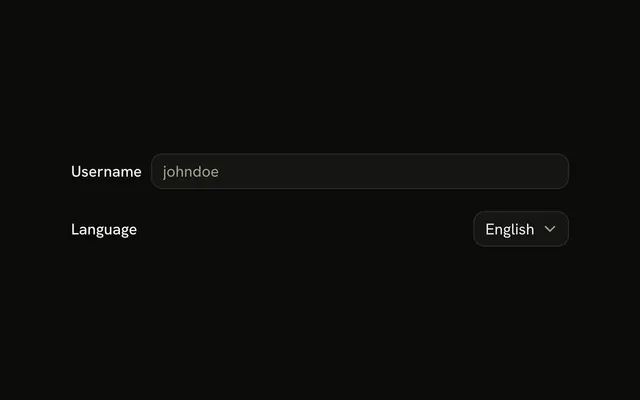
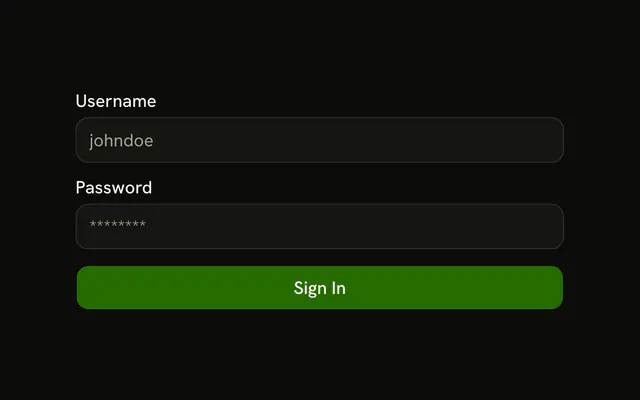
Username and email each put the label in the first column and the input across the other three. The labels line up at the end of that column. Save sits on the right.
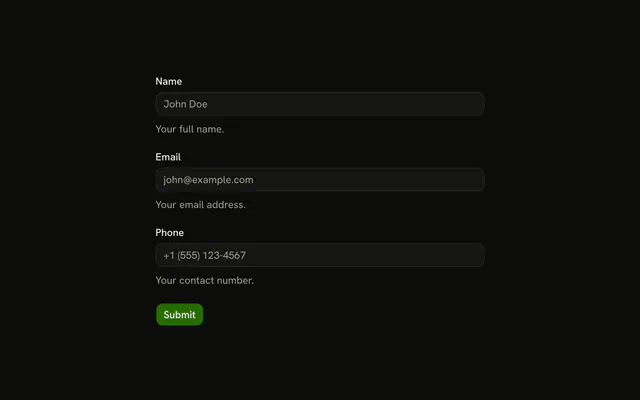
Use it in a settings panel where stacked labels waste height. A narrow screen reads better as a stacked Field. In React, Base UI does not place the label. The grid does.
Installation
Usage
<form className="w-full max-w-2xl" onSubmit={form.handleSubmit(onSubmit)}>
  <FieldGroup className="gap-4">
    <Controller
      control={form.control}
      name="username"
      render={({ field, fieldState }) => (
        <Field
          className="grid grid-cols-4 items-center gap-4"
          invalid={fieldState.invalid}
        >
          <FieldLabel
            className="justify-end"
            htmlFor="form-horizontal-layout-username"
          >
            Username
          </FieldLabel>
          <FieldContent className="col-span-3">
            <Input
              {...field}
              id="form-horizontal-layout-username"
              placeholder="johndoe"
            />
            <FieldError>{fieldState.error?.message}</FieldError>
          </FieldContent>
        </Field>
      )}
    />
    <Controller
      control={form.control}
      name="email"
      render={({ field, fieldState }) => (
{/* The rest of the file is under Installation. */}
FAQ
How do the labels sit beside the inputs?
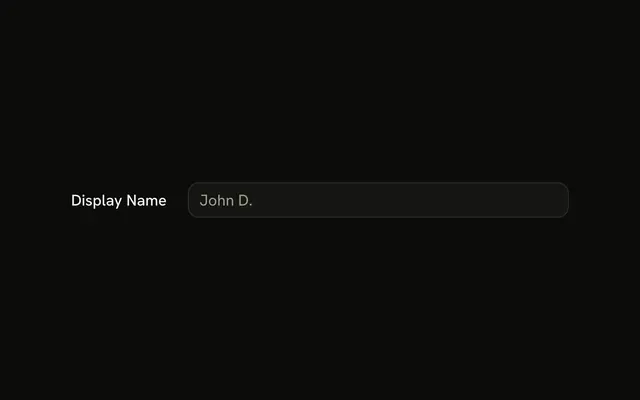
Each Field gets className="grid grid-cols-4 items-center gap-4". The FieldLabel is justify-end, so its text lines up against the input. FieldContent has col-span-3 and holds the input with its FieldError under it.
What validation do username and email use?
username is z.string().min(2) and email is z.email(), with no custom messages, so FieldError shows Zod's defaults, such as Invalid email address.
How is the email input different?
It sets type="email" and the placeholder john@example.com. Username uses the placeholder johndoe and stays a text input.
API Reference
Field
Sets invalid={fieldState.invalid}, htmlFor="form-horizontal-layout-username", htmlFor="form-horizontal-layout-email" and orientation="horizontal". The rest is on the Field page.
Input
Sets field, id="form-horizontal-layout-username", placeholder="johndoe", id="form-horizontal-layout-email", placeholder="john@example.com" and type="email". The rest is on the Input page.
Button
Sets type="submit". The rest is on the Button page.