shadcn.io is an independent project built on shadcn/ui
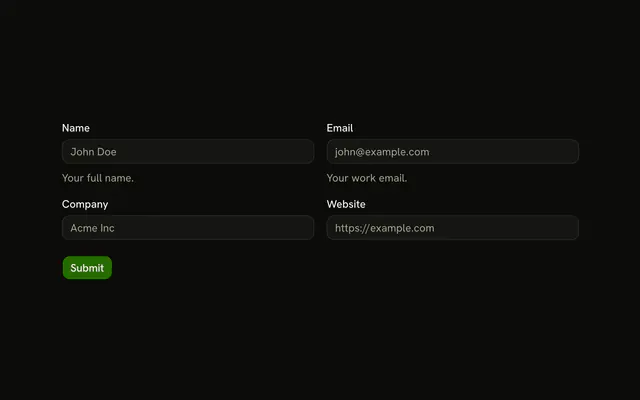
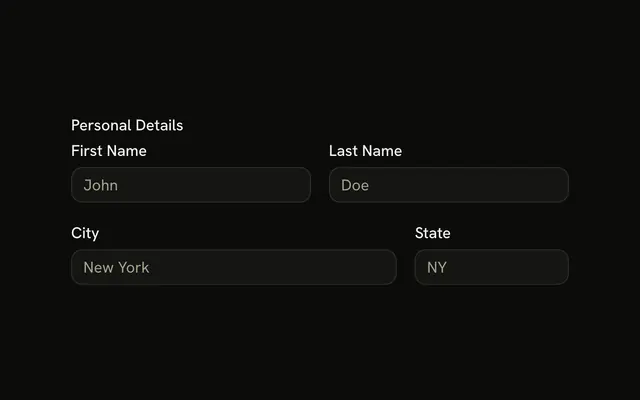
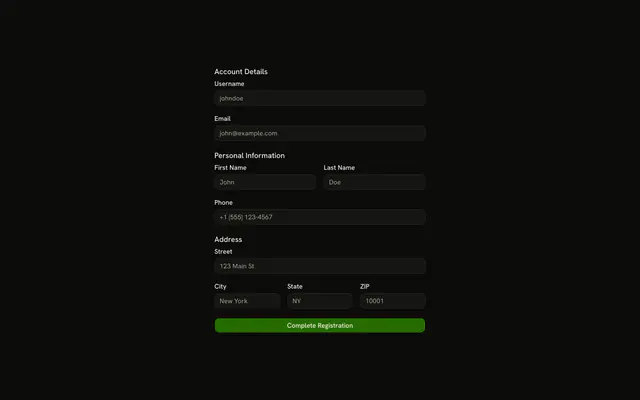
First and last name share a row, then email and phone, then city and ZIP. Phone needs 10 characters. ZIP is a 5-digit or ZIP+4 code. Submit checks all six.
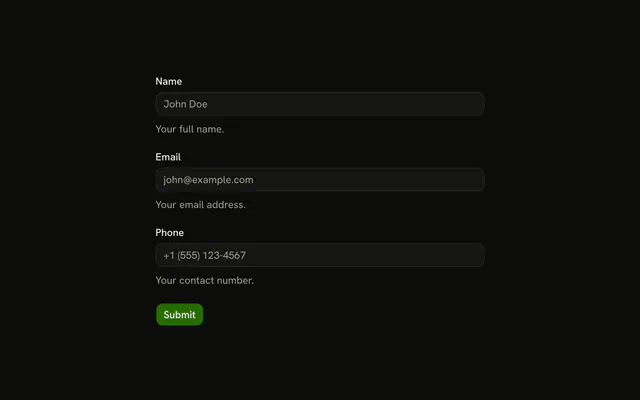
Use it when pairs belong side by side and height matters. One column is the ordinary stacked Field. In React, Base UI does not set the two columns. The grid does.
Installation
Usage
<form className="w-full max-w-2xl" onSubmit={form.handleSubmit(onSubmit)}>
  <FieldGroup>
    <div className="grid grid-cols-2 gap-4">
      {fields.map((item) => (
        <Controller
          control={form.control}
          key={item.name}
          name={item.name}
          render={({ field, fieldState }) => (
            <Field invalid={fieldState.invalid}>
              <FieldLabel
                htmlFor={`form-grid-layout-2-columns-${item.name}`}
              >
                {item.label}
              </FieldLabel>
              <Input
                {...field}
                id={`form-grid-layout-2-columns-${item.name}`}
                placeholder={item.placeholder}
                type={item.type}
              />
              <FieldError>{fieldState.error?.message}</FieldError>
            </Field>
          )}
        />
      ))}
    </div>
    <Field orientation="horizontal">
      <Button type="submit">Submit</Button>
    </Field>
  </FieldGroup>
</form>
FAQ
How are the pairs arranged?
One div with grid grid-cols-2 gap-4 holds all six fields in order, so they fill three rows of two. The form is max-w-2xl, and Submit sits under the grid in a horizontal Field.
What does each field check, and where is the message?
firstName, lastName and city are z.string().min(2), email is z.email(), phone is z.string().min(10) and zipCode is z.string().regex(ZIP_CODE_PATTERN). None passes a custom message, so each FieldError shows Zod's default under its input.
Which ZIP values match?
ZIP_CODE_PATTERN is /^\d{5}(-\d{4})?$/: five digits, optionally followed by a hyphen and four more, such as 10001 or 10001-0000. The placeholder is 10001.
Which inputs set a type?
The six fields come from one fields array mapped to a Controller each, with a label, name, placeholder and type. Email is type="email", phone is type="tel" and the rest are text. Each input's id is the slug plus its name, such as form-grid-layout-2-columns-zipCode, and its FieldLabel points at it.
API Reference
Field
Sets invalid={fieldState.invalid}, htmlFor, form-grid-layout-2-columns-, item, name and orientation="horizontal". The rest is on the Field page.
Input
Sets field, id, form-grid-layout-2-columns-, item, name and placeholder={item.placeholder}. The rest is on the Input page.
Button
Sets type="submit". The rest is on the Button page.