shadcn.io is an independent project built on shadcn/ui
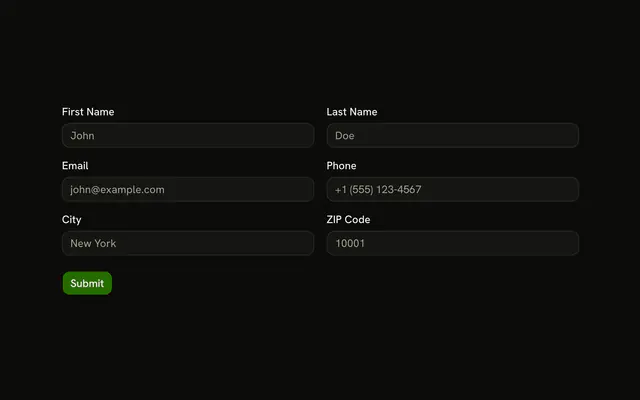
Name, email, company, and website stack on a narrow screen and pair into two columns once it is wider. Company needs 2 characters. Website must be a valid URL.
Use it for a form that has to work in a dialog and on a desktop page. A fixed two-column Field grid will not collapse. In React, Base UI does not switch the columns.
Installation
Usage
<form className="w-full max-w-2xl" onSubmit={form.handleSubmit(onSubmit)}>
  <FieldGroup>
    <div className="grid grid-cols-1 gap-4 md:grid-cols-2">
      <Controller
        control={form.control}
        name="name"
        render={({ field, fieldState }) => (
          <Field invalid={fieldState.invalid}>
            <FieldLabel htmlFor="form-responsive-layout-name">
              Name
            </FieldLabel>
            <Input
              {...field}
              id="form-responsive-layout-name"
              placeholder="John Doe"
            />
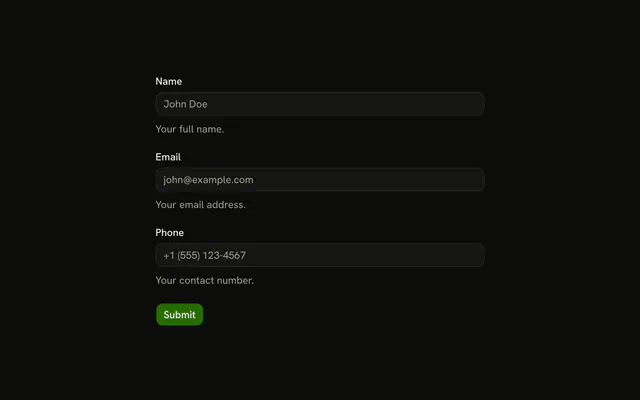
            <FieldDescription>Your full name.</FieldDescription>
            <FieldError>{fieldState.error?.message}</FieldError>
          </Field>
        )}
      />
      <Controller
        control={form.control}
        name="email"
        render={({ field, fieldState }) => (
          <Field invalid={fieldState.invalid}>
            <FieldLabel htmlFor="form-responsive-layout-email">
              Email
            </FieldLabel>
            <Input
              {...field}
{/* The rest of the file is under Installation. */}
FAQ
How does the grid change width?
One div with grid grid-cols-1 gap-4 md:grid-cols-2 holds the four fields. Below the md breakpoint they stack. From md up they fill two rows of two. The form is max-w-2xl.
What does the schema require?
name and company are z.string().min(2), email is z.email() and website is z.url(). None passes a custom message, so FieldError shows Zod's defaults, such as Invalid URL.
Which fields have a description?
Name has the FieldDescription Your full name. and email has Your work email. Company and website have a label, an input and a FieldError only.
API Reference
Field
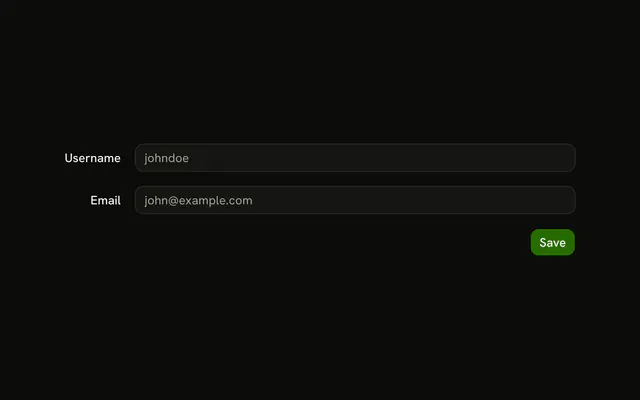
Sets invalid={fieldState.invalid}, htmlFor="form-responsive-layout-name", htmlFor="form-responsive-layout-email", htmlFor="form-responsive-layout-company", htmlFor="form-responsive-layout-website" and orientation="horizontal". The rest is on the Field page.
Input
Sets field, id="form-responsive-layout-name", placeholder="John Doe", id="form-responsive-layout-email", placeholder="john@example.com" and type="email". The rest is on the Input page.
Button
Sets type="submit". The rest is on the Button page.