shadcn.io is an independent project built on shadcn/ui
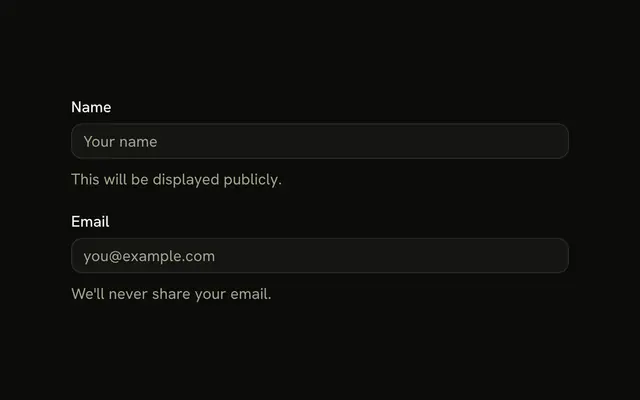
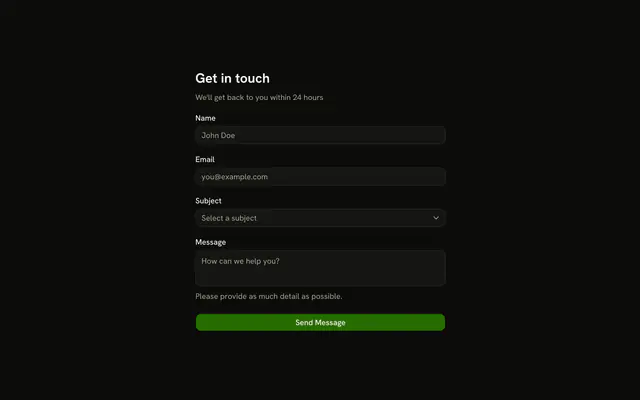
Name, email, and phone each put the label above the input and a short description under it. Name needs 2 characters, email must be an address, and phone needs 10 characters.
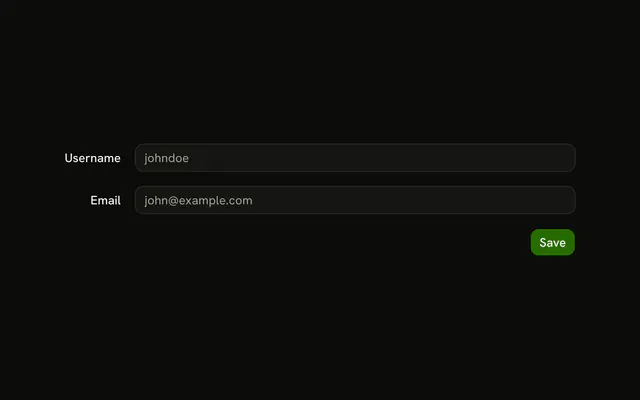
This is the ordinary stacked form. Labels beside the inputs are a horizontal Field. In React, Base UI stacks this label above the control.
Installation
Usage
<form className="w-full max-w-md" onSubmit={form.handleSubmit(onSubmit)}>
  <FieldGroup>
    <Controller
      control={form.control}
      name="name"
      render={({ field, fieldState }) => (
        <Field invalid={fieldState.invalid}>
          <FieldLabel htmlFor="form-vertical-layout-default-name">
            Name
          </FieldLabel>
          <Input
            {...field}
            id="form-vertical-layout-default-name"
            placeholder="John Doe"
          />
          <FieldDescription>Your full name.</FieldDescription>
          <FieldError>{fieldState.error?.message}</FieldError>
        </Field>
      )}
    />
    <Controller
      control={form.control}
      name="email"
      render={({ field, fieldState }) => (
        <Field invalid={fieldState.invalid}>
          <FieldLabel htmlFor="form-vertical-layout-default-email">
            Email
          </FieldLabel>
          <Input
            {...field}
            id="form-vertical-layout-default-email"
{/* The rest of the file is under Installation. */}
FAQ
How is the vertical stack built?
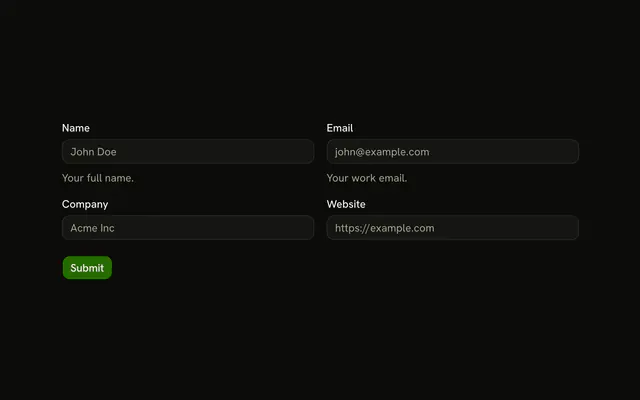
Field is vertical by default, so each one stacks its FieldLabel, Input, FieldDescription and FieldError. A FieldGroup spaces the three fields and the Submit row.
What does each field validate?
name is z.string().min(2, "Name must be at least 2 characters."), email is z.email("Please enter a valid email address.") and phone is z.string().min(10, "Please enter a valid phone number."). Phone is a length check, not a digit pattern.
Which input types are set?
Email sets type="email" and phone sets type="tel". Name stays a text input. Each FieldLabel points at its input's id, such as form-vertical-layout-default-phone.
What do the descriptions say?
Name says Your full name., email says Your email address. and phone says Your contact number. Each FieldDescription stays visible, and the FieldError appears under it when the field fails.
API Reference
Field
Sets invalid={fieldState.invalid}, htmlFor="form-vertical-layout-default-name", htmlFor="form-vertical-layout-default-email", htmlFor="form-vertical-layout-default-phone" and orientation="horizontal". The rest is on the Field page.
Input
Sets field, id="form-vertical-layout-default-name", placeholder="John Doe", id="form-vertical-layout-default-email", placeholder="john@example.com" and type="email". The rest is on the Input page.
Button
Sets type="submit". The rest is on the Button page.