shadcn.io is an independent project built on shadcn/ui
Show Toast is an outline button. The success toast says Profile updated successfully and shows the check icon. The description is two sentences about the profile being updated and live, and it wraps.
Use a longer description only for what people can read before the toast closes. This call does not keep it up longer. A note that must stay is an Alert. In React, Base UI does not lengthen the timer for the extra text.
Installation
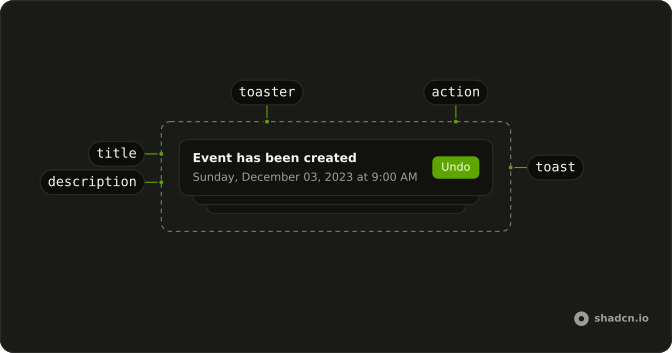
Anatomy
Usage
<>
  <Toaster />
  <Button onClick={handleShowToast} variant="outline">
    Show Toast
  </Button>
</>
FAQ
What does this success toast pass?
toast.success is called with "Profile updated successfully" and a description. The description is one string: the profile was updated, and the changes are live and visible to other users.
How does that description become more than one line?
The string wraps inside the toast width. It still sits in the description slot under the title.
Which icon shows?
Toaster's success icon, a CircleCheckIcon at size-4, because the call is toast.success and it does not pass icon.
Does this call keep the toast up longer?
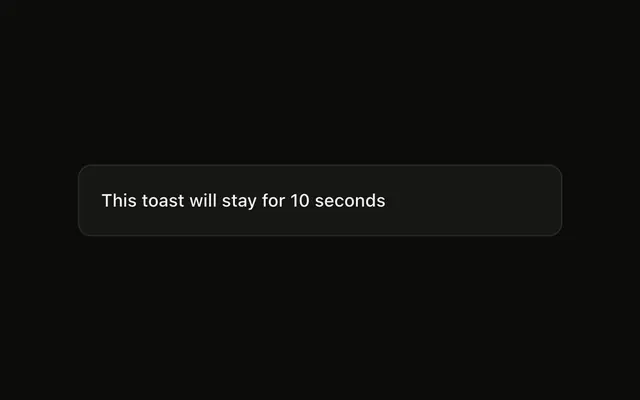
No. It omits duration, so the toast uses duration on Toaster, or 4 seconds when that is omitted. The long description leaves the timer alone.
API Reference
Sonner
No extra props in this demo. The rest is on the Sonner page.
Button
Sets onClick={handleShowToast} and variant="outline". The rest is on the Button page.