AVIF to Base64 encoder.
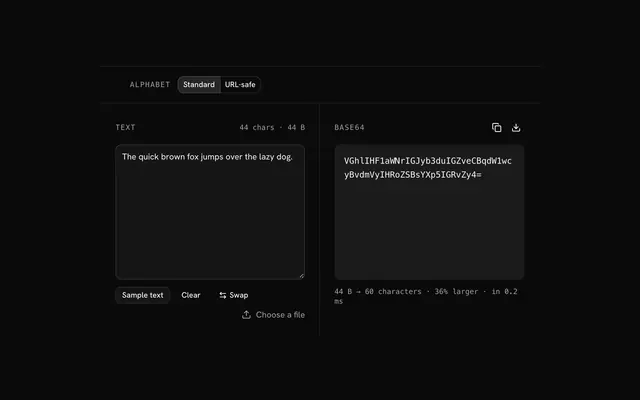
Drop an AVIF and get its bytes as one Base64 string, ready to copy into a config or an API body. The file is read on your device only.
AVIF to Base64 encoder.
Need the UI around it? With Pro, your AI agent builds the form, the result card and the rest of the page from a prompt.
Get ProHow it works
3 steps, no account. It runs in your browser and nothing is uploaded.
Drop the AVIF
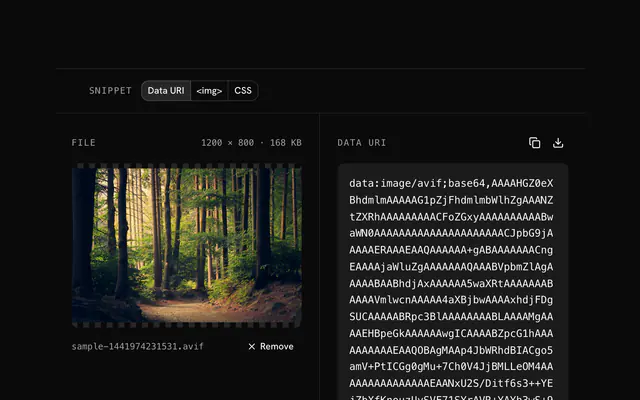
Drop the AVIF onto the pane or choose it; the preview shows it with its size.
Read the string
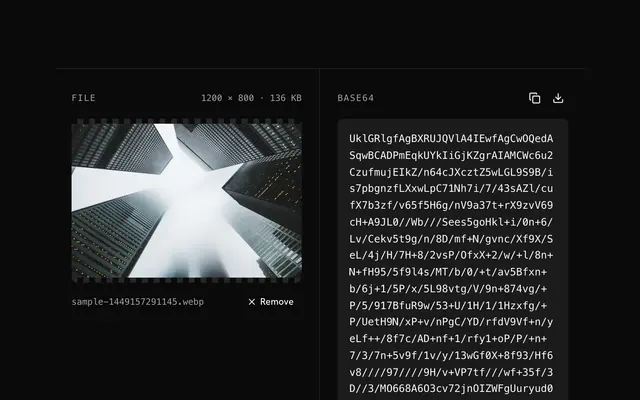
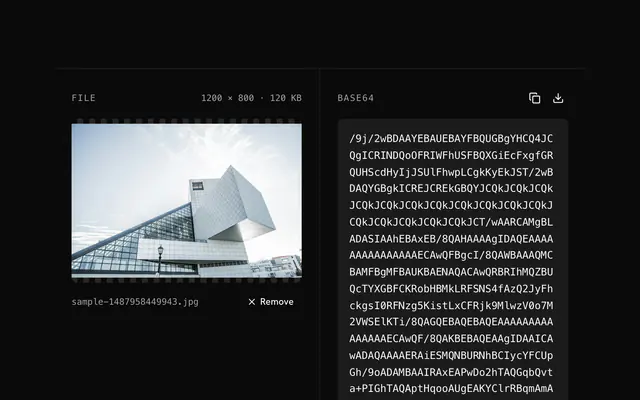
The bytes are encoded at once and the string's length is shown beside it.
Copy or download
Copy the Base64 to the clipboard or download it as a text file.
Related tools
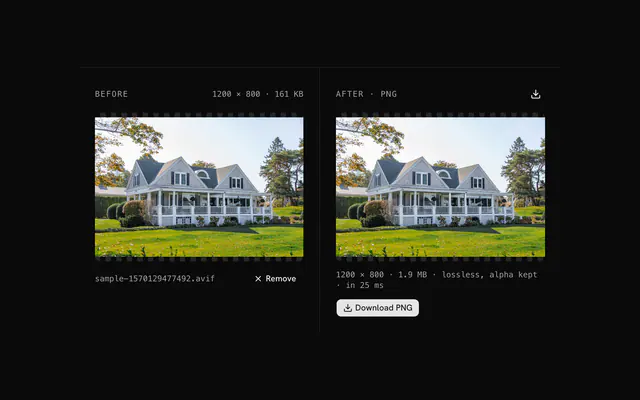
More AVIF tools. Every one free, in the browser.
Pricing
Build it with Pro
The tool is free. Pro adds 6,000+ blocks, premium templates and the MCP server, so your AI editor builds the product around it.
4.9/5 out of 5 · 150+ reviewsfrom 150+ founders and developers.
- Secure checkout via Stripe
- Code lives in your repo
- Keep what you've shipped if you cancel
- License terms
Questions and answers
Before you trust the result: what to know about the format, the limits, your data and the tools next to it.
Base64 writes binary as 64 printable characters, so an image can travel as text: inside JSON, a config file, an environment variable or an API body. AVIF makes the smallest Base64 of any image format, because it starts from the smallest file.
Four characters for every three bytes, so a third larger: a 60 KB AVIF becomes an 80 KB string. The same picture as PNG would often be two to three times that, which is the saving AVIF brings.
Anything that decodes AVIF: current browsers, Sharp and libavif, ImageMagick 7, and image services such as Cloudflare Images, imgix and Cloudinary. Decode the string back to bytes with base64 -d or your language's library and write it to a .avif file.
Only when both ends are yours. For a public API, keep a WebP or JPG version too, or negotiate with the Accept header: serve AVIF to clients that list image/avif and transcode for the rest.
Drop the AVIF or choose it. The whole file is read and encoded in your browser; the string appears with its length, and the icons copy it or download it as a text file. For a data: URI with the MIME type in front, use the data URI tool.
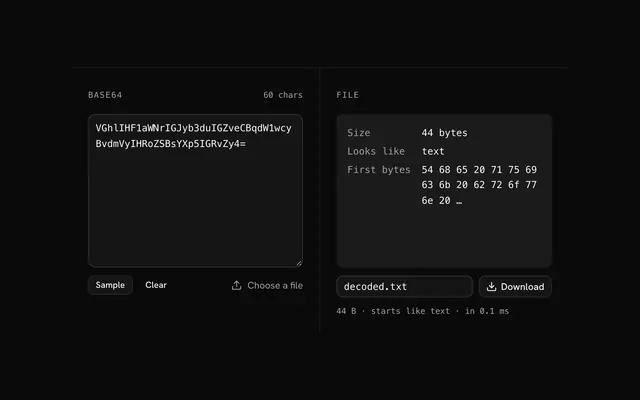
The bytes are encoded as they are, animation and metadata included, so decoding the string gives back the identical file.
No. The file is decoded by your browser and every pixel is handled by JavaScript on your device. The page makes no request with your image, and you can load it, go offline and keep working.
No. The AVIF to Base64 encoder is free and opens without a sign-in, an account or an install.
Nothing. The AVIF to Base64 encoder holds your input in the page's memory, so closing or reloading the tab clears it, and it saves nothing in this browser.
Up to 20 MB per file, the limit the tool states under its drop area. A larger file is refused with a plain message instead of being decoded.
No, it takes one file at a time. If you drop or choose several, only the first is used; run the tool again for the next one.
No. The text is made from the file's own bytes, unchanged, so EXIF and every other metadata field stay inside it. Nothing is re-encoded or resized.
About a third longer: Base64 writes every three bytes as four characters. The status line shows the exact character count and the overhead for your file.
Closest to the AVIF to Base64 encoder: AVIF to data URI converter, AVIF to PNG converter, WebP to Base64 encoder, JPG to Base64 encoder. Each opens on its own page, free and in the browser.
The AVIF to Base64 encoder is one of 37 in its group. The group's page, /tools/avif, lists them all.
The tool is free. Its interface is built from shadcn.io's own components (Button, Input, Slider and the rest of the registry under /ui), which come in React, Vue, Svelte and Solid. Pro adds the blocks and templates for the product around it.
4.9 out of 5 from 150+ developers


Build the product around it
Every block, template and icon, installed by your AI agent in your theme. The tools stay free.
Get Pro