Barcode generator.
Type text or a product number and read it as a Code 128 or EAN-13 barcode, at the bar width and height you set, as SVG or PNG. It is encoded in your browser; nothing is uploaded.
Barcode generator.
Need the UI around it? With Pro, your AI agent builds the form, the result card and the rest of the page from a prompt.
Get ProHow it works
4 steps, no account. It runs in your browser and nothing is uploaded.
Pick the format
Code 128 for text, EAN-13 for a 12- or 13-digit product number.
Enter the text
The barcode draws with every keystroke; a bad digit or a wrong check digit is named.
Size it
Set the bar width and height, and SVG or PNG.
Copy or download
Copy the SVG or download the file, and scan it once before printing.
Related tools
More data tools. Every one free, in the browser.
Pricing
Build it with Pro
The tool is free. Pro adds 6,000+ blocks, premium templates and the MCP server, so your AI editor builds the product around it.
4.9/5 out of 5 · 150+ reviewsfrom 150+ founders and developers.
- Secure checkout via Stripe
- Code lives in your repo
- Keep what you've shipped if you cancel
- License terms
Questions and answers
Before you trust the result: what to know about the format, the limits, your data and the tools next to it.
Code 128 encodes any printable ASCII text, letters, digits and punctuation, at high density: it is the barcode on shipping labels, inventory tags and tickets. EAN-13 is the 13-digit retail code on product packaging worldwide (UPC-A in North America is a 12-digit subset): digits only, with a check digit the scanner verifies.
Code 128 has three subsets; the generator uses B for text and switches to C for runs of digits, where each symbol carries two digits, so a numeric code comes out half as long. The check symbol is computed from every symbol and appended, as the standard requires, and a scanner rejects a code whose check fails.
The 13th digit is computed from the first twelve: digits in odd positions count once, even positions three times, and the check digit brings the total to a multiple of ten. Type twelve digits and the tool adds it; type thirteen and it verifies them, naming the right digit if yours is wrong.
Code 39, UPC-A, ITF-14 and the others aren't here; this tool encodes the two formats most people need and does them exactly. UPC-A codes scan as EAN-13 with a leading zero, so a 12-digit UPC works by typing a zero first.
No. The encoding is a few hundred lines of plain code that run in your browser, and the page makes no request with your text. Product numbers and internal codes stay on your machine.
SVG is vector: it prints sharp at any size and is what a label designer or a print shop wants. PNG is a picture at the pixel size shown, fine for a screen or a quick print. Both are black bars on white with a quiet zone on each side, which scanners need.
Bar width sets the narrowest bar in pixels (2 or 3 scans reliably from paper at 300 dpi); height sets the bars' height. The status line gives the resulting size. Keep the printed narrow bar at 0.25 mm or more and don't scale the image unevenly.
Scan it with your phone's camera or the barcode scanner tool here before printing a run. A code that reads on screen reads on paper at the same proportions.
No. The Barcode generator is free and opens without a sign-in, an account or an install.
Nothing. The Barcode generator holds your input in the page's memory, so closing or reloading the tab clears it, and it saves nothing in this browser.
SVG or PNG. Bar width sets the narrowest bar in pixels and height sets the bars' height; the status line gives the resulting size, and the SVG can be copied.
Code 128 and EAN-13. Code 39, UPC-A, ITF and the rest aren't included; a 12-digit UPC-A scans as EAN-13 with a leading zero.
Type twelve digits and it adds the thirteenth check digit; type thirteen and it checks them and names the digit it expected when they don't match.
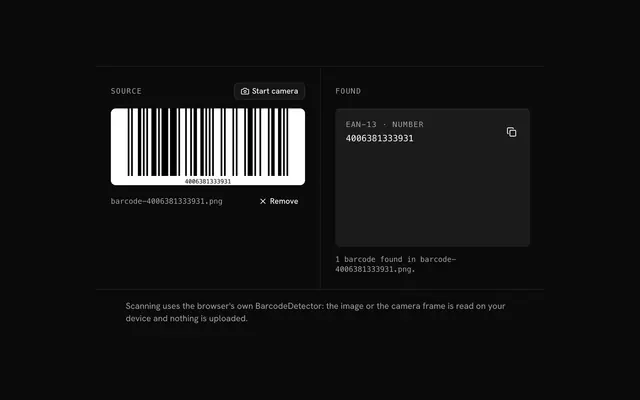
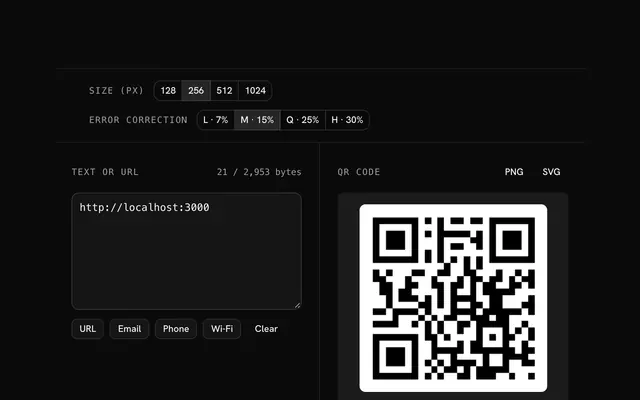
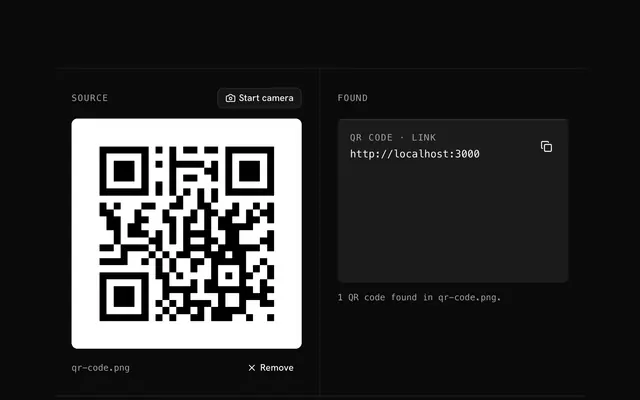
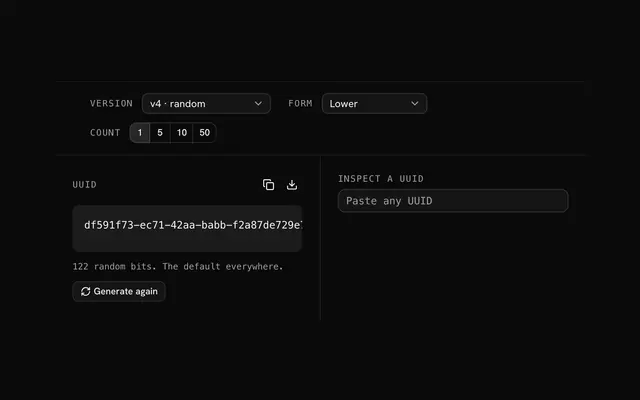
Closest to the Barcode generator: Barcode scanner, QR code generator, QR code scanner, UUID generator. Each opens on its own page, free and in the browser.
The Barcode generator is one of 7 in its group. The group's page, /tools/data, lists them all.
The tool is free. Its interface is built from shadcn.io's own components (Button, Input, Slider and the rest of the registry under /ui), which come in React, Vue, Svelte and Solid. Pro adds the blocks and templates for the product around it.
4.9 out of 5 from 150+ developers


Build the product around it
Every block, template and icon, installed by your AI agent in your theme. The tools stay free.
Get Pro