QR code scanner.
Drop an image or point your camera at a QR code and read what it holds, with a copy button and no link opened for you. The browser's own detector does the reading; nothing is uploaded.
QR code scanner.
Need the UI around it? With Pro, your AI agent builds the form, the result card and the rest of the page from a prompt.
Get ProHow it works
3 steps, no account. It runs in your browser and nothing is uploaded.
Give it an image or the camera
Drop a PNG, JPG or WebP onto the pane, or press Start camera and allow it.
Scan
An image is read at once; with the camera, frame the code and press Scan.
Read and copy
The value is listed raw with what it looks like; copy it and use it where you choose.
Related tools
More data tools. Every one free, in the browser.
Pricing
Build it with Pro
The tool is free. Pro adds 6,000+ blocks, premium templates and the MCP server, so your AI editor builds the product around it.
4.9/5 out of 5 · 150+ reviewsfrom 150+ founders and developers.
- Secure checkout via Stripe
- Code lives in your repo
- Keep what you've shipped if you cancel
- License terms
Questions and answers
Before you trust the result: what to know about the format, the limits, your data and the tools next to it.
It asks the browser's own BarcodeDetector, the same engine Chrome and Safari use for camera features. Chrome, Edge and Opera have it on every platform; Safari has it since version 17 on macOS and iOS. Firefox doesn't yet, and the page says so rather than loading a scanning library.
Whatever the code holds: a link, an email or phone address, a Wi-Fi network (name and password), a contact card, or plain text. The tool shows the raw value and names what it looks like, so a link you don't trust can be read before it is opened.
Yes. A phone's camera app usually opens a link straight away; here the value is only shown, with a copy button, so you decide what to do with it. That makes the page a safe way to inspect a code from a flyer or an email.
Yes. Every QR code in the image or the frame is listed. A screenshot of a page with several codes reads them all.
No. The image or the camera frame is read on your device by the browser's detector, and the page makes no request. Nothing is stored either.
Press Start camera and allow it; the preview shows the back camera on a phone. Hold the code flat and in focus and press Scan. Stop camera releases it.
Drop a PNG, JPG or WebP onto the pane or choose it with the button. A screenshot or a photo of a poster both work when the code is sharp and the quiet zone around it is in the picture.
The value is shown raw, with a copy button. Paste a link into the address bar yourself, a Wi-Fi value into your network settings, or text wherever it goes.
No. The QR code scanner is free and opens without a sign-in, an account or an install.
Nothing. The QR code scanner holds your input in the page's memory, so closing or reloading the tab clears it, and it saves nothing in this browser.
No. The camera preview runs continuously, but a frame is read only when you press Scan, so each press reads what is in view at that moment.
It asks for the rear camera, which is the one a phone points at a code. A device with one camera, such as a laptop, uses that.
Yes. The camera stream is stopped when you press Stop camera and when you leave the page, so the browser's camera indicator goes off.
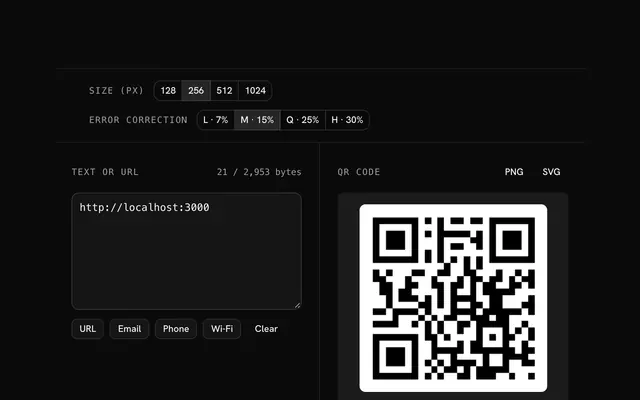
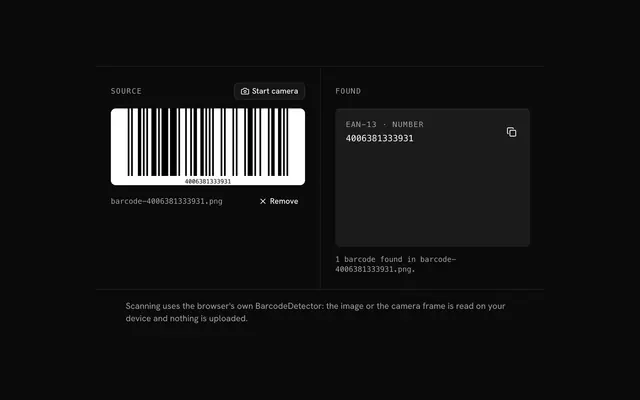
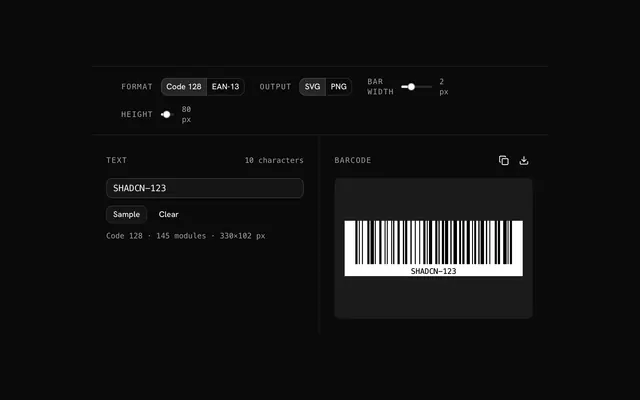
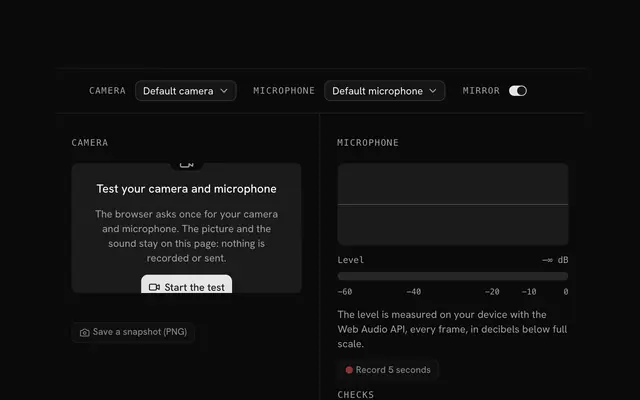
Closest to the QR code scanner: QR code generator, Barcode scanner, Barcode generator, Mic and camera test. Each opens on its own page, free and in the browser.
The QR code scanner is one of 7 in its group. The group's page, /tools/data, lists them all.
The tool is free. Its interface is built from shadcn.io's own components (Button, Input, Slider and the rest of the registry under /ui), which come in React, Vue, Svelte and Solid. Pro adds the blocks and templates for the product around it.
4.9 out of 5 from 150+ developers


Build the product around it
Every block, template and icon, installed by your AI agent in your theme. The tools stay free.
Get Pro