SVG to PNG at 1× to 4×.
Drop an SVG and export it as a PNG at 1×, 2×, 3× or 4× its drawn size, for retina screens, drawn fresh from the vector each time. Nothing is uploaded.
SVG to PNG at 1× to 4×.
Need the UI around it? With Pro, your AI agent builds the form, the result card and the rest of the page from a prompt.
Get ProHow it works
4 steps, no account. It runs in your browser and nothing is uploaded.
Drop an SVG
Drop an SVG file or choose one; it is read and drawn by your browser.
Pick a scale
1× is the size it draws at; 2×, 3× and 4× multiply it for dense screens.
Read the result
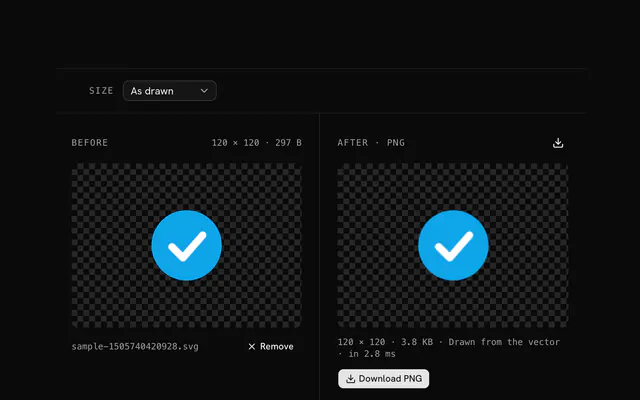
The PNG keeps the transparency and shows beside the original with its size in pixels and bytes.
Download the PNG
The file is named after the SVG with its scale: logo@2x.png.
Related tools
More SVG tools. Every one free, in the browser.

Pricing
Build it with Pro
The tool is free. Pro adds 6,000+ blocks, premium templates and the MCP server, so your AI editor builds the product around it.
4.9/5 out of 5 · 150+ reviewsfrom 150+ founders and developers.
- Secure checkout via Stripe
- Code lives in your repo
- Keep what you've shipped if you cancel
- License terms
Questions and answers
Before you trust the result: what to know about the format, the limits, your data and the tools next to it.
Display density multipliers. 1× is the size the SVG draws at in CSS pixels; 2× doubles the pixels for retina and high-density screens; 3× and 4× cover the densest phones. A 48-pixel icon exported at 2× is a 96-pixel PNG shown at 48, and looks as sharp as the vector.
2× for most web use, 3× when the asset is for phones, 1× only for legacy screens or email. Export the sizes you need and let srcset or the image-set() CSS function pick: icon@1x.png 1x, icon@2x.png 2x.
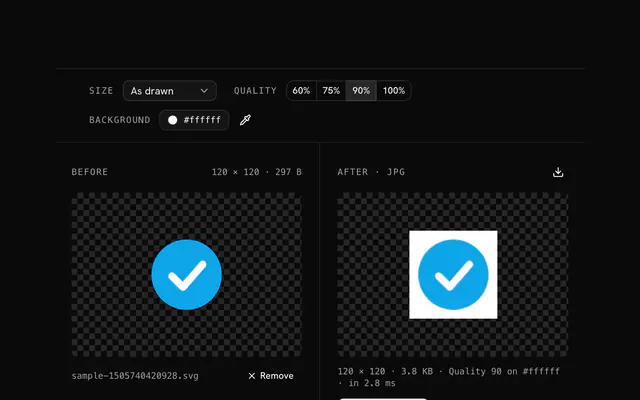
Yes. PNG carries a full alpha channel, so a transparent background and translucent shapes come through at every scale. For a solid background, the SVG to JPG converter asks for one.
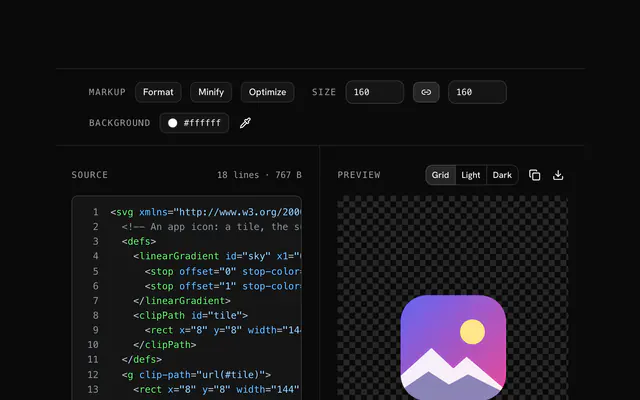
The scale multiplies the size the SVG declares: its width and height, or its viewBox when it has none. For a different base size, set the width and height in the SVG editor first, or use the SVG to PNG converter's fixed sizes.
Each export is drawn fresh from the vector at the scaled size, not upscaled from a 1× bitmap, so edges stay crisp at 4×. The downloaded file carries the scale in its name: logo@2x.png.
The browser draws it, so what it can't fetch isn't drawn: embed images as data URIs and convert text to paths before exporting. Exports stop at 8192 pixels a side.
No. The file is read and drawn by your browser, and the page makes no request with it. You can load the page, go offline and keep working; nothing is stored either, so reload and it is gone.
No. The "SVG to PNG at 1× to 4×" tool is free and opens without a sign-in, an account or an install.
Up to 20 MB per file, the limit the tool states under its drop area. A larger file is refused with a plain message instead of being decoded.
No, it takes one file at a time. If you drop or choose several, only the first is used; run the tool again for the next one.
It draws the SVG's own markup at the size you ask for, through the browser's renderer, so edges are crisp at any size. The status line says 'from the vector' for an SVG and 'from the bitmap' if you drop a raster image instead.
The scale is 1x, 2x, 3x or 4x the SVG's own size, and an export may be at most 8192 pixels on a side. Past that the tool stops with a message that names the size it would have been.
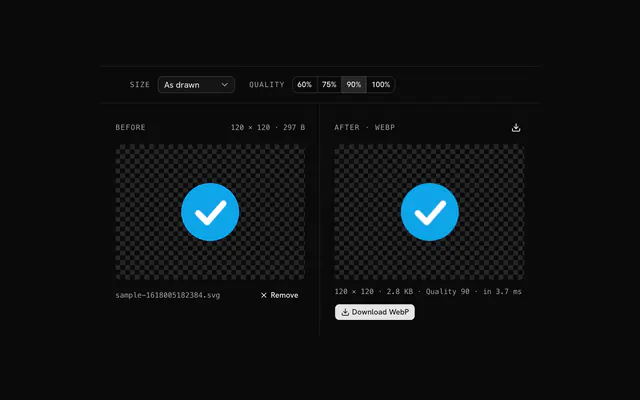
Closest to the "SVG to PNG at 1× to 4×" tool: SVG to PNG converter, SVG editor, SVG to WebP converter, SVG to JPG converter. Each opens on its own page, free and in the browser.
The "SVG to PNG at 1× to 4×" tool is one of 45 in its group. The group's page, /tools/svg, lists them all.
The tool is free. Its interface is built from shadcn.io's own components (Button, Input, Slider and the rest of the registry under /ui), which come in React, Vue, Svelte and Solid. Pro adds the blocks and templates for the product around it.
4.9 out of 5 from 150+ developers


Build the product around it
Every block, template and icon, installed by your AI agent in your theme. The tools stay free.
Get Pro