Browser mockup generator.
Put a website screenshot in a browser window with your URL in the address bar, on a gradient or mesh, with a soft shadow and an optional tilt. Paste, drop or choose a screenshot to start.
Browser mockup generator.
Need the UI around it? With Pro, your AI agent builds the form, the result card and the rest of the page from a prompt.
Get ProHow it works
4 steps, no account. It runs in your browser and nothing is uploaded.
Add the page
Paste with Ctrl+V or ⌘V, drop a file on the preview or choose one; the sample dashboard stands in until then.
Set the URL
Type the page's address in the URL field and pick a light or dark frame.
Style the mockup
Choose a background, padding, corners and shadow, a canvas size and any tilt.
Save it
Download a PNG, JPG or WebP at 1×, 2× or 3×, or copy a PNG.
Sizes for each platform
Pick the size where it will be seen. Each platform crops to its own shape, so the canvas presets match them.
Open Graph
1200 × 630 (1.91:1): the card under a link on Facebook, LinkedIn, Slack, Discord and iMessage. Keep words away from the edges, which some apps crop.
X post
1600 × 900 (16:9) shows uncropped in the timeline on desktop and phones; a taller picture is cut to 16:9 until it's opened.
LinkedIn
1200 × 627 for a shared link or a single-image post; LinkedIn's feed also shows 1080 × 1080 squares at full width.
Instagram
1080 × 1350 (4:5), the tallest a feed post goes: it fills the most of a phone's screen. Squares (1:1) also work.
Dribbble
1600 × 1200 (4:3) is Dribbble's shot size; 800 × 600 is the least it takes, and 2× keeps the detail on Retina screens.
16:9
1920 × 1080 (16:9) fits slides, YouTube thumbnails at half size, product pages and README banners.
Square
1080 × 1080 works almost everywhere: Instagram, LinkedIn, Threads, Mastodon and app store screenshots' galleries.
Auto
Auto keeps the screenshot's own shape and adds the padding around it: the choice for docs, blog posts and changelogs.
Related tools
More design tools. Every one free, in the browser.

Pricing
Build it with Pro
The tool is free. Pro adds 6,000+ blocks, premium templates and the MCP server, so your AI editor builds the product around it.
4.9/5 out of 5 · 150+ reviewsfrom 150+ founders and developers.
- Secure checkout via Stripe
- Code lives in your repo
- Keep what you've shipped if you cancel
- License terms
Questions and answers
Before you trust the result: what to know about the format, the limits, your data and the tools next to it.
A picture of a web page inside a browser window: the title bar, the three window buttons and an address bar with the page's URL. The frame says at a glance that this is a website, which a bare screenshot of a page doesn't.
Landing pages and product pages showing the app, portfolio and case-study images, launch posts on X, LinkedIn and Product Hunt, README banners and pitch decks. The URL bar doubles as a caption: put your domain in it.
Capture the page at the width you want to show (1280 or 1440 pixels wide reads well), without the browser's own toolbar, since the mockup draws one. A full-page capture works; a very tall one is easier to read cropped to its first screen.
No. The screenshot is drawn on a canvas by your browser and the PNG is made on your device; no request carries it.
Type it in the URL field under Frame; the lock and the text are drawn centred in the address bar. Leave it empty for a bare bar.
Yes. Theme switches the frame between light and dark, and the Frame style can change to macOS (a plain title bar), Windows or none at all.
Pick a size such as 16:9 or Open Graph, then use Scale and Move, or drag the window on the preview. A scale over 100% lets the window run off an edge, a common look for hero images.
No. The Browser mockup generator is free and opens without a sign-in, an account or an install.
Nothing. The Browser mockup generator holds your input in the page's memory, so closing or reloading the tab clears it, and it saves nothing in this browser.
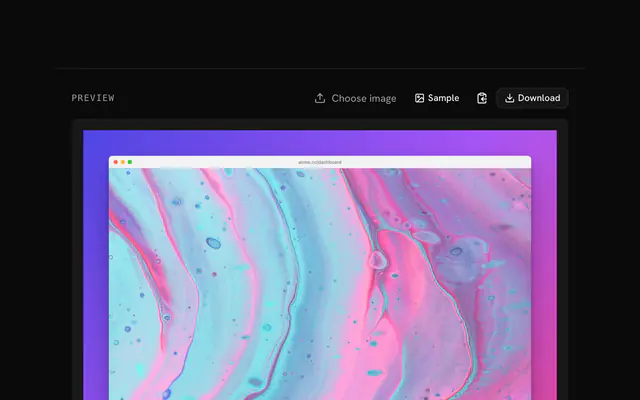
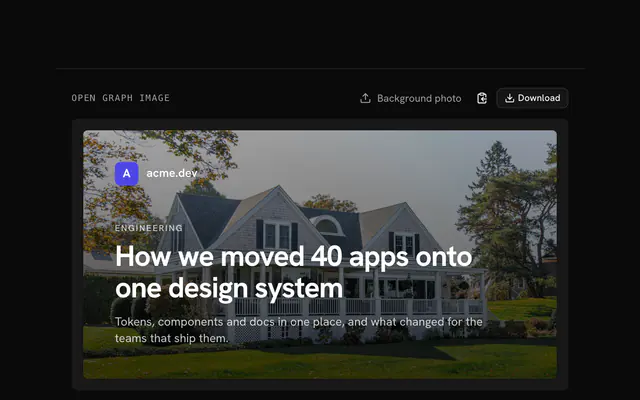
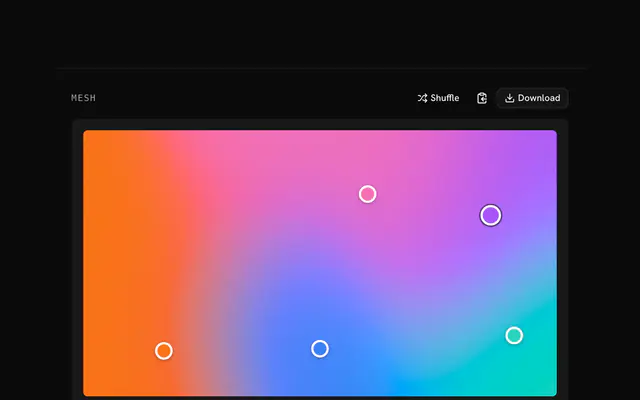
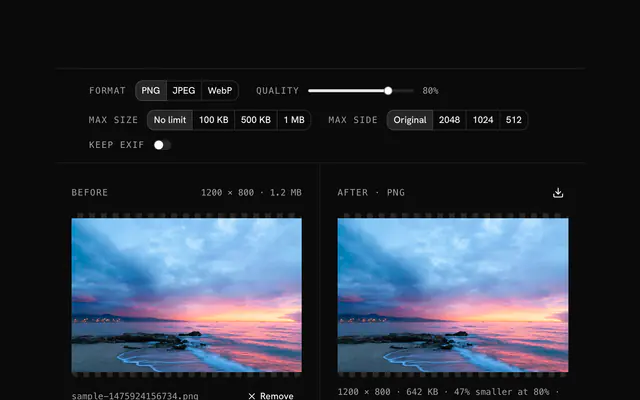
Closest to the Browser mockup generator: Screenshot beautifier, Open Graph image generator, Mesh gradient generator, PNG compressor. Each opens on its own page, free and in the browser.
The Browser mockup generator is one of 11 in its group. The group's page, /tools/design, lists them all.
The tool is free. Its interface is built from shadcn.io's own components (Button, Input, Slider and the rest of the registry under /ui), which come in React, Vue, Svelte and Solid. Pro adds the blocks and templates for the product around it.
4.9 out of 5 from 150+ developers


Build the product around it
Every block, template and icon, installed by your AI agent in your theme. The tools stay free.
Get Pro