Crontab generator.
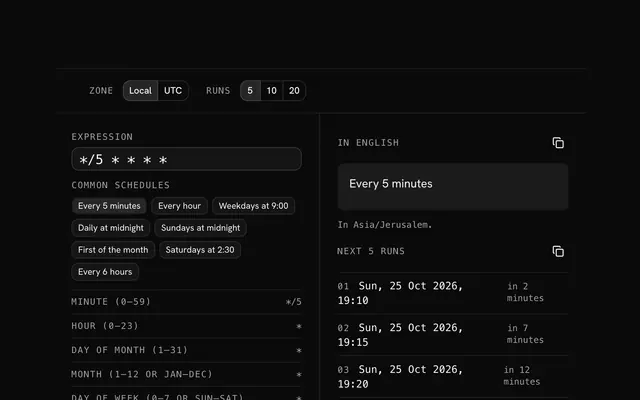
Pick the minutes, hours, days and months and get the cron expression, read back in plain English with its next runs. Copy it as a crontab line or a CI schedule.
Crontab generator.
Need the UI around it? With Pro, your AI agent builds the form, the result card and the rest of the page from a prompt.
Get ProHow it works
4 steps, no account. It runs in your browser and nothing is uploaded.
Start from a common schedule
Every 5 minutes, weekdays at 9:00, the first of the month and the rest.
Set the fields
Each field as every value, every N, specific values or a range.
Check it
The English reading and the next runs say whether it does what you meant.
Copy it
The expression, a crontab line with your command, or a CI snippet.
Related tools
More security and dev tools. Every one free, in the browser.
Pricing
Build it with Pro
The tool is free. Pro adds 6,000+ blocks, premium templates and the MCP server, so your AI editor builds the product around it.
4.9/5 out of 5 · 150+ reviewsfrom 150+ founders and developers.
- Secure checkout via Stripe
- Code lives in your repo
- Keep what you've shipped if you cancel
- License terms
Questions and answers
Before you trust the result: what to know about the format, the limits, your data and the tools next to it.
Each of the five fields (minute, hour, day of month, month, day of week) is set to every value, every Nth value, a list of values or a range. The builder writes the field for you: */15 for every 15 minutes, 9-17 for the working hours, 1,15 for the 1st and the 15th.
If both are restricted, standard cron runs on either: the 1st of the month and every Monday, not only Mondays that fall on the 1st. Leave one of them on every value when you mean the other.
Crontab on Linux and macOS, GitHub Actions' schedule, Kubernetes CronJobs, Vercel and Cloudflare cron triggers, and most job queues take the five-field form. Quartz and AWS EventBridge use their own six- or seven-field variants with a ? in one day field.
Every five minutes is the shortest interval GitHub Actions accepts, and its runs may start late under load. Cron has no seconds field in its classic form; a job that must run every few seconds needs a long-running process instead.
Start from a common schedule or set each field in its tab: every value, every N, specific values or a range. The expression, its English reading and the next runs update with each change.
Type the command and the builder writes the full crontab line, the schedule followed by the command, ready for crontab -e. A GitHub Actions and a Kubernetes snippet are written beside it.
Open in the parser hands the expression to the cron expression parser, which explains any expression you paste, including six-field and @shorthand ones.
No. The expression is built and read in your browser and the page makes no request with it.
No. The Crontab generator is free and opens without a sign-in, an account or an install.
Nothing. The Crontab generator holds your input in the page's memory, so closing or reloading the tab clears it, and it saves nothing in this browser.
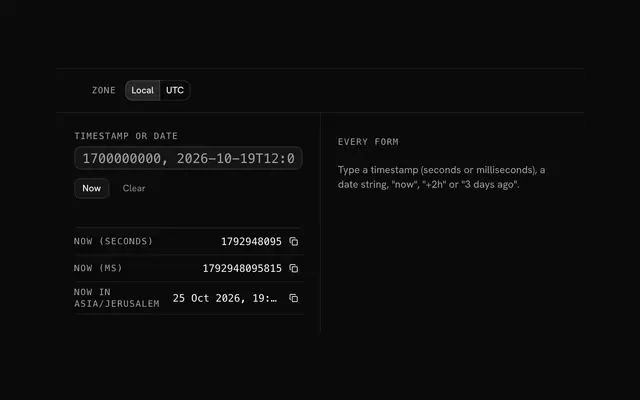
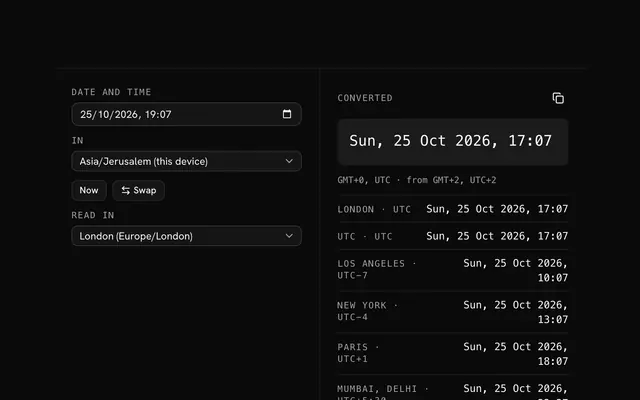
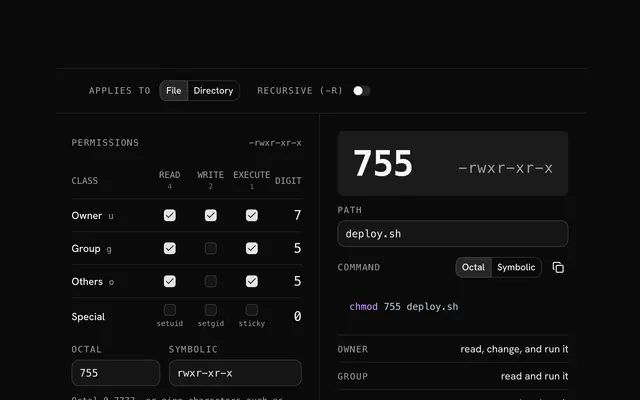
Closest to the Crontab generator: Cron expression parser, Unix timestamp converter, Time zone converter, Chmod calculator. Each opens on its own page, free and in the browser.
The Crontab generator is one of 20 in its group. The group's page, /tools/security, lists them all.
The tool is free. Its interface is built from shadcn.io's own components (Button, Input, Slider and the rest of the registry under /ui), which come in React, Vue, Svelte and Solid. Pro adds the blocks and templates for the product around it.
4.9 out of 5 from 150+ developers


Build the product around it
Every block, template and icon, installed by your AI agent in your theme. The tools stay free.
Get Pro