Crop an image to a circle.
Drop a portrait or a logo, move and zoom the round frame, and download a circle with transparent corners. It runs in your browser, so the picture never leaves your device.
Crop an image to a circle.
Need the UI around it? With Pro, your AI agent builds the form, the result card and the rest of the page from a prompt.
Get ProHow it works
3 steps, no account. It runs in your browser and nothing is uploaded.
Add an image
Drop a portrait, a product shot or a logo: PNG, JPG, WebP, GIF or AVIF.
Frame the circle
Drag the round frame, resize it and zoom until the face or the mark sits in the middle.
Download
Save a PNG, or a smaller WebP, with everything outside the circle transparent.
Related tools
More image tools. Every one free, in the browser.

Pricing
Build it with Pro
The tool is free. Pro adds 6,000+ blocks, premium templates and the MCP server, so your AI editor builds the product around it.
4.9/5 out of 5 · 150+ reviewsfrom 150+ founders and developers.
- Secure checkout via Stripe
- Code lives in your repo
- Keep what you've shipped if you cancel
- License terms
Questions and answers
Before you trust the result: what to know about the format, the limits, your data and the tools next to it.
An image file is always a rectangle, so a circle is a square picture whose corners are see-through. Placed on any background, a website, a slide or a profile page, only the circle shows. The edge is antialiased, so it looks smooth rather than stepped.
Both keep the transparent corners. PNG is lossless and opens everywhere, the safe choice for a logo or a file you'll edit again. WebP is usually smaller for photos and has a quality slider. JPEG isn't offered, since it would fill the corners.
Avatars and profile photos, team pages, author bylines, testimonials and speaker cards. Most platforms crop a profile photo to a circle themselves, but a pre-cut circle is what a slide, a web page or a design file needs, framed exactly as you chose.
No. The crop and its transparent corners are drawn by your browser's canvas, and the page makes no request with the picture.
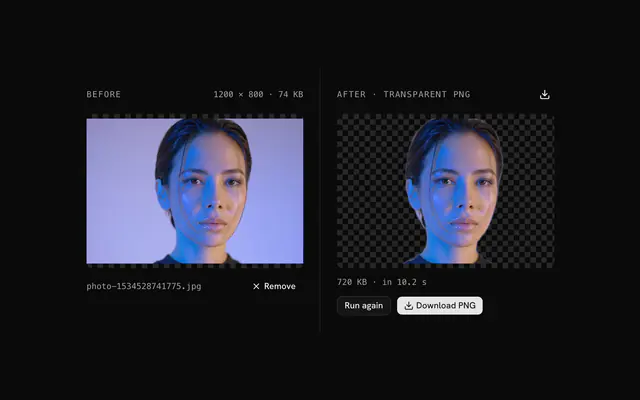
Not here: the circle keeps everything inside it. For a subject without its background, run the picture through the background remover first, then crop the transparent PNG it gives you to a circle.
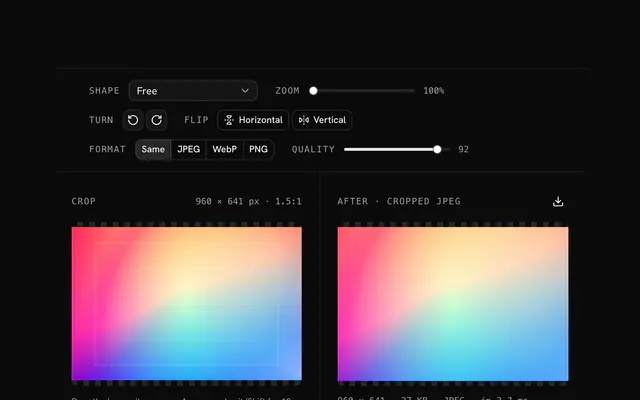
Yes. This page is the image cropper opening on its Circle shape, and the Shape menu also has free, square, 4:5, 3:2, 4:3, 16:9, 9:16 and 1.91:1 crops. Reset brings the circle back.
The turn buttons rotate it a quarter turn either way and the flip toggles mirror it, before the circle is cut. For a slight tilt, straighten the photo in the rotate tool first, then crop it here.
No. The "Crop an image to a circle" tool is free and opens without a sign-in, an account or an install.
Nothing. The "Crop an image to a circle" tool holds your input in the page's memory, so closing or reloading the tab clears it, and it saves nothing in this browser.
PNG to start, or WebP with a quality slider set to 92. Both keep the transparent corners; JPEG would fill them, so it isn't offered while the shape is a circle.
The square you frame, in the picture's own pixels: the size shows above the cropper and is the file's size. Zooming in frames tighter and gives the file fewer pixels, never softer ones.
Your file's name with -circle added: portrait.jpg becomes portrait-circle.png, or portrait-circle.webp as WebP. The line under the result gives its size in pixels and bytes.
Images up to 100 MB each. A bigger file is declined with a message before anything is decoded, because the browser holds the whole picture in memory.
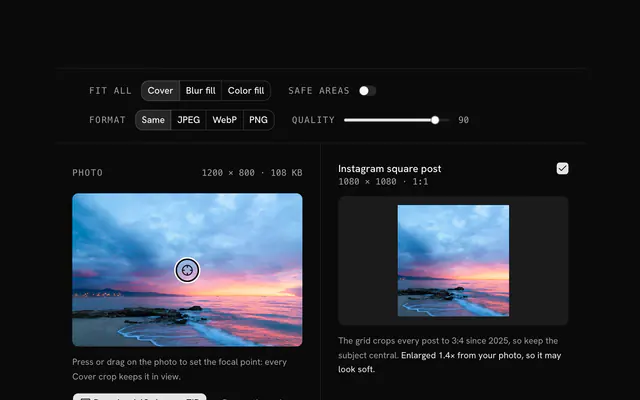
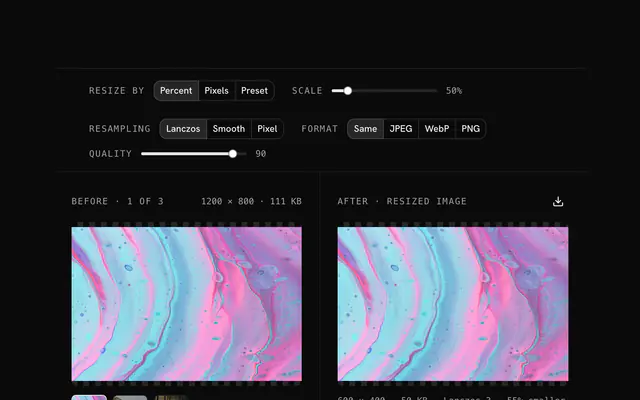
Closest to the "Crop an image to a circle" tool: Image cropper, Background remover, Avatar generator, Social media image resizer. Each opens on its own page, free and in the browser.
The "Crop an image to a circle" tool is one of 18 in its group. The group's page, /tools/image, lists them all.
The tool is free. Its interface is built from shadcn.io's own components (Button, Input, Slider and the rest of the registry under /ui), which come in React, Vue, Svelte and Solid. Pro adds the blocks and templates for the product around it.
4.9 out of 5 from 150+ developers


Build the product around it
Every block, template and icon, installed by your AI agent in your theme. The tools stay free.
Get Pro