Social media image resizer.
Drop one photo and get every platform's size at once, each cropped around one focal point or set on a blurred fill. It all runs in your browser, so the photo never leaves your device.
Social media image resizer.
Need the UI around it? With Pro, your AI agent builds the form, the result card and the rest of the page from a prompt.
Get ProHow it works
4 steps, no account. It runs in your browser and nothing is uploaded.
Add a photo
Drop one JPG, PNG, WebP, GIF or AVIF; the 13 sizes appear as live previews.
Set the focal point
Press or drag on the photo, or move its marker with the arrow keys; every Cover crop keeps that point in view.
Choose the fit
Cover, Blur fill or Color fill for every size at once, or another fit on any single size.
Download
Save one size at full resolution, or tick the sizes you want and download them as one ZIP.
Related tools
More image tools. Every one free, in the browser.

Pricing
Build it with Pro
The tool is free. Pro adds 6,000+ blocks, premium templates and the MCP server, so your AI editor builds the product around it.
4.9/5 out of 5 · 150+ reviewsfrom 150+ founders and developers.
- Secure checkout via Stripe
- Code lives in your repo
- Keep what you've shipped if you cancel
- License terms
Questions and answers
Before you trust the result: what to know about the format, the limits, your data and the tools next to it.
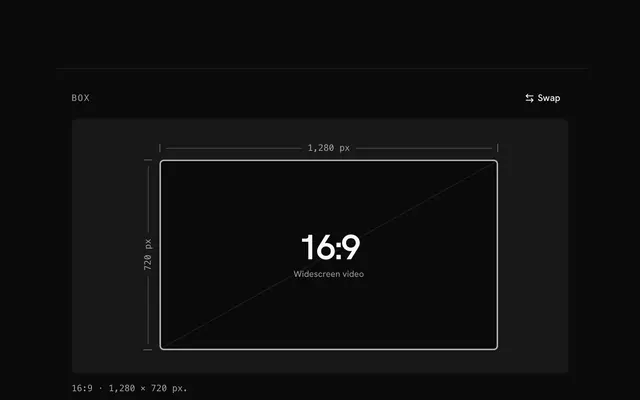
Each one shows pictures in its own shape: square or 4:5 in the Instagram feed, 9:16 for stories, 16:9 for X posts and YouTube thumbnails, 1.91:1 for LinkedIn and Facebook posts and link previews, and wide strips for headers and banners. A picture of the wrong shape gets cropped by the platform, often through a face or a line of text. Making each size yourself lets you choose what stays in view.
Parts of the picture a platform covers or cuts off: the profile photo over an X header or a LinkedIn banner, the top and bottom 250 pixels of a story where Instagram draws its controls, the video length on a YouTube thumbnail, the central 1546 × 423 of a channel banner that every device shows. Turn on Safe areas to see them shaded on the previews. They are drawn on the screen only, never into the files.
Cover fills the size and crops what overflows, keeping your focal point in view; it suits photos. Blur fill keeps the whole picture and fills the bands with a blurred, dimmed copy of it, the way phones show a photo that doesn't fit the screen. Color fill puts the whole picture on a flat color you pick, which often suits logos and screenshots.
When a size needs your photo enlarged more than 1.2 times, its cell says by how much. The platform then gets no more detail than your photo had, so that size may look soft; start from a larger original for it.
No. The previews and the full-size files are drawn on canvases in your browser, and the page makes no request with the photo.
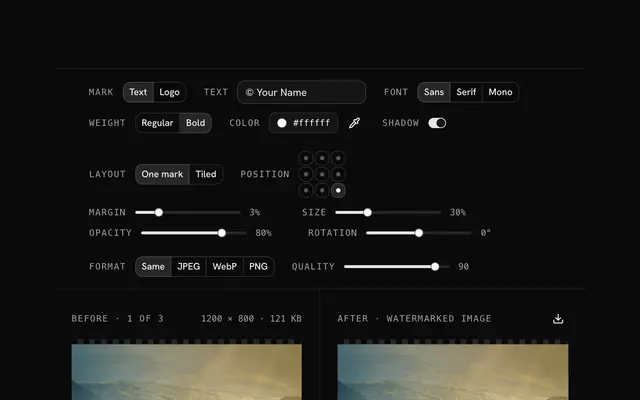
Same keeps a JPEG, PNG or WebP in its own format and writes a GIF as PNG; or pick JPEG, WebP or PNG, with a quality slider for the lossy two. Each file is named after yours with the size's id and pixels added, such as photo-instagram-square-1080x1080.jpg.
Yes. The previews are drawn small so they follow every change at once, but each download is rendered at the platform's full size from your original photo, with Lanczos-3 resampling, the sharpest filter the image resizer has.
YouTube refuses thumbnails over 2 MB. When the thumbnail you download is larger, the status line says so: pick JPEG, lower the quality and download it again.
No. The "Social media image resizer" tool is free and opens without a sign-in, an account or an install.
Nothing. The "Social media image resizer" tool holds your input in the page's memory, so closing or reloading the tab clears it, and it saves nothing in this browser.
13, each at the size its platform recommends: Instagram square post (1080 × 1080), Instagram portrait post (1080 × 1350), Instagram story or Reel (1080 × 1920), X post image (1600 × 900), X header (1500 × 500), LinkedIn post image (1200 × 627), LinkedIn profile banner (1584 × 396), Facebook post image (1200 × 630), Facebook cover (851 × 315), YouTube thumbnail (1280 × 720), YouTube channel banner (2560 × 1440), Pinterest pin (1000 × 1500) and Open Graph image (1200 × 630). Untick a size to leave it out of the ZIP.
Cover on every size with the focal point in the centre, safe areas hidden, every size ticked for the ZIP, and the photo's own format at quality 90. A color fill starts white.
Your file's name, the size's id and its pixels: photo.jpg becomes photo-instagram-square-1080x1080.jpg. The ZIP is photo-social-sizes.zip and holds every size left ticked.
Images up to 100 MB each. A bigger file is declined with a message before anything is decoded, because the browser holds the whole picture in memory.
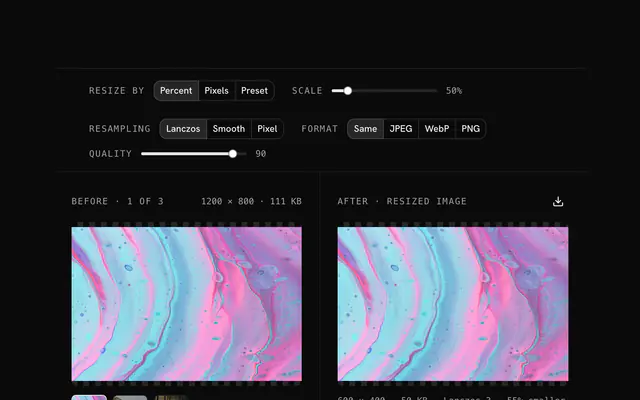
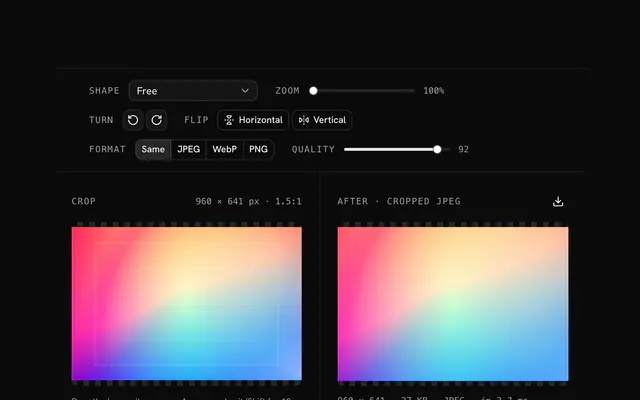
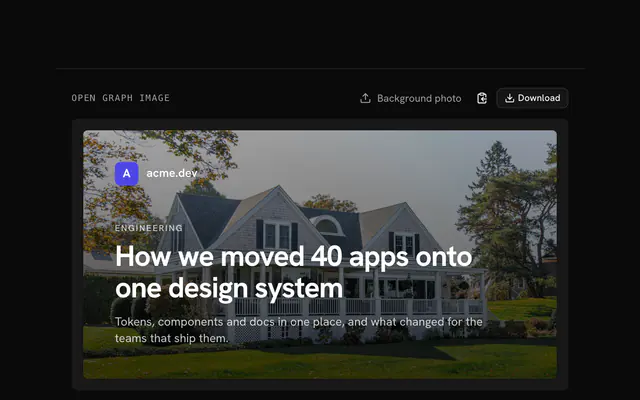
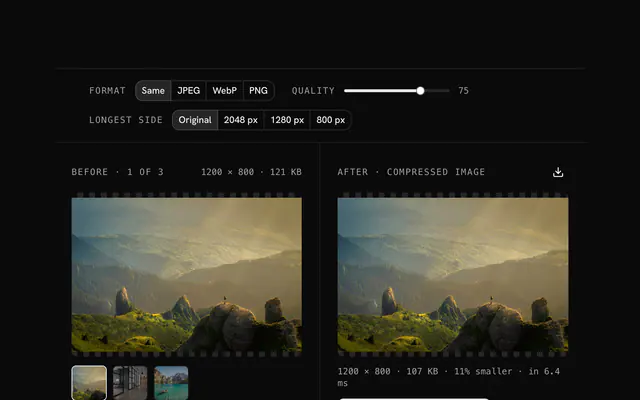
Closest to the "Social media image resizer" tool: Image resizer, Image cropper, Open Graph image generator, Image compressor. Each opens on its own page, free and in the browser.
The "Social media image resizer" tool is one of 18 in its group. The group's page, /tools/image, lists them all.
The tool is free. Its interface is built from shadcn.io's own components (Button, Input, Slider and the rest of the registry under /ui), which come in React, Vue, Svelte and Solid. Pro adds the blocks and templates for the product around it.
4.9 out of 5 from 150+ developers


Build the product around it
Every block, template and icon, installed by your AI agent in your theme. The tools stay free.
Get Pro