Image cropper.
Drag a box over the picture, lock it to a common shape, and save exactly that part at the picture's own resolution. The cropping happens in your browser, so the image stays on your device.
Image cropper.
Need the UI around it? With Pro, your AI agent builds the form, the result card and the rest of the page from a prompt.
Get ProHow it works
4 steps, no account. It runs in your browser and nothing is uploaded.
Add an image
Drop a PNG, JPG, WebP, GIF, AVIF or SVG; it opens with a crop box over it.
Pick a shape
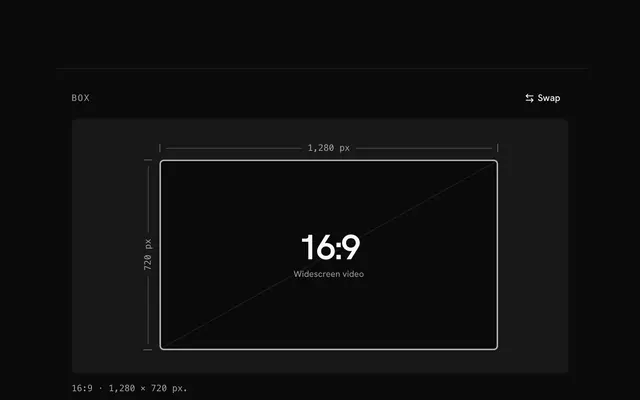
Keep the crop free, or lock it to square, circle, 4:5, 3:2, 4:3, 16:9, 9:16 or 1.91:1.
Frame the crop
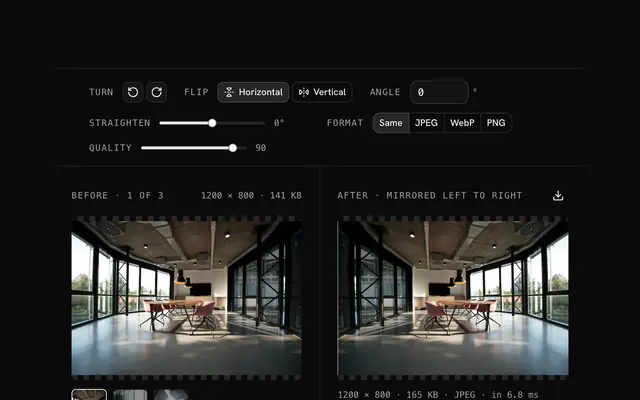
Drag the box or its corners, zoom in, and turn or mirror the picture if it needs it.
Download
The result updates as you go; save it in the same format or as JPEG, WebP or PNG.
Related tools
More image tools. Every one free, in the browser.

Pricing
Build it with Pro
The tool is free. Pro adds 6,000+ blocks, premium templates and the MCP server, so your AI editor builds the product around it.
4.9/5 out of 5 · 150+ reviewsfrom 150+ founders and developers.
- Secure checkout via Stripe
- Code lives in your repo
- Keep what you've shipped if you cancel
- License terms
Questions and answers
Before you trust the result: what to know about the format, the limits, your data and the tools next to it.
No. The box sits on a copy that fits the screen, but the export is cut from the full picture, pixel for pixel, and the size above the cropper is the file's size. Zooming in makes the box cover less of the picture: the crop gets fewer pixels, never blurrier ones.
Square for profile photos and product grids, 4:5 for a tall Instagram post, 16:9 for video thumbnails and slides, 9:16 for stories, 1.91:1 for link previews. Free lets the box take any shape. Circle crops a square and makes its corners transparent.
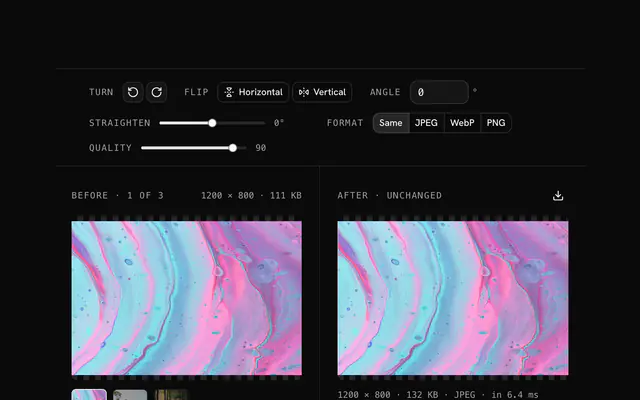
The turn buttons rotate the picture a quarter turn left or right, and the flip toggles mirror it left to right or top to bottom, before you crop. Quarter turns move the pixels without resampling, so the crop stays sharp. For any other angle, use the rotate tool first.
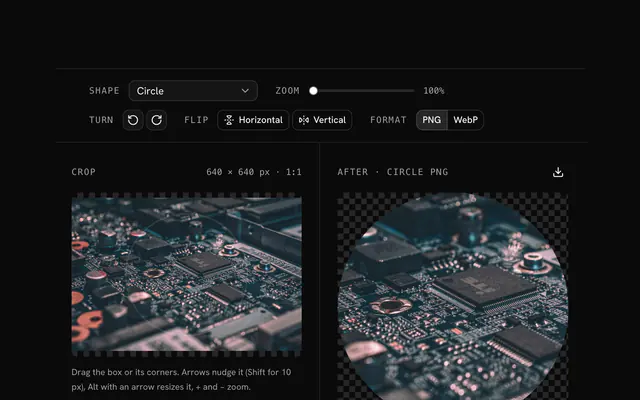
Pick Circle under Shape. The crop is square, with everything outside the circle made transparent along an antialiased edge, and it's written as PNG or WebP since JPEG can't hold transparency.
No. The picture is decoded, cropped and encoded by your browser's canvas, and the page makes no request with it.
Yes. With the crop box focused, the arrow keys move it, Shift moves it ten times as far, Alt with an arrow resizes it, and + and − zoom. The scroll wheel over the picture zooms too.
Same keeps a JPEG, PNG or WebP in its own format and writes other inputs, such as GIF, AVIF or SVG, as PNG. JPEG and WebP get a quality slider, 92 to start. A JPEG crop of a transparent picture gets a white background.
Reset puts the shape back, undoes the turns, mirrors and zoom, and draws a fresh crop box. Replace opens another picture, and Remove clears it.
No. The "Image cropper" tool is free and opens without a sign-in, an account or an install.
Free, square (1:1), circle, portrait (4:5), photo (3:2), classic (4:3), widescreen (16:9), story (9:16) and Open Graph (1.91:1). A locked shape keeps its ratio while you drag the corners.
A free crop at 100% zoom, the picture upright, saved in its own format, with JPEG and WebP at quality 92. The zoom goes up to 500%.
Your file's name with -cropped and the format's extension, such as photo-cropped.jpg. A circle crop gets -circle instead: photo-circle.png.
Images up to 100 MB each. A bigger file is declined with a message before anything is decoded, because the browser holds the whole picture in memory.
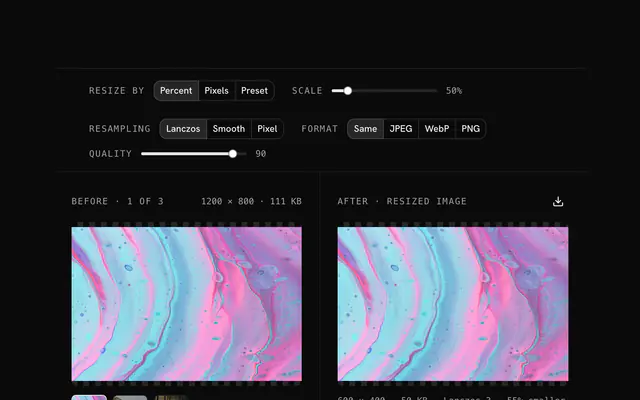
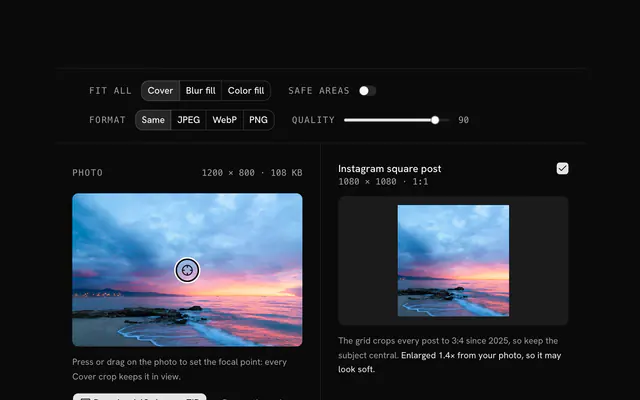
Closest to the "Image cropper" tool: Crop an image to a circle, Image resizer, Rotate an image, Social media image resizer. Each opens on its own page, free and in the browser.
The "Image cropper" tool is one of 18 in its group. The group's page, /tools/image, lists them all.
The tool is free. Its interface is built from shadcn.io's own components (Button, Input, Slider and the rest of the registry under /ui), which come in React, Vue, Svelte and Solid. Pro adds the blocks and templates for the product around it.
4.9 out of 5 from 150+ developers


Build the product around it
Every block, template and icon, installed by your AI agent in your theme. The tools stay free.
Get Pro