To-do list.
A to-do list for the day's work: add tasks with a priority, tick them off, filter what is left. It is kept in this browser and never leaves it.
To-do list.
Need the UI around it? With Pro, your AI agent builds the form, the result card and the rest of the page from a prompt.
Get ProHow it works
3 steps, no account. It runs in your browser and nothing is uploaded.
Add a task
Type it, pick a priority, press Enter.
Tick and filter
The box marks it done; the bin deletes it; the Show choice filters the list.
Clear or copy
Clear done removes the ticked ones; the copy icon takes the whole list as text.
Related tools
More productivity. Every one free, in the browser.
Pricing
Build it with Pro
The tool is free. Pro adds 6,000+ blocks, premium templates and the MCP server, so your AI editor builds the product around it.
4.9/5 out of 5 · 150+ reviewsfrom 150+ founders and developers.
- Secure checkout via Stripe
- Code lives in your repo
- Keep what you've shipped if you cancel
- License terms
Questions and answers
Before you trust the result: what to know about the format, the limits, your data and the tools next to it.
In this browser's local storage, on this device. Close the tab and come back and the list is there; clear the site's data and it is gone. Nothing is sent to a server, which is also why it is not on your phone.
Low, medium and high, shown as a small label on each row; new tasks are medium unless you pick otherwise. It is a hint for you, not a sort order: the list stays in the order you added things, newest first.
Use a to-do app. This is the small list for a day's work on one machine: it has no accounts, no sync, no reminders and no sharing by design.
Type the task, pick a priority if medium is wrong, and press Enter or Add. Tick the box to mark it done, the bin to delete it; Clear done removes everything ticked.
The Show choice in the bar switches between all, the active ones and the done ones; the count of what is left sits beside it.
The copy icon by the field copies the whole list as text, one task per line with [x] on the done ones, ready for a message or a file.
No. The list lives in your browser's storage and the page makes no request with it.
No. The "To-do list" tool is free and opens without a sign-in, an account or an install.
Low, Medium, High. Pick one before adding a task; the default is medium.
Use the copy icon by the field: it copies the whole list as text, one task per line, with [x] on the done ones.
In this browser's localStorage under one key, on this device only. It is lost if you clear the site's data, and a different browser or device starts with an empty list.
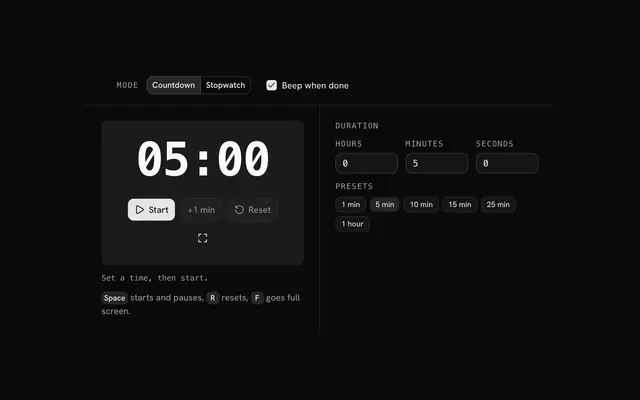
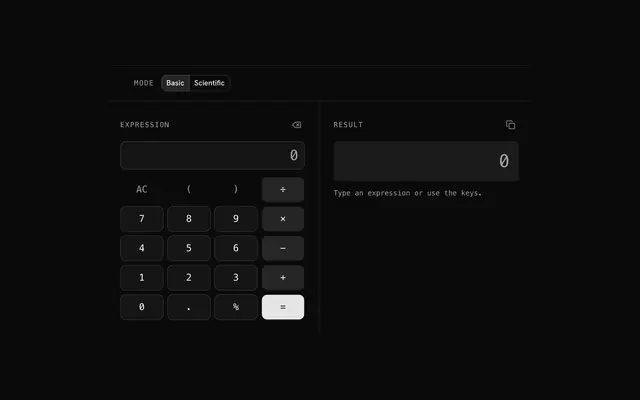
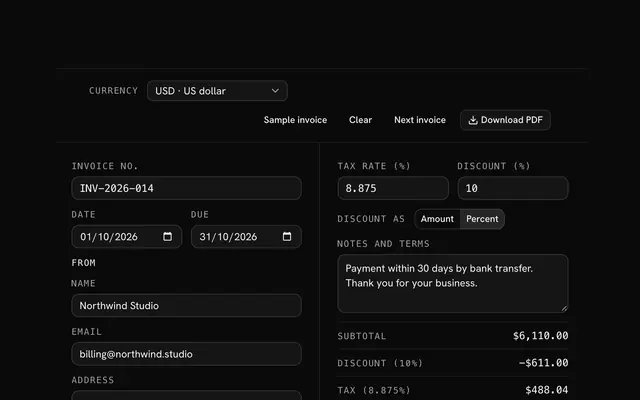
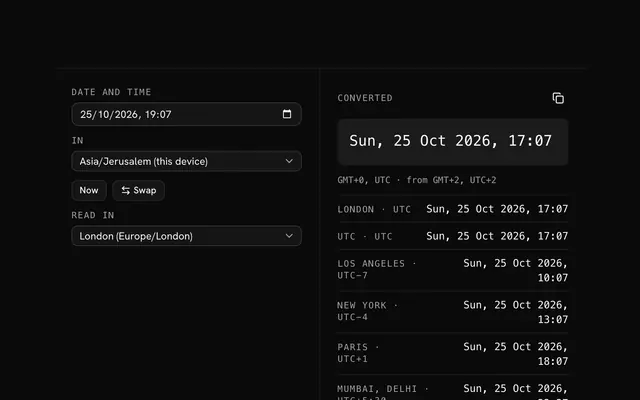
Closest to the "To-do list" tool: Timer and stopwatch, Calculator, Invoice generator, Time zone converter. Each opens on its own page, free and in the browser.
The "To-do list" tool is one of 6 in its group. The group's page, /tools/productivity, lists them all.
The tool is free. Its interface is built from shadcn.io's own components (Button, Input, Slider and the rest of the registry under /ui), which come in React, Vue, Svelte and Solid. Pro adds the blocks and templates for the product around it.
4.9 out of 5 from 150+ developers


Build the product around it
Every block, template and icon, installed by your AI agent in your theme. The tools stay free.
Get Pro