Percentage calculator.
Answer the five everyday percentage questions as you type, each a sentence with your numbers in it. A percent of a number, a part as a percent, a change, a value raised or cut, and the whole from a part, with the working shown.
Percentage calculator.
Need the UI around it? With Pro, your AI agent builds the form, the result card and the rest of the page from a prompt.
Get ProHow it works
4 steps, no account. It runs in your browser and nothing is uploaded.
Find your question
Five sentences, each with its numbers typed into it.
Type the numbers
Commas, currency signs and a % are ignored, and the answer follows as you type.
Choose the rounding
Whole numbers, 0.01, 0.0001 or the full result.
Copy the answer
Each answer has its own copy button, with its formula under it.
Related tools
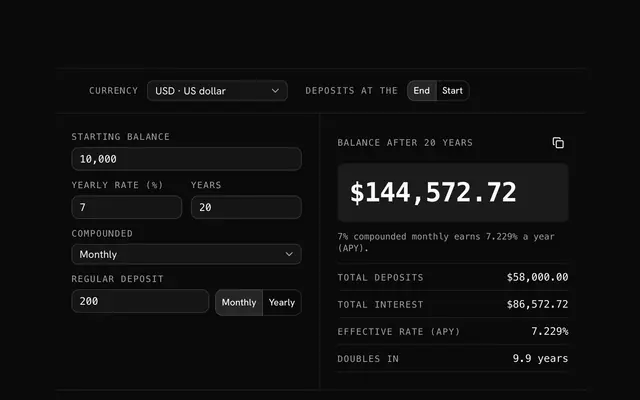
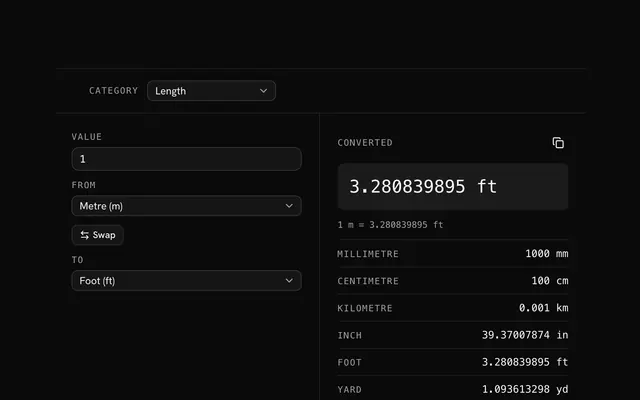
More math and finance. Every one free, in the browser.
Pricing
Build it with Pro
The tool is free. Pro adds 6,000+ blocks, premium templates and the MCP server, so your AI editor builds the product around it.
4.9/5 out of 5 · 150+ reviewsfrom 150+ founders and developers.
- Secure checkout via Stripe
- Code lives in your repo
- Keep what you've shipped if you cancel
- License terms
Questions and answers
Before you trust the result: what to know about the format, the limits, your data and the tools next to it.
Divide the percent by 100 and multiply by the number: 15% of 240 is 15 ÷ 100 × 240 = 36. The first row does this and writes the formula under the answer.
The new value minus the starting one, divided by the starting value, times 100: 80 to 100 is a 25% increase, 100 to 80 a 20% decrease. The two differ because each is measured against its own start. A change from zero has no percentage.
Divide the part by its percent and multiply by 100: if 63 is 35% of a number, the number is 63 ÷ 35 × 100 = 180. It is how you find an original amount from a known share of it.
The plain difference between two percentages: a rate going from 4% to 5% rose by 1 point, which is a 25% increase in the rate itself. Put the two rates in the percent change row for the second figure.
Type the numbers into the sentence of your question; the answer appears beside it with its working. All five questions are on the page at once, each with its own numbers.
Yes. The fourth row raises or cuts a value by a percent: 1,200 increased by 8% is 1,296. Switch between Increase and Decrease at the start of the row.
To two decimal places by default. Round to, in the bar, switches every row to whole numbers, four places or the full result.
No. The arithmetic runs in your browser and the page makes no request with what you type.
No. The Percentage calculator is free and opens without a sign-in, an account or an install.
The Percentage calculator keeps nothing on a server; only the invoice generator saves its draft, in this browser's localStorage on your device. Nothing else is saved, and nothing is sent to shadcn.io.
Whole numbers and decimals, negative ones too, with group commas, spaces, currency signs and a % sign ignored: "1,250.50", "$ 300" and "15%" all read. A field that doesn't is marked, and its row says what's missing.
It gives no percentage, since any rise from zero would be infinite, and says so in the row instead of a number. The same goes for a whole of zero and for 0% in the last row.
Yes. Each answer has its formula under it, written with your numbers, such as 15 ÷ 100 × 240 = 36.
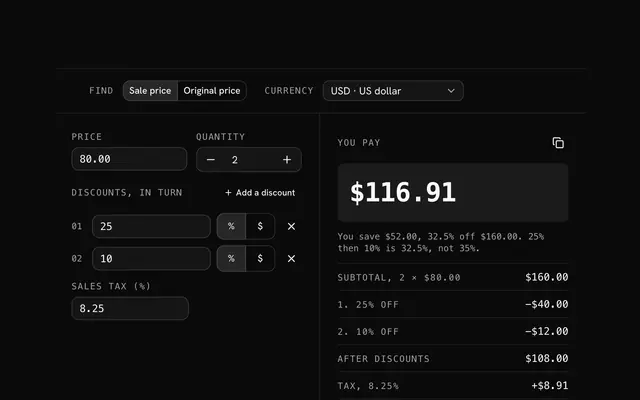
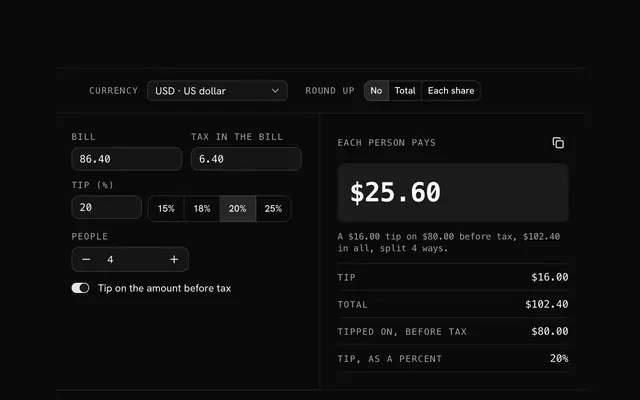
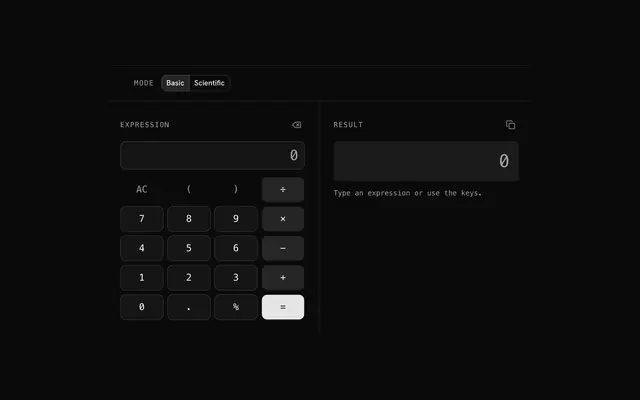
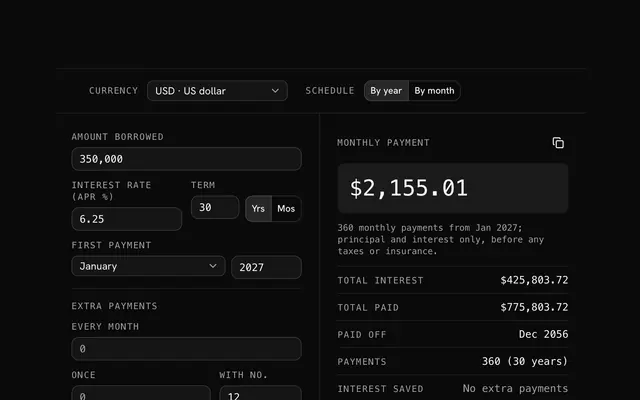
Closest to the Percentage calculator: Discount calculator, Tip calculator, Calculator, Loan calculator. Each opens on its own page, free and in the browser.
The Percentage calculator is one of 20 in its group. The group's page, /tools/math, lists them all.
The tool is free. Its interface is built from shadcn.io's own components (Button, Input, Slider and the rest of the registry under /ui), which come in React, Vue, Svelte and Solid. Pro adds the blocks and templates for the product around it.
4.9 out of 5 from 150+ developers


Build the product around it
Every block, template and icon, installed by your AI agent in your theme. The tools stay free.
Get Pro