Loan calculator.
Work out a loan's monthly payment from the amount, the rate and the term, with its total interest and payoff date. See what extra payments save, and the schedule by year or by month.
Loan calculator.
Need the UI around it? With Pro, your AI agent builds the form, the result card and the rest of the page from a prompt.
Get ProHow it works
4 steps, no account. It runs in your browser and nothing is uploaded.
Enter the loan
The amount borrowed, the yearly rate (APR) and the term in years or months.
Set the first payment
The month and year it falls in, so the schedule and the payoff date land on the calendar.
Add extra payments
A fixed amount every month, a one-off sum with a payment of your choice, or both.
Read the schedule
By year or by month, as a chart and a table, and download it as CSV.
Related tools
More math and finance. Every one free, in the browser.
Pricing
Build it with Pro
The tool is free. Pro adds 6,000+ blocks, premium templates and the MCP server, so your AI editor builds the product around it.
4.9/5 out of 5 · 150+ reviewsfrom 150+ founders and developers.
- Secure checkout via Stripe
- Code lives in your repo
- Keep what you've shipped if you cancel
- License terms
Questions and answers
Before you trust the result: what to know about the format, the limits, your data and the tools next to it.
With the standard amortization formula: the amount times the monthly rate, divided by 1 − (1 + monthly rate)^−payments, where the monthly rate is the APR divided by 12. At 0% it is the amount divided by the number of payments. The payment is rounded to the cent, and the last one takes whatever is left.
Each month's interest is the monthly rate times the balance still owed, so it is largest at the start. The rest of the payment goes to the principal, and that share grows every month. The chart shows principal paid overtaking interest paid.
An extra amount goes straight off the principal, so every later month owes interest on a smaller balance and the loan ends sooner. The calculator runs the same loan with and without the extras and shows the interest saved and how much sooner it is paid off.
No. It is principal and interest only. A mortgage payment often also carries property tax, home insurance and mortgage insurance through an escrow account; add those on top.
Type the amount, the yearly rate and the term; the payment, the totals and the schedule update as you type. Switch the term between years and months, set the month and year of the first payment, and pick the currency in the bar.
Yes. The CSV button downloads a row per payment: its number, month, payment, principal, interest, extra and balance, to the cent. On the page the schedule reads by calendar year or payment by payment.
Any fixed-rate loan repaid monthly: a mortgage, a car loan, a personal or a student loan. The term runs from 1 month to 50 years and the rate from 0% to 100%. Variable rates and interest-only periods aren't modelled.
No. The arithmetic runs in your browser and the page makes no request with your numbers.
No. The Loan calculator is free and opens without a sign-in, an account or an install.
10 currencies: USD, EUR, GBP, CAD, AUD, CHF, JPY, INR, SGD, BRL. The currency changes how amounts are written, not the arithmetic.
From 1 month to 50 years (600 payments), at a yearly rate from 0% to 100%. The term can be typed in years or months, and switching converts it so the loan stays the same.
Each month's interest and payment are rounded to the cent, as a lender's statement is, and the last payment takes what is left, so it can differ from the others by a few cents.
With the payment number you give it: 12 is paid with the twelfth monthly payment. It goes straight off the principal, and the schedule's Extra column shows it.
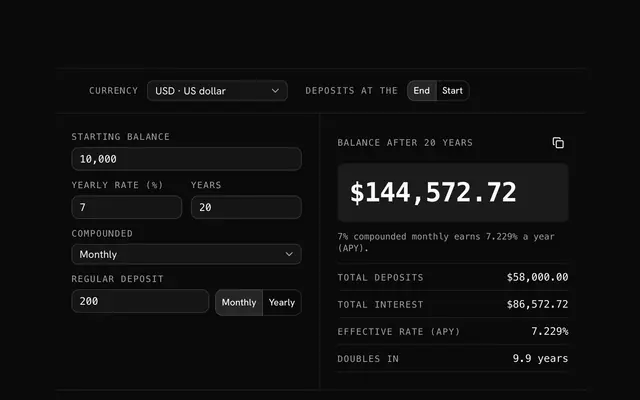
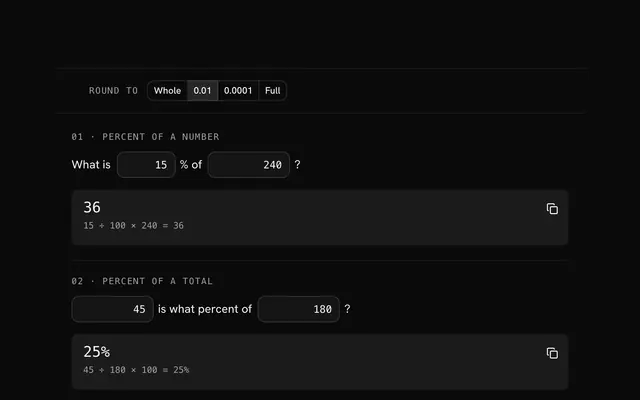
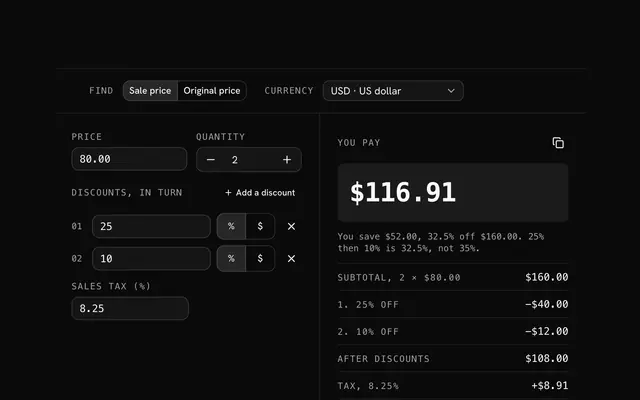
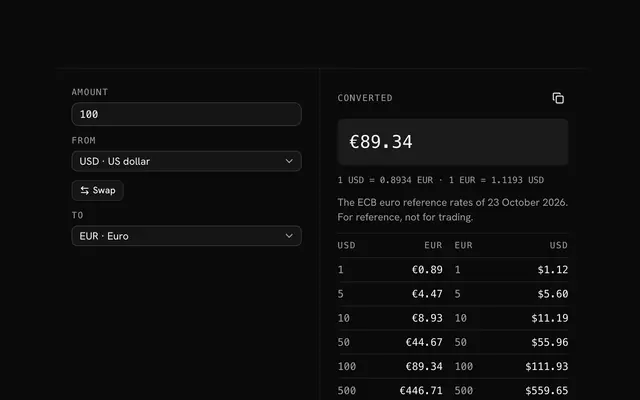
Closest to the Loan calculator: Compound interest calculator, Percentage calculator, Discount calculator, Currency converter. Each opens on its own page, free and in the browser.
The Loan calculator is one of 20 in its group. The group's page, /tools/math, lists them all.
The tool is free. Its interface is built from shadcn.io's own components (Button, Input, Slider and the rest of the registry under /ui), which come in React, Vue, Svelte and Solid. Pro adds the blocks and templates for the product around it.
4.9 out of 5 from 150+ developers


Build the product around it
Every block, template and icon, installed by your AI agent in your theme. The tools stay free.
Get Pro