Discount calculator.
Take one or more discounts off a price, each a percentage or an amount and each on what the last one left, then add sales tax to see what you pay and save. Or find the price before a sale.
Discount calculator.
Need the UI around it? With Pro, your AI agent builds the form, the result card and the rest of the page from a prompt.
Get ProHow it works
4 steps, no account. It runs in your browser and nothing is uploaded.
Enter the price
The price of one item and how many you buy.
Add the discounts
Up to four, each a percentage or an amount, taken in the order listed.
Add the sales tax
The rate is applied to the price after every discount.
Or find the original price
Choose Original price to work back from the price paid and the percent off.
Related tools
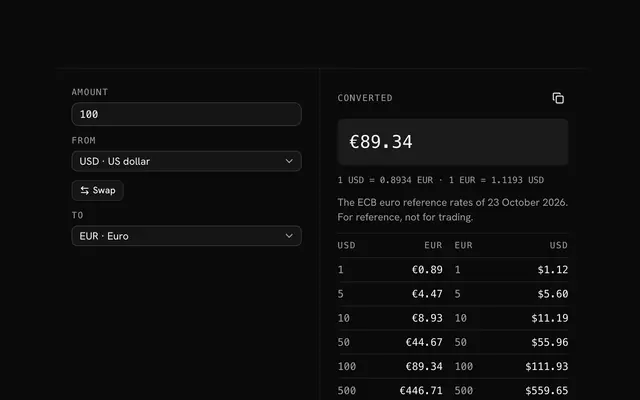
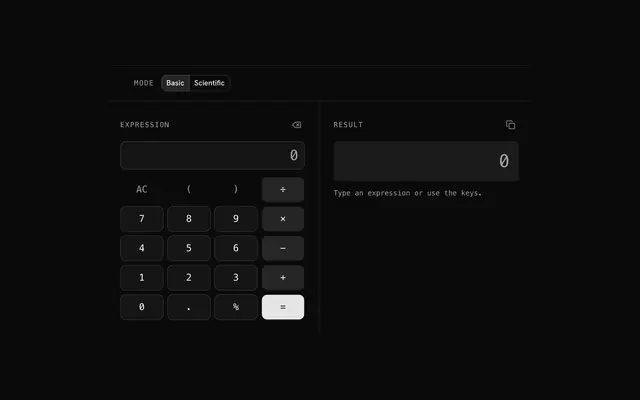
More math and finance. Every one free, in the browser.
Pricing
Build it with Pro
The tool is free. Pro adds 6,000+ blocks, premium templates and the MCP server, so your AI editor builds the product around it.
4.9/5 out of 5 · 150+ reviewsfrom 150+ founders and developers.
- Secure checkout via Stripe
- Code lives in your repo
- Keep what you've shipped if you cancel
- License terms
Questions and answers
Before you trust the result: what to know about the format, the limits, your data and the tools next to it.
Multiply the price by the percentage and divide by 100 for the amount off, then take it away: 25% off 80.00 is 20.00 off, so 60.00. The calculator does it for any number of items and shows each step.
The second discount is taken from what the first left, not from the original price: 25% then 10% leaves 0.75 × 0.90 = 67.5% of the price, which is 32.5% off. The order of two percentages doesn't matter, but an amount off before a percentage saves less than after it.
On the price after the discounts, which is how sales tax usually works on a store discount: you are taxed on what you pay. The calculator takes every discount off first, then adds the tax rate on what is left.
Divide the price paid by what the discount left: a 45.00 sale price at 25% off is 45.00 ÷ 0.75 = 60.00. Choose Original price in the bar for that calculation.
Type the price and the quantity, then each discount with its kind, a percentage or an amount in the currency. Add up to four, and the sales tax rate. The total, the savings and a line for each step update as you type.
Each step is rounded to the cent, as a till does, so the lines of the breakdown add up to the total. An amount off never takes the price below zero.
No. The arithmetic runs in your browser and the page makes no request with your numbers.
No. The Discount calculator is free and opens without a sign-in, an account or an install.
The Discount calculator keeps nothing on a server; only the invoice generator saves its draft, in this browser's localStorage on your device. Nothing else is saved, and nothing is sent to shadcn.io.
Up to 4, each a percentage or an amount, taken in the order listed. An amount off never takes the price below zero, and a percentage is at most 100%.
After every discount, on the discounted price, rounded to the cent. Leave the tax rate empty or at 0 for a price without tax.
Yes. Choose Original price in the bar and type the price paid and the percent off: it divides the price by what the discount left, so 45.00 at 25% off was 60.00.
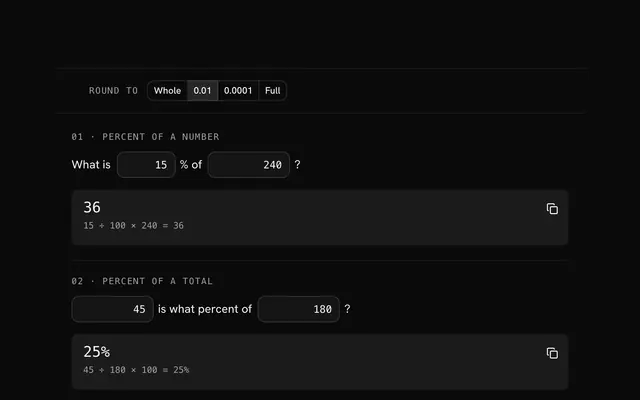
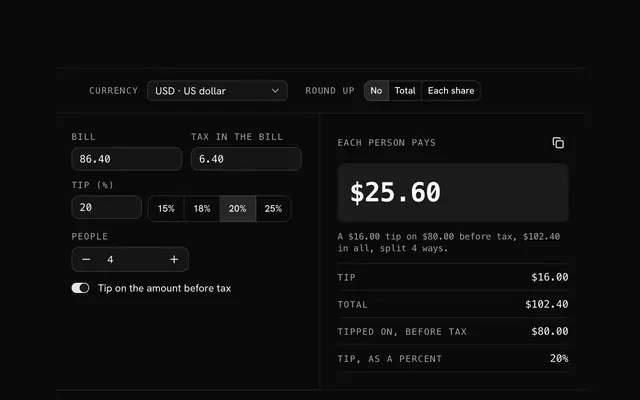
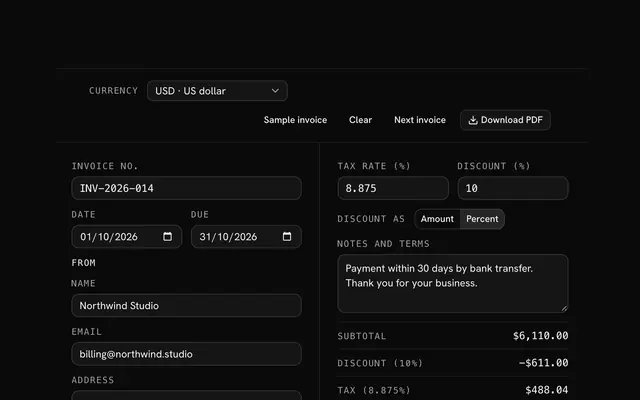
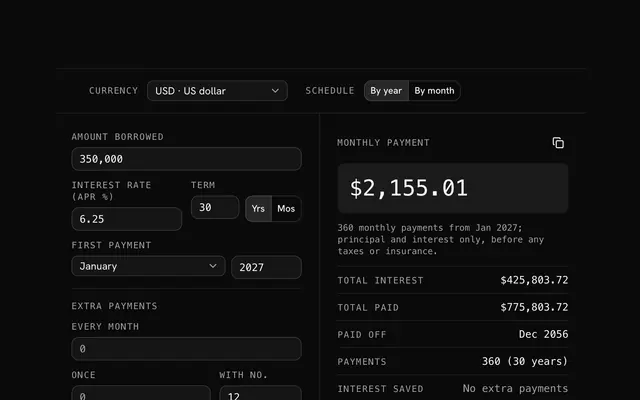
Closest to the Discount calculator: Percentage calculator, Tip calculator, Invoice generator, Loan calculator. Each opens on its own page, free and in the browser.
The Discount calculator is one of 20 in its group. The group's page, /tools/math, lists them all.
The tool is free. Its interface is built from shadcn.io's own components (Button, Input, Slider and the rest of the registry under /ui), which come in React, Vue, Svelte and Solid. Pro adds the blocks and templates for the product around it.
4.9 out of 5 from 150+ developers


Build the product around it
Every block, template and icon, installed by your AI agent in your theme. The tools stay free.
Get Pro