PNG color replacer.
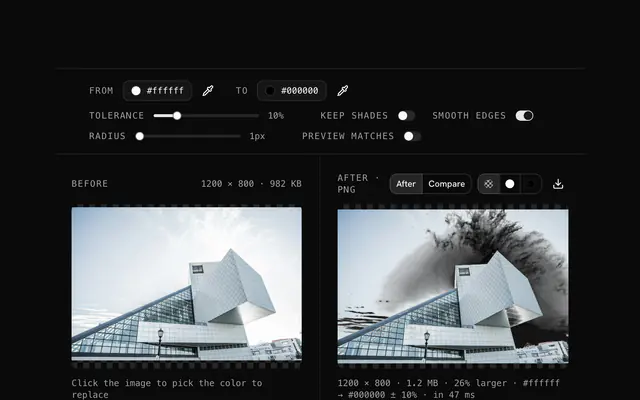
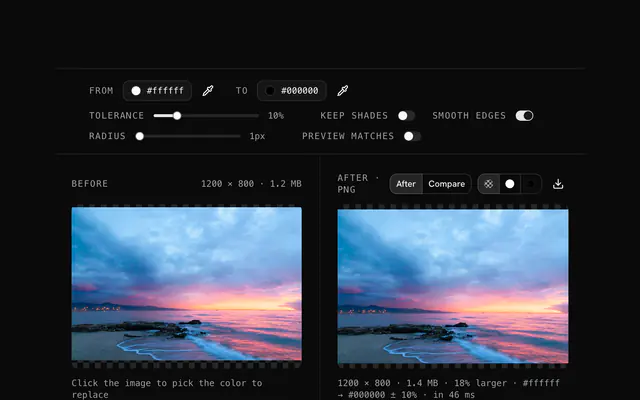
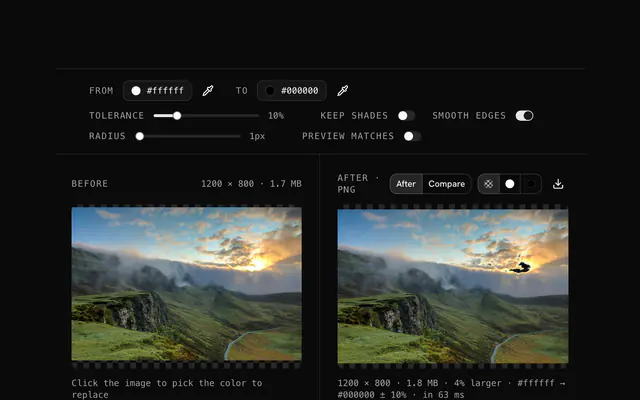
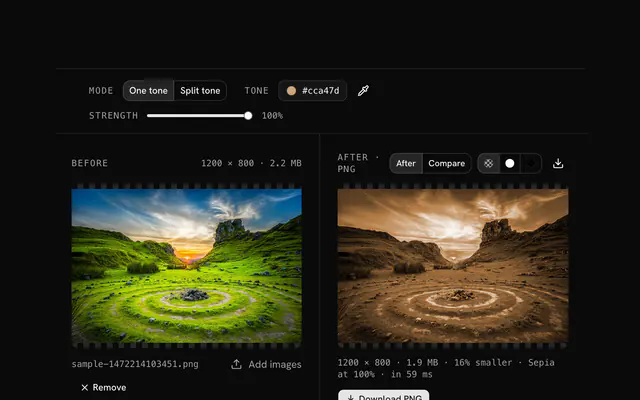
Find one color in a PNG and replace it with another. The tolerance takes in nearby shades, Keep shades holds the original lightness so shadows survive, and the alpha channel is left as it was.
PNG color replacer.
Need the UI around it? With Pro, your AI agent builds the form, the result card and the rest of the page from a prompt.
Get ProHow it works
4 steps, no account. It runs in your browser and nothing is uploaded.
Pick the color to find
Drop any image, then set the From color with the picker or a hex code.
Check the match
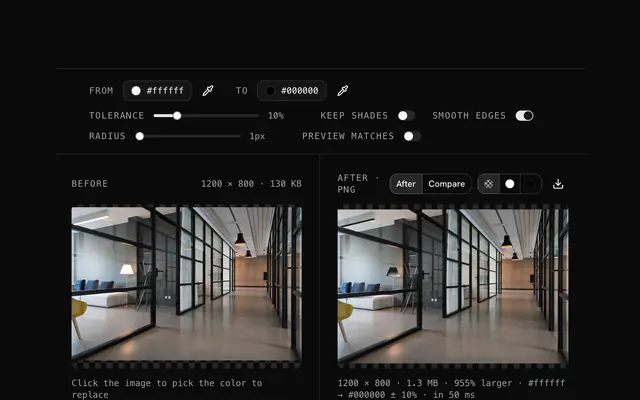
Turn on Preview matches and raise the tolerance until the right pixels are magenta.
Pick the new color
Set the To color; keep shades for anything with shadows or gradients.
Download
Turn the preview off and download the PNG, transparency intact.
Related tools
More PNG tools. Every one free, in the browser.
Pricing
Build it with Pro
The tool is free. Pro adds 6,000+ blocks, premium templates and the MCP server, so your AI editor builds the product around it.
4.9/5 out of 5 · 150+ reviewsfrom 150+ founders and developers.
- Secure checkout via Stripe
- Code lives in your repo
- Keep what you've shipped if you cancel
- License terms
Questions and answers
Before you trust the result: what to know about the format, the limits, your data and the tools next to it.
Every pixel is compared with the From color; those within the tolerance are moved toward the To color, fully at an exact match and less toward the edge of the tolerance. With Keep shades on, only the hue and saturation move and each pixel keeps its lightness. The alpha channel is never touched.
Anything your browser decodes: PNG, JPG, WebP, GIF, AVIF, BMP, ICO and SVG. The output is a PNG, which keeps every color exactly and any transparency the source had. A JPG source works, but its compression noise usually calls for a tolerance of 10 or more.
Yes. The tool changes only the red, green and blue values of matched pixels and leaves every alpha value as it was, so transparent, translucent and opaque areas stay exactly as transparent as before. The output is a PNG so that alpha is kept.
One color at a time, with its tolerance. For a second color, download the result, drop it back in and pick the next From color; each pass builds on the last. Keep the original file so you can start over.
Tolerance decides how far a pixel's color may be from the From color and still be replaced, as a percentage of the distance between black and white in RGB. At 0 only exact matches change; at 10 to 20, shades around it change as well, which is what a photo or a JPG needs. The replacement is strongest at the exact color and fades toward the tolerance limit.
With Keep shades on, each matched pixel takes the hue and saturation of the To color but keeps its own lightness, so a shaded red shirt becomes a shaded blue shirt instead of a flat blue cutout. Leave it off for flat graphics where every matched pixel should become exactly the new color.
Smooth edges blends the replacement into its surroundings over the chosen radius, so the boundary between changed and unchanged pixels is anti-aliased rather than stepped. A radius of 1 suits icons and logos; 2 to 4 suits photos. It changes only pixels next to a match, never the rest of the image.
Preview matches paints every pixel the From color matches in magenta over the original, so you can see what will change before it does. Tune the color and tolerance until only the intended area is covered, then turn it off: the download is always the recolored image, never the preview.
No. Your browser decodes the file and does the pixel work with its Canvas API, and the page makes no request with it. You can load the page, go offline and keep working; the download is written from memory on your device.
No. The PNG color replacer is free and opens without a sign-in, an account or an install.
Up to 100 MB per file, the limit the tool states under its drop area. A larger file is refused with a plain message instead of being decoded.
The edit is written as a PNG because PNG stores every pixel exactly, with a full alpha channel, so the result can be edited again without a second round of loss.
No. The browser decodes the image and the tool writes a new file from its pixels, so camera EXIF, GPS position and text chunks in the original are not copied into the result. Keep the original file if you need them.
No. The result has the same width and height in pixels as the source.
Closest to the PNG color replacer: Change a color in an image, Recolor a logo, Swap colors in an image, PNG color tone changer. Each opens on its own page, free and in the browser.
The PNG color replacer is one of 47 in its group. The group's page, /tools/png, lists them all.
The tool is free. Its interface is built from shadcn.io's own components (Button, Input, Slider and the rest of the registry under /ui), which come in React, Vue, Svelte and Solid. Pro adds the blocks and templates for the product around it.
4.9 out of 5 from 150+ developers


Build the product around it
Every block, template and icon, installed by your AI agent in your theme. The tools stay free.
Get Pro