Mic and camera test.
See your camera and hear your microphone before the call: a live preview, a level meter in decibels and a snapshot. Nothing is recorded and nothing leaves your device.
Mic and camera test.
Need the UI around it? With Pro, your AI agent builds the form, the result card and the rest of the page from a prompt.
Get ProHow it works
3 steps, no account. It runs in your browser and nothing is uploaded.
Press Start
The browser asks for the camera and microphone once; allow it and the preview starts.
Look and speak
Check the picture, speak and watch the meter move; switch devices in the bar.
Snapshot and stop
Save a PNG snapshot if you need one, and press Stop to release the devices.
Related tools
More media tools. Every one free, in the browser.
Pricing
Build it with Pro
The tool is free. Pro adds 6,000+ blocks, premium templates and the MCP server, so your AI editor builds the product around it.
4.9/5 out of 5 · 150+ reviewsfrom 150+ founders and developers.
- Secure checkout via Stripe
- Code lives in your repo
- Keep what you've shipped if you cancel
- License terms
Questions and answers
Before you trust the result: what to know about the format, the limits, your data and the tools next to it.
The page asks the browser for your camera and microphone with getUserMedia. The camera's stream plays in a muted video element; the microphone's stream goes into a Web Audio analyser, which reads a block of samples sixty times a second and turns it into a level in decibels.
Decibels relative to full scale, where 0 dB is the loudest the microphone can send and -60 dB is near silence. Normal speech at a normal distance sits around -30 to -15 dB on most laptops. A bar pinned at 0 dB means the input is too hot and will distort; pinned at the left, the wrong input is selected or the microphone is muted.
The browser lists them once you allow access, since device names are hidden until then. Pick another camera or microphone from the bar and the test switches to it. Headsets, external webcams and virtual devices all appear.
Browsers mirror a front camera in their own preview so you see yourself as in a mirror; the snapshot and anyone on a call see the unmirrored picture. This preview is not mirrored.
Nothing. The streams stay in the page: no recording is made, no frame or sample is sent anywhere, and the browser's own indicator shows when the devices are on. Press Stop, or leave the page, and they are released.
Press Start the test and allow the browser's request. If you refused earlier, the browser remembers it: click the camera icon in the address bar to allow the site, then press Start again. The page explains which of the two it couldn't open.
Press Save a snapshot: the current frame is drawn to a canvas at the camera's resolution and saved as a PNG, on your device.
No. The "Mic and camera test" tool is free and opens without a sign-in, an account or an install.
Nothing. The "Mic and camera test" tool holds your input in the page's memory, so closing or reloading the tab clears it, and it saves nothing in this browser.
Pick the camera and the microphone from the lists in the bar once you have allowed access. The test switches to the device you choose.
The page asks the browser for access, and the browser asks you. If you only have one of the two, the test starts with the one it can open.
A PNG of the current frame, drawn at the camera's own resolution and saved on your device.
Press Stop or leave the page and the devices are released, so the browser's recording indicator goes off.
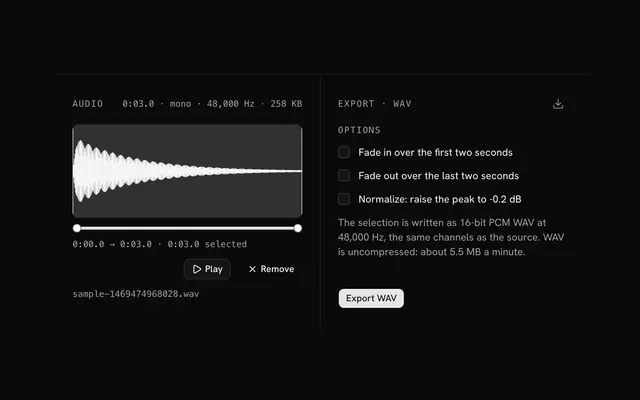
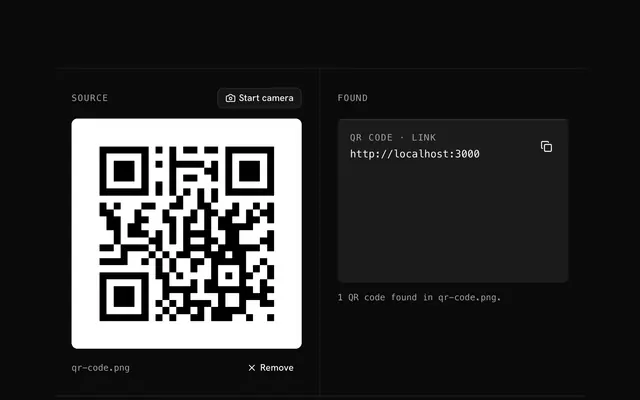
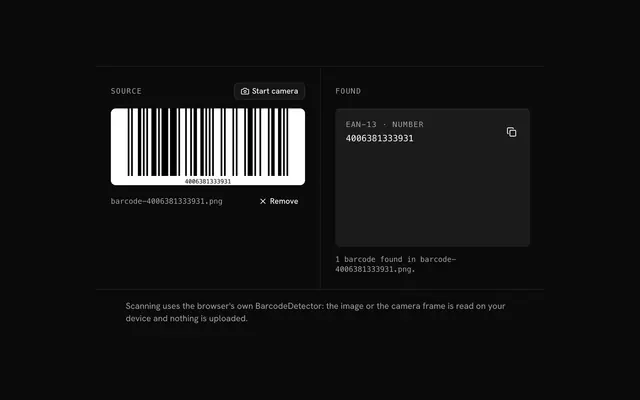
Closest to the "Mic and camera test" tool: Video editor and compressor, Audio editor, QR code scanner, Barcode scanner. Each opens on its own page, free and in the browser.
The "Mic and camera test" tool is one of 3 in its group. The group's page, /tools/media, lists them all.
The tool is free. Its interface is built from shadcn.io's own components (Button, Input, Slider and the rest of the registry under /ui), which come in React, Vue, Svelte and Solid. Pro adds the blocks and templates for the product around it.
4.9 out of 5 from 150+ developers


Build the product around it
Every block, template and icon, installed by your AI agent in your theme. The tools stay free.
Get Pro