Redact an image.
Draw boxes over the emails, keys and names in a screenshot and they're replaced with solid black or white. It runs in your browser, so the image you're cleaning never leaves your device.
Redact an image.
Need the UI around it? With Pro, your AI agent builds the form, the result card and the rest of the page from a prompt.
Get ProHow it works
4 steps, no account. It runs in your browser and nothing is uploaded.
Add an image
Drop a screenshot or a photo; it opens with one box across the middle to move or resize.
Cover what's private
Drag a box over each email, key or name, or paint with the brush for odd shapes.
Pick the look
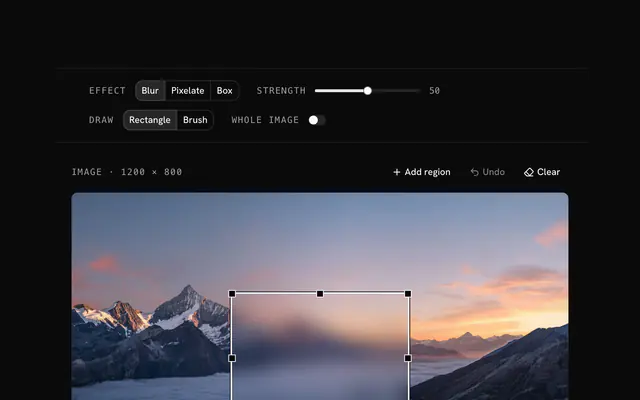
Black or white boxes, or blur and pixelate where hiding detail is enough.
Download
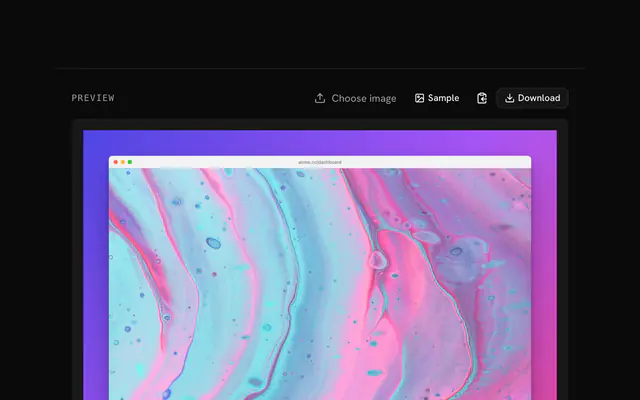
Save the image with every box burned into its pixels.
Related tools
More image tools. Every one free, in the browser.

Pricing
Build it with Pro
The tool is free. Pro adds 6,000+ blocks, premium templates and the MCP server, so your AI editor builds the product around it.
4.9/5 out of 5 · 150+ reviewsfrom 150+ founders and developers.
- Secure checkout via Stripe
- Code lives in your repo
- Keep what you've shipped if you cancel
- License terms
Questions and answers
Before you trust the result: what to know about the format, the limits, your data and the tools next to it.
A box replaces every pixel under it with one flat color, so nothing of what was there is left in the file. Blur and pixelation keep traces of each letter's shape, and tools such as Depix can sometimes recover text from them. For passwords, keys, tokens and account numbers, use a box.
No. The download is a new image whose pixels under the boxes are one color: there's no layer, no hidden copy and no original stored inside it. That's unlike a shape drawn over a PDF, where the text often stays underneath.
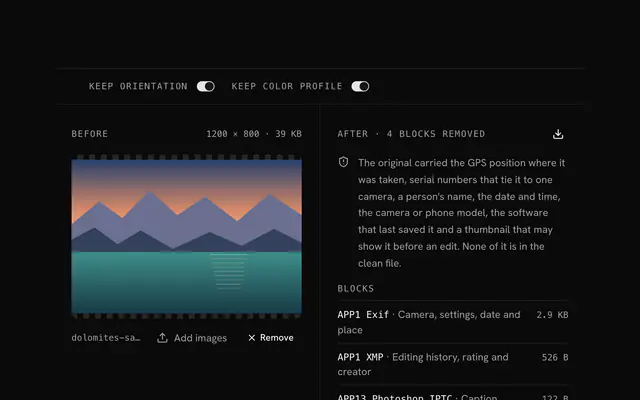
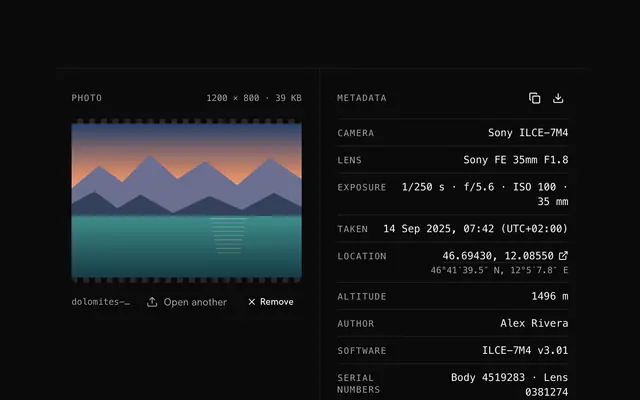
Look for the same detail in more than one place: a name in a title bar and again in a tab, an email in the address bar, a key inside a URL. A phone photo can also carry its GPS position in EXIF; the file this tool writes is encoded fresh and holds none.
Black reads as a redaction at a glance, the convention for documents. White blends into light interfaces when you only want the detail gone. Either way the pixels under the box are replaced.
No. The boxes are drawn on a canvas in your browser and the image is encoded there; the page makes no request with it.
Rectangles snap to whole pixels of the full picture, so their edges are clean cuts with no half-covered row. They're painted after any blur or pixelation, so nothing ever shows through them.
Yes. Add region places a box without a pointer; Tab to a box, then the arrow keys move it, Shift moves it farther, Alt with the arrows resizes it and Delete removes it. Ctrl or ⌘ Z undoes.
Same keeps a PNG, JPEG or WebP in its own format; JPEG, WebP and PNG are there too. PNG keeps screenshot text sharp around the boxes. The file is named after yours with -redacted added.
No. The "Redact an image" tool is free and opens without a sign-in, an account or an install.
Nothing. The "Redact an image" tool holds your input in the page's memory, so closing or reloading the tab clears it, and it saves nothing in this browser.
One black box across the middle of the picture, half its width and 12% of its height, ready to move over a line of text. The image keeps its own format at quality 90.
Your file's name with -redacted added, such as screenshot-redacted.png. The line under the picture then shows its name, size in pixels and bytes, and how long it took.
No. The picture is drawn on a canvas and encoded fresh, so the EXIF block, the GPS position and any other metadata are left out of the redacted file.
Images up to 100 MB each. A bigger file is declined with a message before anything is decoded, because the browser holds the whole picture in memory.
Closest to the "Redact an image" tool: Blur an image, Pixelate an image, Remove EXIF data, EXIF viewer. Each opens on its own page, free and in the browser.
The "Redact an image" tool is one of 18 in its group. The group's page, /tools/image, lists them all.
The tool is free. Its interface is built from shadcn.io's own components (Button, Input, Slider and the rest of the registry under /ui), which come in React, Vue, Svelte and Solid. Pro adds the blocks and templates for the product around it.
4.9 out of 5 from 150+ developers


Build the product around it
Every block, template and icon, installed by your AI agent in your theme. The tools stay free.
Get Pro