Pixelate an image.
Draw over what you want hidden and it turns into a mosaic of flat blocks, live on the picture. Everything runs in your browser, and the blocks are burned into the pixels you download.
Pixelate an image.
Need the UI around it? With Pro, your AI agent builds the form, the result card and the rest of the page from a prompt.
Get ProHow it works
4 steps, no account. It runs in your browser and nothing is uploaded.
Add an image
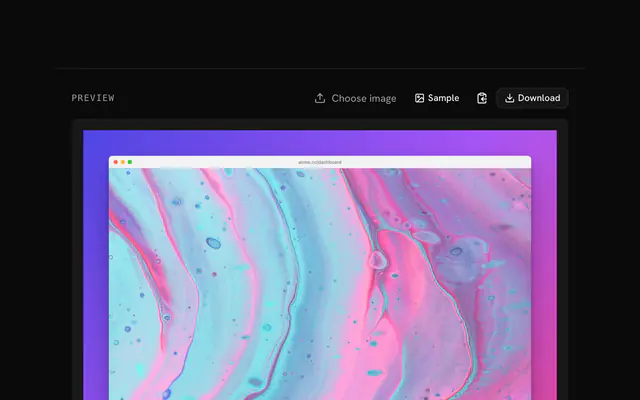
Drop a photo or a screenshot; it opens with one pixelated area in the middle.
Cover the areas
Drag rectangles over faces or text, or paint with the brush; each area can be moved and resized.
Set the block size
The strength slider makes the blocks bigger or smaller, and Whole image pixelates everything.
Download
The mosaic is written into the full-resolution pixels, in the same format or as JPEG, WebP or PNG.
Related tools
More image tools. Every one free, in the browser.
Pricing
Build it with Pro
The tool is free. Pro adds 6,000+ blocks, premium templates and the MCP server, so your AI editor builds the product around it.
4.9/5 out of 5 · 150+ reviewsfrom 150+ founders and developers.
- Secure checkout via Stripe
- Code lives in your repo
- Keep what you've shipped if you cancel
- License terms
Questions and answers
Before you trust the result: what to know about the format, the limits, your data and the tools next to it.
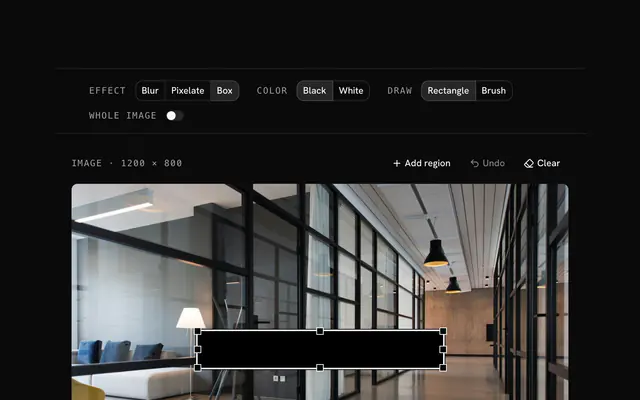
Not always. Pixelated text keeps enough of each letter's shape that tools such as Depix can sometimes guess it back, especially in screenshots. For passwords, keys and email addresses, set the area to Box, which leaves nothing of the original.
Strength runs from 1 to 100, 50 to start, and sets a block's side as a share of the picture's longer side: a thirtieth at 100, and never under 2 pixels. So the mosaic looks the same on a small screenshot and on a large photo.
Each square is the average of the pixels inside it, weighted by their transparency. The squares sit on one grid that starts at the picture's corner, so two areas side by side line up block for block.
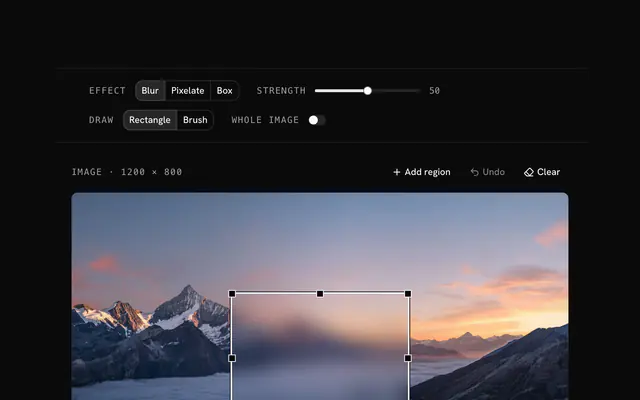
Pixelation gives the hard-edged mosaic people read as deliberate censoring; blur is softer and suits backgrounds. Either can be picked for each area in the bar, as can a solid box.
No. The mosaic is computed in your browser, on a smaller copy for the preview and on the full picture for the download; the page makes no request with the image.
Yes, that's how it opens: drag a rectangle, or switch Draw to Brush and paint any shape. Select an area to move it or drag its handles, and Clear removes them all. Whole image pixelates everything.
Yes. Undo, or Ctrl or ⌘ Z with the focus in the tool, steps back through the last 50 changes: areas drawn, moved, resized or removed.
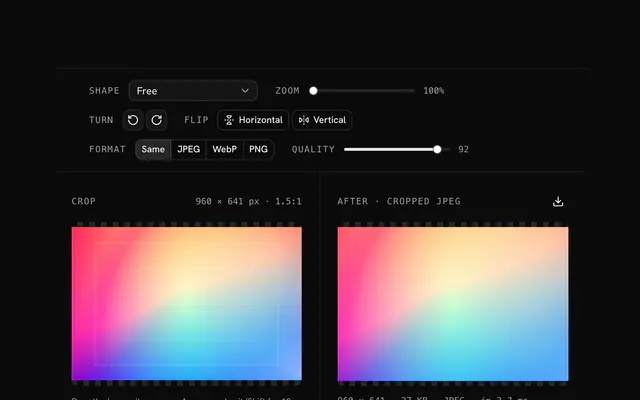
Same keeps a JPEG, PNG or WebP in its own format and writes a GIF as PNG; JPEG, WebP and PNG are there too, with a quality slider for the lossy two. The file is named after yours with -pixelated added.
No. The "Pixelate an image" tool is free and opens without a sign-in, an account or an install.
Nothing. The "Pixelate an image" tool holds your input in the page's memory, so closing or reloading the tab clears it, and it saves nothing in this browser.
One pixelated rectangle over the middle of the picture at strength 50, blocks a sixtieth of the longer side wide, saved in the photo's own format at quality 90.
Yes. The preview is a smaller copy, but the block size is a share of the picture's longer side, so the full-size file gets the mosaic you see, at its full resolution.
Your file's name with -pixelated added, such as photo-pixelated.png. The line under the picture then shows its name, size in pixels and bytes, and how long it took.
Images up to 100 MB each. A bigger file is declined with a message before anything is decoded, because the browser holds the whole picture in memory.
Closest to the "Pixelate an image" tool: Blur an image, Redact an image, Remove EXIF data, Image cropper. Each opens on its own page, free and in the browser.
The "Pixelate an image" tool is one of 18 in its group. The group's page, /tools/image, lists them all.
The tool is free. Its interface is built from shadcn.io's own components (Button, Input, Slider and the rest of the registry under /ui), which come in React, Vue, Svelte and Solid. Pro adds the blocks and templates for the product around it.
4.9 out of 5 from 150+ developers


Build the product around it
Every block, template and icon, installed by your AI agent in your theme. The tools stay free.
Get Pro