Replace a color in a JPG.
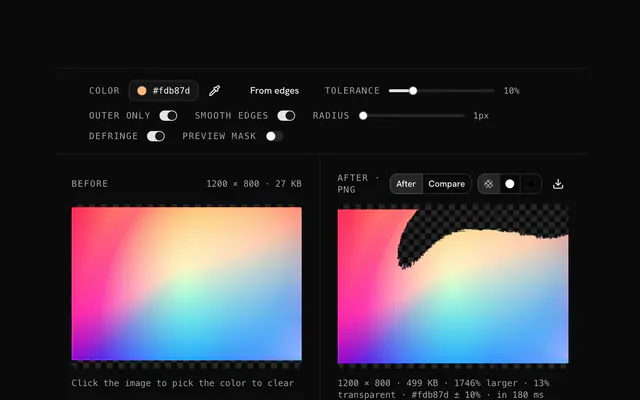
Replace one color in a JPG with exactly the one you want: a source, a target, a tolerance, a lossless PNG out. The replacement happens in your browser; nothing is uploaded.
Replace a color in a JPG.
Need the UI around it? With Pro, your AI agent builds the form, the result card and the rest of the page from a prompt.
Get ProHow it works
3 steps, no account. It runs in your browser and nothing is uploaded.
Drop a photo and pick a color
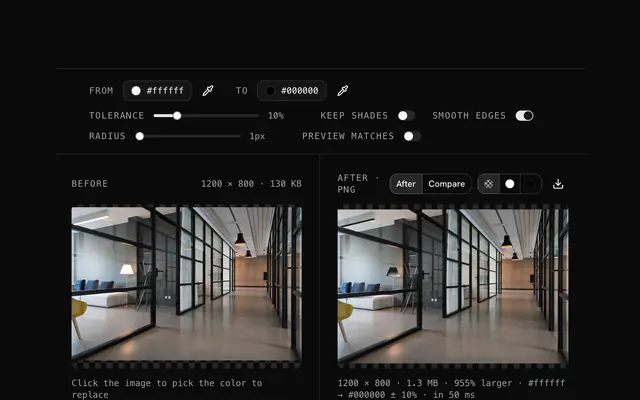
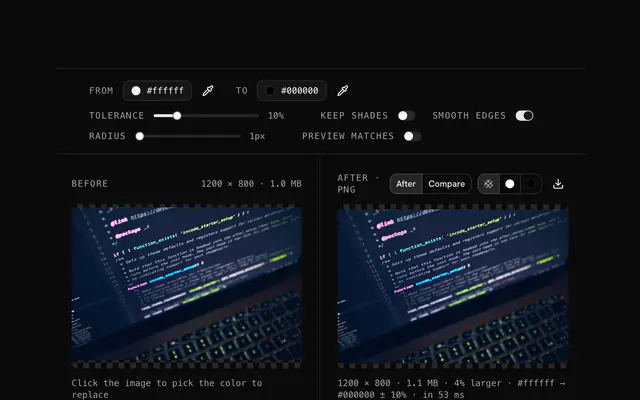
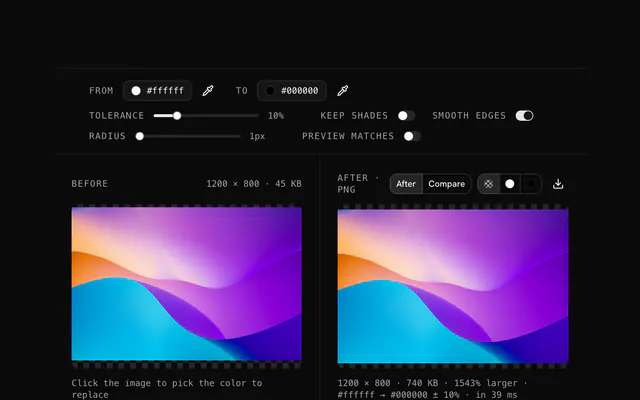
Drop a JPG onto the pane; click the photo to pick the color to change, or type a hex code.
Choose the new color
Set the replacement, raise the tolerance until the whole object is covered, and keep Preserve shades on for photos.
Check and download
Check the mask preview, smooth the edges if the boundary is harsh, and download the PNG.
Related tools
More JPG tools. Every one free, in the browser.
Pricing
Build it with Pro
The tool is free. Pro adds 6,000+ blocks, premium templates and the MCP server, so your AI editor builds the product around it.
4.9/5 out of 5 · 150+ reviewsfrom 150+ founders and developers.
- Secure checkout via Stripe
- Code lives in your repo
- Keep what you've shipped if you cancel
- License terms
Questions and answers
Before you trust the result: what to know about the format, the limits, your data and the tools next to it.
Drop the JPG, click the from color to pick what should change, click to for its replacement, and set the tolerance to decide how close a pixel must be to match.
Yes. From white, #ffffff, to your color, with a tolerance of 5 to 15 percent for off-whites. Any other white object in the photo changes too.
Yes. Pick the source color and set to white. It is a quick way to blank a colored background or make a clean, minimal version of a graphic.
Lower the tolerance. And check whether the color appears elsewhere: the tool replaces every matching pixel, not an area.
JPEG cannot hold transparency and loses a little detail every time it is saved, so the result is written as a lossless PNG. It is larger than the JPG it came from; run it through the PNG compressor, or convert it back to JPG, once the editing is done.
No. The PNG is a new file written from the pixels and carries no EXIF. Keep the original JPG beside the edited PNG if the camera data matters.
One at a time. Replace the first, download, drop the result and replace the next. Each pass builds on the last.
Click the color in the photo you want gone, or type its hex code, then choose the color that should take its place. Tolerance sets how far a pixel may stray from the first color and still be replaced; photos need more of it than flat graphics, usually 15 to 30 percent.
No. The file is decoded, drawn and re-encoded by your browser's canvas, and the page makes no request with it. You can load the page, go offline and keep working; nothing is stored either.
No. The "Replace a color in a JPG" tool is free and opens without a sign-in, an account or an install.
Up to 100 MB per file, the limit the tool states under its drop area. A larger file is refused with a plain message instead of being decoded.
The edit is written as a PNG because PNG stores every pixel exactly, with a full alpha channel, so the result can be edited again without a second round of loss.
No. The result has the same width and height in pixels as the source.
Closest to the "Replace a color in a JPG" tool: JPG color replacer, PNG color replacer, Color converter, JPG color swap. Each opens on its own page, free and in the browser.
The "Replace a color in a JPG" tool is one of 44 in its group. The group's page, /tools/jpg, lists them all.
The tool is free. Its interface is built from shadcn.io's own components (Button, Input, Slider and the rest of the registry under /ui), which come in React, Vue, Svelte and Solid. Pro adds the blocks and templates for the product around it.
4.9 out of 5 from 150+ developers


Build the product around it
Every block, template and icon, installed by your AI agent in your theme. The tools stay free.
Get Pro