Rich text editor.
Write with bold, italic, headings, lists and links, and take the result out as Markdown or HTML. Everything stays in your browser; nothing is uploaded or saved.
Rich text editor.
Need the UI around it? With Pro, your AI agent builds the form, the result card and the rest of the page from a prompt.
Get ProHow it works
3 steps, no account. It runs in your browser and nothing is uploaded.
Write and format
Type on the surface; select text and use the bar for marks, blocks, lists and links.
Pick the export
Switch the export pane between Markdown and HTML; it updates with every edit.
Copy or download
Copy the export or download it as a .md or .html file.
Related tools
More text tools. Every one free, in the browser.
Pricing
Build it with Pro
The tool is free. Pro adds 6,000+ blocks, premium templates and the MCP server, so your AI editor builds the product around it.
4.9/5 out of 5 · 150+ reviewsfrom 150+ founders and developers.
- Secure checkout via Stripe
- Code lives in your repo
- Keep what you've shipped if you cancel
- License terms
Questions and answers
Before you trust the result: what to know about the format, the limits, your data and the tools next to it.
An editing surface where what you see is what you get: select text and make it bold, italic or underlined, turn lines into headings, quotes, code blocks or lists, and add links. Underneath it is the browser's own editing, the same machinery a mail client's compose window uses.
Markdown is plain text with light marks: asterisks for emphasis, hashes for headings, hyphens for lists. It is what GitHub, Slack, Notion and most developer tools read, and it stays readable raw. HTML is what the browser holds and what a web page needs. Pick whichever the destination wants.
Headings 1 to 3, paragraphs, quotes and code blocks; bold, italic, underline and strikethrough; bulleted and numbered lists, nested; and links. Markdown has no underline, so it exports as double underscores, which some renderers read as bold.
Nothing. The document lives in the page and is gone when you close the tab. Export it as Markdown or HTML and keep the file yourself.
No. Every keystroke stays in your browser and the page makes no request with the text. Write something private, export it and close the tab.
Select the words, paste or type the URL in the Link field and press Enter or the link button. With the field empty the same button removes a link from the selection.
Yes. Ctrl or Cmd with B, I and U work as everywhere, and Ctrl or Cmd with Z and Shift-Z undo and redo.
The export pane re-renders with every edit; the Markdown is produced by the site's own converter from the surface's HTML. Copy it with the button or download it as a .md or .html file.
No. The Rich text editor is free and opens without a sign-in, an account or an install.
Paragraph, Heading 1 to 3, Quote and Code block from the Block select, then bold, italic, underline, strikethrough and bulleted and numbered lists from the marks, plus links.
Choose Markdown or HTML in the export pane. It re-renders with every edit, and you can copy it or download it as a .md or .html file.
Yes. Undo and Redo buttons are in the toolbar, and Ctrl or Cmd with Z and Shift-Z do the same.
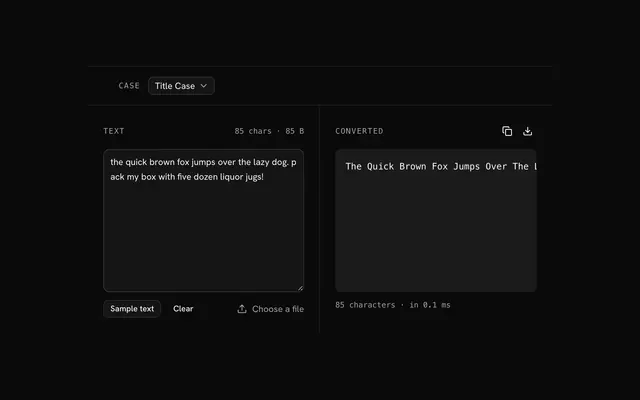
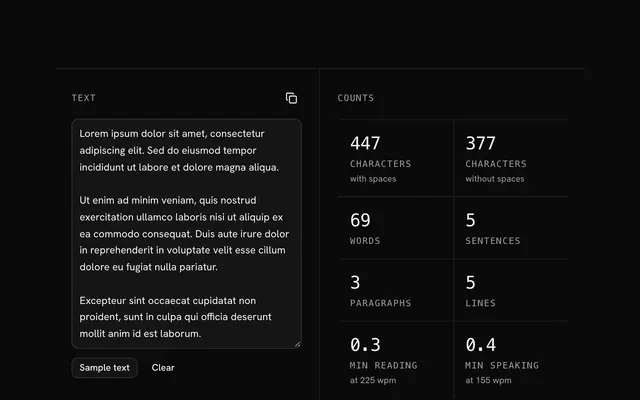
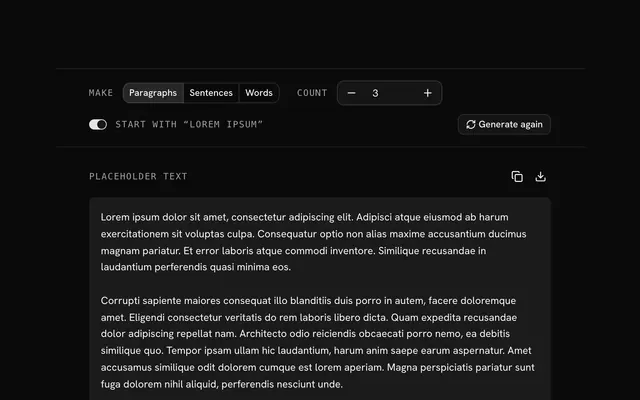
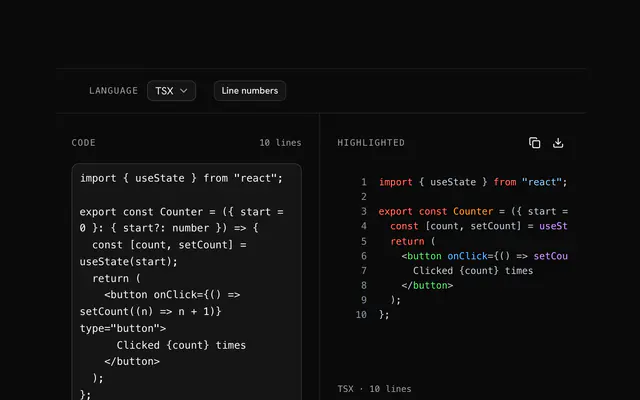
Closest to the Rich text editor: Text case converter, Text counter, Lorem ipsum generator, Code highlighter. Each opens on its own page, free and in the browser.
The Rich text editor is one of 7 in its group. The group's page, /tools/text, lists them all.
The tool is free. Its interface is built from shadcn.io's own components (Button, Input, Slider and the rest of the registry under /ui), which come in React, Vue, Svelte and Solid. Pro adds the blocks and templates for the product around it.
4.9 out of 5 from 150+ developers


Build the product around it
Every block, template and icon, installed by your AI agent in your theme. The tools stay free.
Get Pro