SVG to data URI converter.
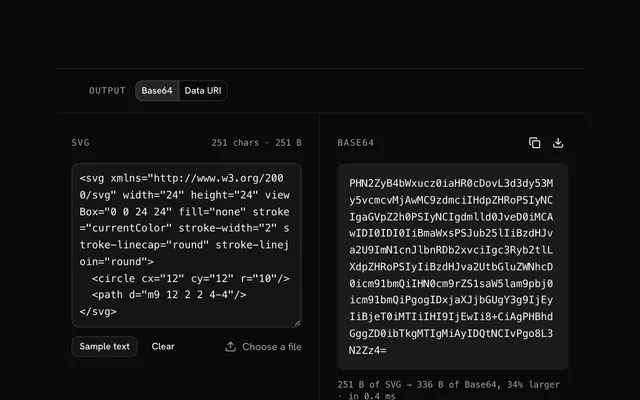
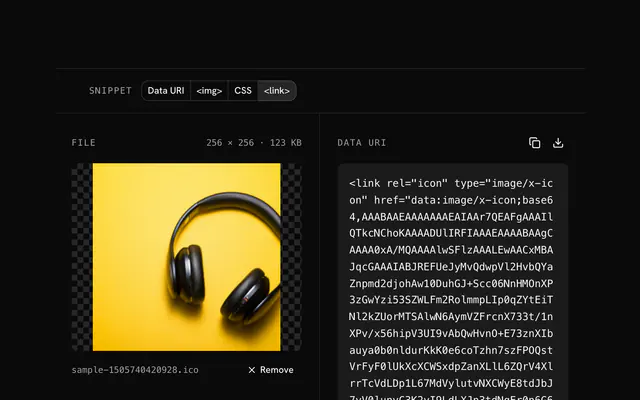
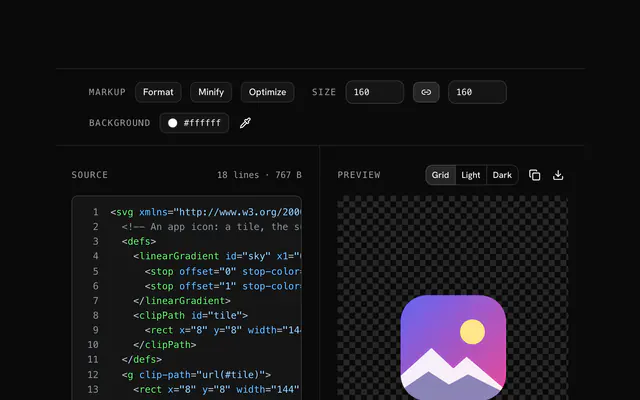
Paste SVG markup or drop a file and get a data URI, URL-encoded so it stays small and readable, or Base64, wrapped for CSS or an img tag. Nothing is uploaded.
SVG to data URI converter.
Need the UI around it? With Pro, your AI agent builds the form, the result card and the rest of the page from a prompt.
Get ProHow it works
4 steps, no account. It runs in your browser and nothing is uploaded.
Paste or drop an SVG
Type or paste SVG markup, or drop an .svg file.
Pick the encoding
URL-encoded keeps the markup readable and small; Base64 is for systems that need it.
Pick what to wrap it in
The bare URI, a CSS background-image line, or an img tag.
Copy or download
The status compares the two encodings' sizes; copy the line or download it.
Related tools
More SVG tools. Every one free, in the browser.
Pricing
Build it with Pro
The tool is free. Pro adds 6,000+ blocks, premium templates and the MCP server, so your AI editor builds the product around it.
4.9/5 out of 5 · 150+ reviewsfrom 150+ founders and developers.
- Secure checkout via Stripe
- Code lives in your repo
- Keep what you've shipped if you cancel
- License terms
Questions and answers
Before you trust the result: what to know about the format, the limits, your data and the tools next to it.
URL encoding, almost always. SVG is text, so it needs no Base64: only the characters that would break a URL are escaped (angle brackets, the hash in colors, percent signs, non-ASCII), double quotes become single, and the rest stays readable. The result is smaller and you can still edit a color in place. Base64 is for systems that choke on the escaped form.
Sharper rendering at every size, more than one color per icon, no flash of invisible text while a font loads, and no font file to rebuild when one icon changes. Each icon becomes a line of CSS you can version like code.
In background-image, mask-image, list-style-image and anywhere else url() goes: checkmarks, arrows, custom bullets, select chevrons. The CSS wrapper gives you the line ready to paste; being vectors, they stay crisp on dense screens.
Inline SVG in the HTML can be styled with CSS and scripted element by element. A data URI is one opaque image: better when the icon belongs in CSS, repeats across pages, or should keep the markup clean. Both are vectors.
Yes, when it is URL-encoded: the markup is right there, with %23 for # and %3C for <. Change a fill in the string and the icon changes. A Base64 URI has to be decoded first.
URI is the bare data: string. CSS wraps it as background-image: url("…"); HTML as an img tag with an empty alt. The URL-encoded form uses single quotes inside, so the double-quoted wrappers are safe.
The status line shows the result's size and what the other encoding would be, so you can see the saving. The SVG is minified first (comments, prolog and whitespace between tags dropped), which is where much of it comes from.
No. The file is read and drawn by your browser, and the page makes no request with it. You can load the page, go offline and keep working; nothing is stored either, so reload and it is gone.
No. The SVG to data URI converter is free and opens without a sign-in, an account or an install.
Nothing. The SVG to data URI converter holds your input in the page's memory, so closing or reloading the tab clears it, and it saves nothing in this browser.
The tool sets no size cap of its own: it reads the pasted text or the file into your browser's memory, so the practical limit is what your browser can hold. Nothing is sent anywhere either way.
No, it takes one file at a time. If you drop or choose several, only the first is used; run the tool again for the next one.
No. The markup is encoded exactly as you gave it, comments and metadata included. Run it through the SVG editor's minify first if you want it smaller.
The tool checks that the text starts with an <svg> tag and answers with a plain message if it doesn't, instead of encoding something else.
Closest to the SVG to data URI converter: SVG to Base64 encoder, SVG to PNG converter, SVG color replacer, PNG to data URI converter. Each opens on its own page, free and in the browser.
The SVG to data URI converter is one of 45 in its group. The group's page, /tools/svg, lists them all.
The tool is free. Its interface is built from shadcn.io's own components (Button, Input, Slider and the rest of the registry under /ui), which come in React, Vue, Svelte and Solid. Pro adds the blocks and templates for the product around it.
4.9 out of 5 from 150+ developers


Build the product around it
Every block, template and icon, installed by your AI agent in your theme. The tools stay free.
Get Pro