Typing test.
Type a short passage and read your words per minute, accuracy and errors as you go. The test runs in your browser; nothing is uploaded or recorded.
Typing test.
Need the UI around it? With Pro, your AI agent builds the form, the result card and the rest of the page from a prompt.
Get ProHow it works
3 steps, no account. It runs in your browser and nothing is uploaded.
Start typing
Click into the field and type the passage; the clock starts with your first key.
Keep going
A space or Enter submits each word; mistyped words are underlined.
Read your result
Words per minute, accuracy and errors update live; restart or draw a new passage.
Related tools
More text tools. Every one free, in the browser.
Pricing
Build it with Pro
The tool is free. Pro adds 6,000+ blocks, premium templates and the MCP server, so your AI editor builds the product around it.
4.9/5 out of 5 · 150+ reviewsfrom 150+ founders and developers.
- Secure checkout via Stripe
- Code lives in your repo
- Keep what you've shipped if you cancel
- License terms
Questions and answers
Before you trust the result: what to know about the format, the limits, your data and the tools next to it.
Words per minute, computed the standard way: every five characters typed correctly count as one word, divided by the minutes elapsed. The five-character word makes results comparable across passages with long or short words.
Correct characters over all characters typed, as a percentage. A mistyped word that you fix before the space still counts its wrong keystrokes, so accuracy rewards getting it right the first time.
Around 40 words per minute is typical for adults, 60 to 80 is fluent and professional typists pass 100. Speed with poor accuracy is slower in practice: every error costs a correction.
Rest your fingers on the home row, look at the screen rather than the keyboard, and favor accuracy; speed follows. A few minutes a day beats an hour once a week. Take a new passage each time so you don't memorize one.
No. The clock, the scoring and the passage all run in your browser, and the page makes no request. Nothing is recorded; close the tab and the result is gone.
Click into the field and type; the clock starts with your first key. A space or Enter submits the word you typed and moves to the next. The test ends with the last word.
Restart runs the same passage again from the beginning; New passage draws a different one. Mistyped words are underlined and read out as mistyped by screen readers, so the mark isn't color alone.
No. The "Typing test" tool is free and opens without a sign-in, an account or an install.
Nothing. The "Typing test" tool holds your input in the page's memory, so closing or reloading the tab clears it, and it saves nothing in this browser.
A passage of 50 words. Restart repeats the passage and New passage draws a different one.
Yes. Mistyped words are underlined and read out as mistyped to screen readers, so the mark doesn't rely on color alone.
No. The score exists only on the page. It isn't sent or saved, and it is gone when you close the tab.
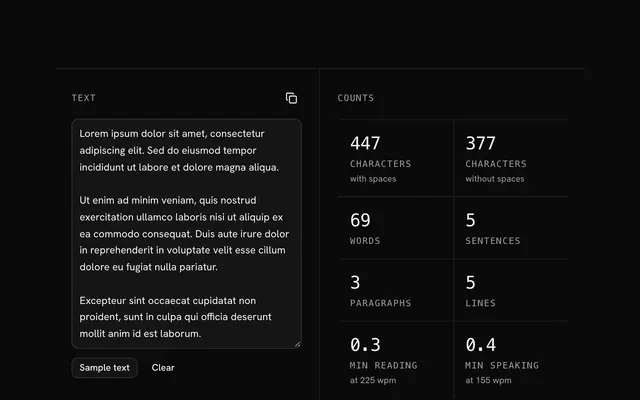
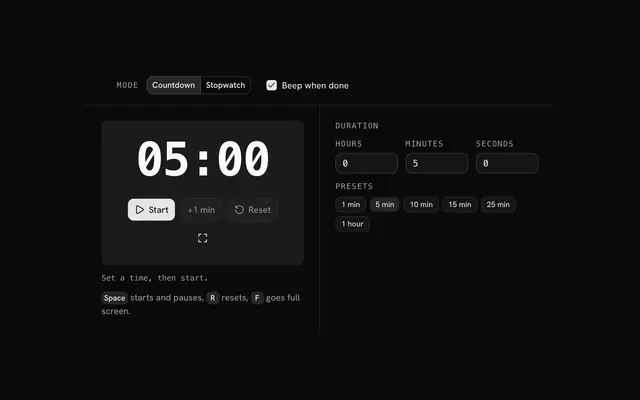
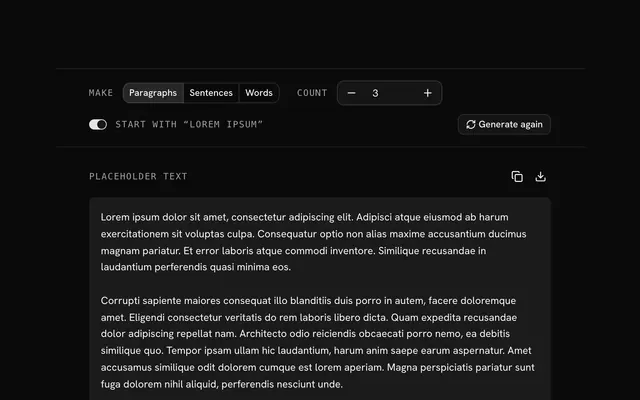
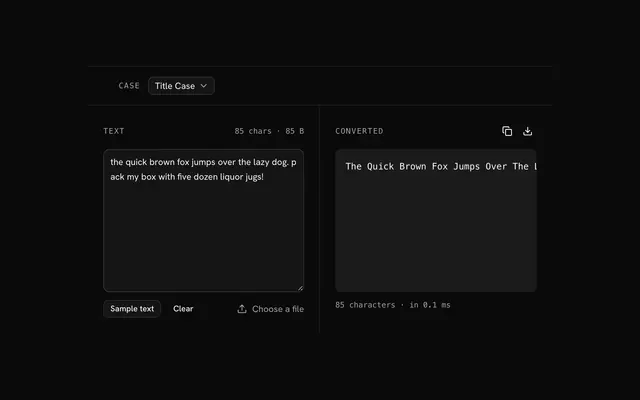
Closest to the "Typing test" tool: Text counter, Timer and stopwatch, Lorem ipsum generator, Text case converter. Each opens on its own page, free and in the browser.
The "Typing test" tool is one of 7 in its group. The group's page, /tools/text, lists them all.
The tool is free. Its interface is built from shadcn.io's own components (Button, Input, Slider and the rest of the registry under /ui), which come in React, Vue, Svelte and Solid. Pro adds the blocks and templates for the product around it.
4.9 out of 5 from 150+ developers


Build the product around it
Every block, template and icon, installed by your AI agent in your theme. The tools stay free.
Get Pro