Timer and stopwatch.
A countdown with presets and a beep, or a stopwatch with laps, on a face you can put full screen. It runs in your browser and keeps time even in a background tab.
Timer and stopwatch.
Need the UI around it? With Pro, your AI agent builds the form, the result card and the rest of the page from a prompt.
Get ProHow it works
3 steps, no account. It runs in your browser and nothing is uploaded.
Pick a mode
A countdown for a set time, a stopwatch to measure one.
Set the time
A preset or hours, minutes and seconds; the beep is on unless you untick it.
Start
Pause and Reset as you need; Lap in the stopwatch; Full screen for a room.
Related tools
More productivity. Every one free, in the browser.
Pricing
Build it with Pro
The tool is free. Pro adds 6,000+ blocks, premium templates and the MCP server, so your AI editor builds the product around it.
4.9/5 out of 5 · 150+ reviewsfrom 150+ founders and developers.
- Secure checkout via Stripe
- Code lives in your repo
- Keep what you've shipped if you cancel
- License terms
Questions and answers
Before you trust the result: what to know about the format, the limits, your data and the tools next to it.
The countdown takes hours, minutes and seconds or a preset from one minute to an hour, counts to zero and beeps three times if you let it. The stopwatch counts up to hundredths of a second and keeps laps with their splits.
Three short tones from the browser's own oscillator, no sound file and no request. Untick Beep when done for a silent end; the face and the tab title still show it.
Browsers slow down timers in a tab you have left, so the timer measures elapsed time against the clock rather than counting ticks: when you come back, the face is right. The tab's title carries the remaining time so you can see it from another tab.
Pomodoro is 25 minutes of work and a short break; the 25 min preset is there for it. Set any length up to 99 hours with the fields.
Pick a preset or type a duration, press Start; Pause holds it and Reset clears it. Full screen puts the face alone on the screen for a room or a desk.
Switch the Mode to Stopwatch, press Start, and Lap while it runs; each lap is listed with its split from the one before and the total.
Nothing. The timer runs entirely in your browser; there is no account, no storage and no request.
No. The "Timer and stopwatch" tool is free and opens without a sign-in, an account or an install.
1 min, 5 min, 10 min, 15 min, 25 min, 1 hour. You can also type any duration up to 99 hours in the fields.
Yes. Full screen puts the face alone on the screen, and the tab's title carries the remaining time so you can read it from another tab.
No. It keeps no settings and no history; closing the page clears the clock and the laps.
A countdown can run for up to 99 hours, set with the hours, minutes and seconds fields.
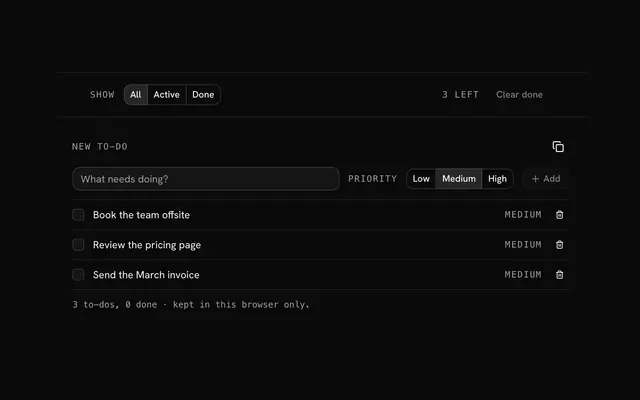
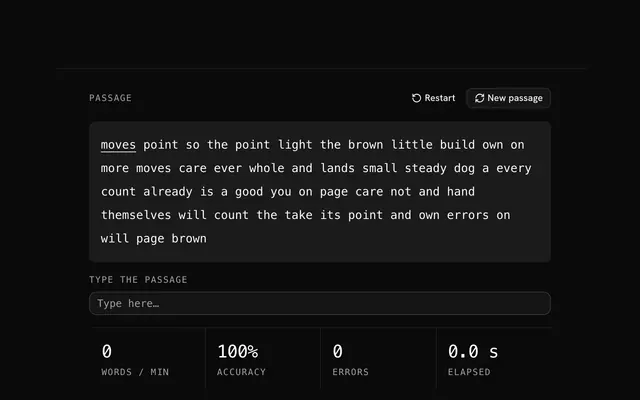
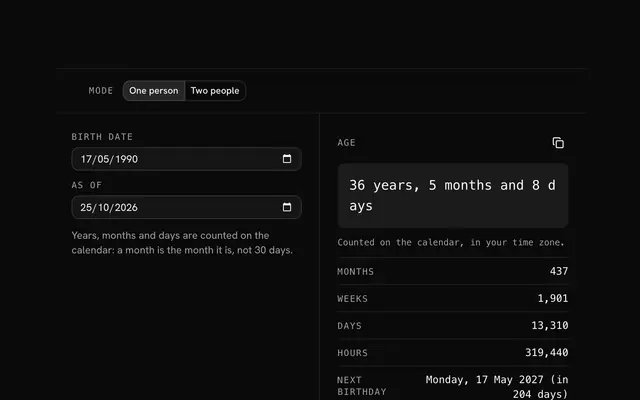
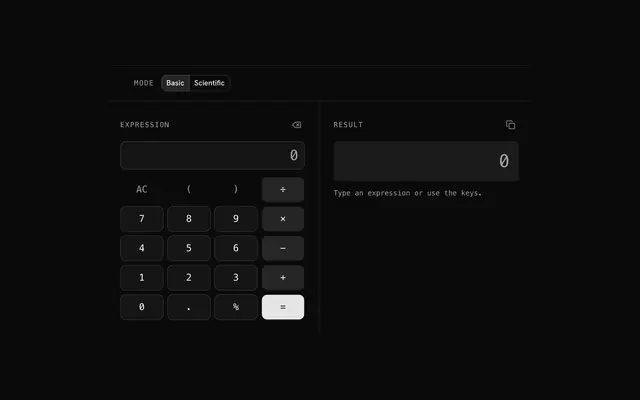
Closest to the "Timer and stopwatch" tool: To-do list, Typing test, Age calculator, Calculator. Each opens on its own page, free and in the browser.
The "Timer and stopwatch" tool is one of 6 in its group. The group's page, /tools/productivity, lists them all.
The tool is free. Its interface is built from shadcn.io's own components (Button, Input, Slider and the rest of the registry under /ui), which come in React, Vue, Svelte and Solid. Pro adds the blocks and templates for the product around it.
4.9 out of 5 from 150+ developers


Build the product around it
Every block, template and icon, installed by your AI agent in your theme. The tools stay free.
Get Pro