Video editor and compressor.
Drop a video, trim it and re-encode it at a size and quality you choose, as WebM or MP4. It records in real time in your browser, and the file never leaves your device.
Video editor and compressor.
Need the UI around it? With Pro, your AI agent builds the form, the result card and the rest of the page from a prompt.
Get ProHow it works
4 steps, no account. It runs in your browser and nothing is uploaded.
Add a video
Drop an MP4, WebM or MOV; it plays in the pane with its size and length.
Trim
Move the two handles to the start and end you want to keep.
Pick format, quality and size
WebM or MP4, a quality, and the original size or 1080p, 720p or 480p.
Encode and download
Recording takes as long as the clip; preview the result and download it.
Related tools
More media tools. Every one free, in the browser.

Pricing
Build it with Pro
The tool is free. Pro adds 6,000+ blocks, premium templates and the MCP server, so your AI editor builds the product around it.
4.9/5 out of 5 · 150+ reviewsfrom 150+ founders and developers.
- Secure checkout via Stripe
- Code lives in your repo
- Keep what you've shipped if you cancel
- License terms
Questions and answers
Before you trust the result: what to know about the format, the limits, your data and the tools next to it.
The clip is played on a hidden video element, every frame is drawn to a canvas at the output size, and the browser's own MediaRecorder encodes the canvas and the audio into a new file at the bitrate you chose. It happens at playback speed, so a thirty-second clip takes thirty seconds.
Pick a lower quality or a smaller size. Quality sets the bitrate, the bits spent each second; Size caps the longest side at 1080, 720 or 480 pixels. Both multiply: a 1080p clip at Medium is around 2.8 Mbit/s, about 20 MB a minute; at 720p and Small it's a quarter of that.
WebM with VP9 or VP8 is what every Chromium browser and Firefox record; it plays in every current browser. MP4 (H.264) appears when the browser's recorder supports it, as Safari and recent Chrome do. The choices shown are the ones your browser can write.
Anything the browser plays: MP4 with H.264 and AAC, WebM, and MOV from a phone in most browsers. HEVC (H.265) MP4s play only where the system decodes them, mostly Safari. The tool says when a file won't play.
No. The clip is read from your disk, played, re-encoded and written in your browser; the page makes no request with it. Nothing goes to a server.
Drop a clip, move the two handles to the start and end you want, pick a format, a quality and a size, and press Trim and encode. The status counts the time left; press Stop to give up. When it finishes, play the result in the pane and download it.
Keep the tab in the foreground. Browsers slow hidden tabs, and the recording draws one frame per animation frame, so a background tab records a slide show. Larger output sizes also ask more of the machine; 720p is a good default on a laptop.
No. The Video editor and compressor is free and opens without a sign-in, an account or an install.
Nothing. The Video editor and compressor holds your input in the page's memory, so closing or reloading the tab clears it, and it saves nothing in this browser.
Files up to 2 GB. The clip is played through while it is re-encoded, so a long video also takes as long as it runs.
Small, Medium and High set the bitrate, and the size cap sets the longest side to the original, 1080, 720 or 480 pixels. The output keeps the clip's proportions with even dimensions.
The choices shown are the ones your browser's recorder can write: WebM (VP9 or VP8) in Chromium and Firefox, and MP4 where the browser supports it.
Yes. Press Stop while it is encoding and the run is abandoned; the status line counts the time left while it runs.
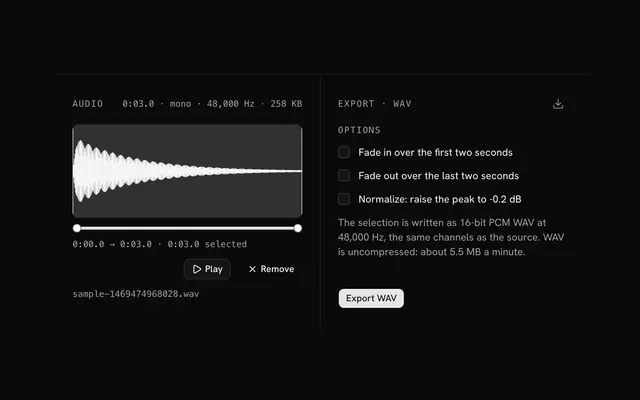
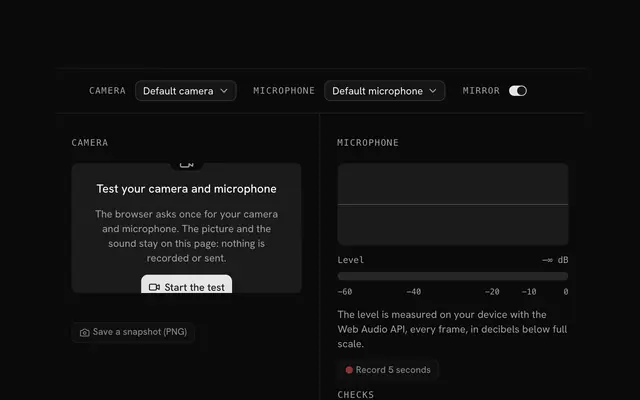
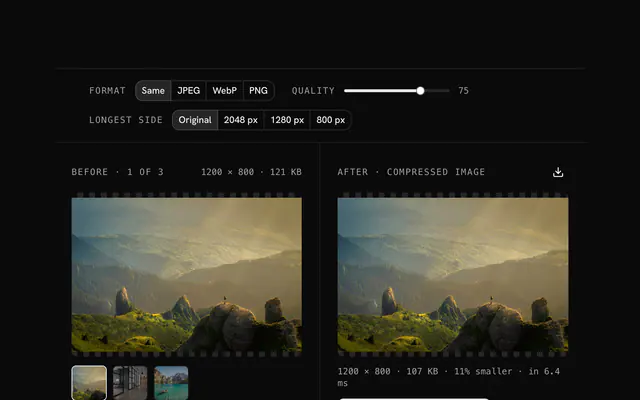
Closest to the Video editor and compressor: Audio editor, Mic and camera test, Image converter, Image compressor. Each opens on its own page, free and in the browser.
The Video editor and compressor is one of 3 in its group. The group's page, /tools/media, lists them all.
The tool is free. Its interface is built from shadcn.io's own components (Button, Input, Slider and the rest of the registry under /ui), which come in React, Vue, Svelte and Solid. Pro adds the blocks and templates for the product around it.
4.9 out of 5 from 150+ developers


Build the product around it
Every block, template and icon, installed by your AI agent in your theme. The tools stay free.
Get Pro