Audio editor.
Drop an audio file, trim it on the waveform, add a fade or normalize it, and export a WAV. The browser decodes and writes the audio, so nothing is uploaded.
Audio editor.
Need the UI around it? With Pro, your AI agent builds the form, the result card and the rest of the page from a prompt.
Get ProHow it works
4 steps, no account. It runs in your browser and nothing is uploaded.
Add an audio file
Drop an MP3, WAV, OGG, FLAC, AAC or M4A; the browser decodes it and draws the waveform.
Select the part to keep
Move the two handles to set the start and the end, and press Play to check the selection.
Add fades and export
Fade in, fade out or normalize, then press Export WAV.
Download
Save the WAV; the status shows its size and duration.
Related tools
More media tools. Every one free, in the browser.

Pricing
Build it with Pro
The tool is free. Pro adds 6,000+ blocks, premium templates and the MCP server, so your AI editor builds the product around it.
4.9/5 out of 5 · 150+ reviewsfrom 150+ founders and developers.
- Secure checkout via Stripe
- Code lives in your repo
- Keep what you've shipped if you cancel
- License terms
Questions and answers
Before you trust the result: what to know about the format, the limits, your data and the tools next to it.
Your browser decodes the file with the Web Audio API into raw samples, the tool draws them as a waveform and plays the part you select, and on export it writes those samples as a WAV file. Fades and normalization are arithmetic over the samples, done in JavaScript.
Anything the browser decodes: MP3, WAV, OGG, FLAC, AAC and M4A in all current browsers, plus Opus and WebM audio. Decoding happens on the device; a long file takes a moment and a lot of memory, which is why the limit is 200 MB.
WAV, 16-bit PCM with the source's channels at the browser's sample rate (44.1 or 48 kHz; the browser resamples on decode): lossless and opened by everything, but large, about 10 MB a minute for stereo. Browsers have no MP3 encoder, so a compressed export would need a separate encoder; for a small file, pass the WAV through a converter afterwards.
A fade is a linear ramp over the first or last two seconds of the selection (or half of it, when the selection is shorter). Normalize scales the whole selection so its loudest sample sits just under full scale, which raises a quiet recording without clipping.
No. The file is decoded and the WAV is written in your browser; the page makes no request with it. Playback goes to your speakers through the Web Audio API, not through a server.
Drop a file and move the two handles under the waveform to set the start and the end; the selected part is highlighted. Press Play to hear it. Tick the fades or normalize if you want them, press Export WAV, then download.
The handles move in hundredths of a second. For finer work, use the keyboard: focus a handle and press the arrow keys to move it by one step at a time.
No. The Audio editor is free and opens without a sign-in, an account or an install.
Nothing. The Audio editor holds your input in the page's memory, so closing or reloading the tab clears it, and it saves nothing in this browser.
Files up to 200 MB. The browser decodes the whole file into samples in memory, so a long recording needs a lot of it.
Fade in and fade out are two seconds long (or half the selection, when it is shorter). Normalize raises the loudest sample of the selection to -0.2 dB, just under full scale.
Yes. The part between the two handles is what plays and what is exported, and the Play button previews it before you export.
It writes a 16-bit WAV, which is lossless and about 10 MB a minute for stereo. To get an MP3 or AAC, run the WAV through an encoder on your own computer.
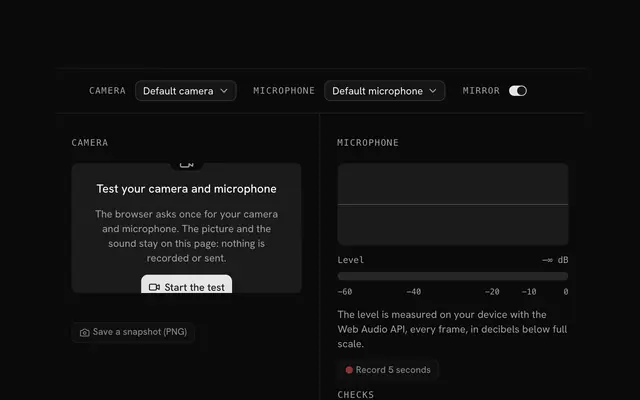
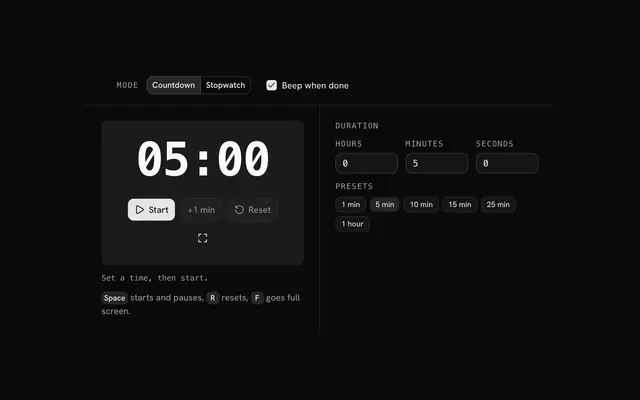
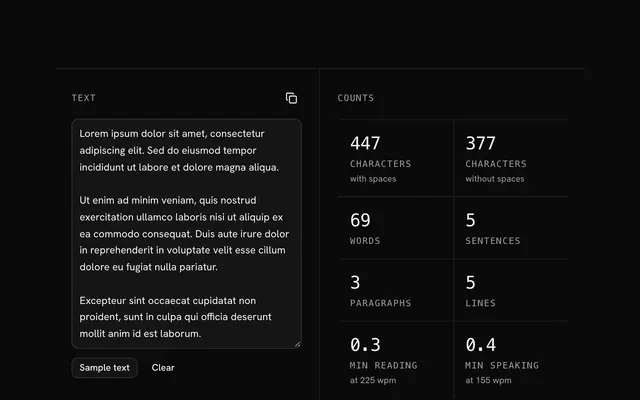
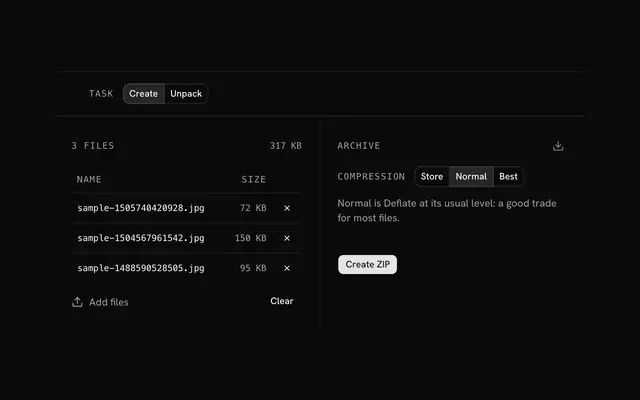
Closest to the Audio editor: Video editor and compressor, Mic and camera test, Timer and stopwatch, Text counter. Each opens on its own page, free and in the browser.
The Audio editor is one of 3 in its group. The group's page, /tools/media, lists them all.
The tool is free. Its interface is built from shadcn.io's own components (Button, Input, Slider and the rest of the registry under /ui), which come in React, Vue, Svelte and Solid. Pro adds the blocks and templates for the product around it.
4.9 out of 5 from 150+ developers


Build the product around it
Every block, template and icon, installed by your AI agent in your theme. The tools stay free.
Get Pro