shadcn.io is an independent project built on shadcn/ui
A browser window around your page: the three window buttons, an address bar with a padlock, and Safari's toolbar buttons either side of it.
Use it to show a website or a web app on a landing page, in a changelog or in a case study, with a screenshot, a screen recording, or the page itself. For a phone use iPhone or Android. In React the window is HTML in the theme's tokens on every library, Base UI included, so it mirrors on right-to-left pages and narrow windows drop the side buttons.
Installation
Anatomy
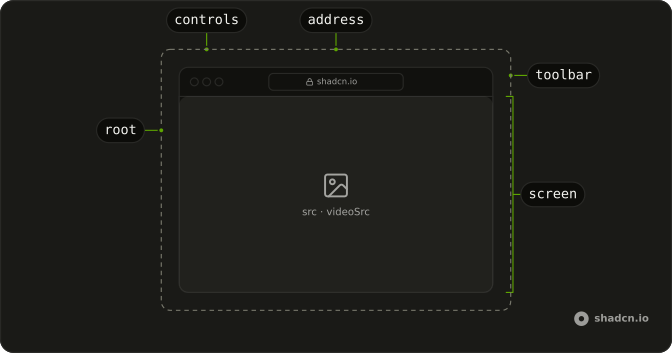
Safari
├── toolbar
│   ├── controls   the window buttons
│   └── address    the padlock and url
└── screen         src, videoSrc or children, at ratio
Usage
import { Safari } from "@/components/ui/safari";<Safari alt="The pricing page" src="/screens/pricing.png" url="acme.com/pricing" />Demos
Simple
mode set to simple keeps the window buttons and the address bar and drops the rest of the toolbar. Use it when the window is small, or when the page is the point and Safari's buttons would only add noise. The default mode is better as a hero, where the full toolbar says browser at a glance. Both modes keep the address, so the reader still sees where the page lives.
Video
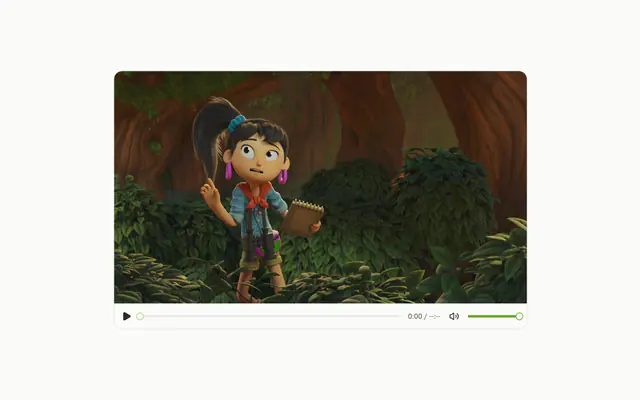
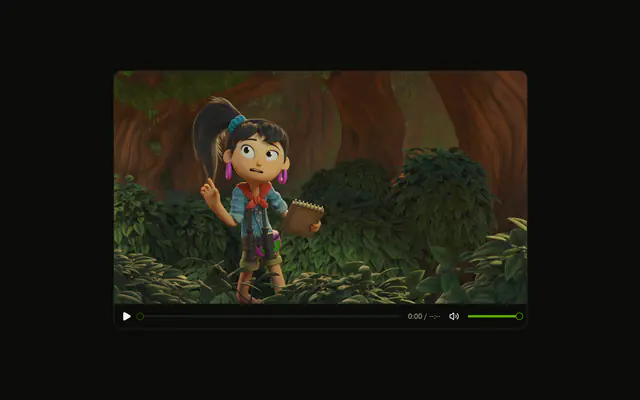
videoSrc fills the screen with a muted recording that loops and plays inline, cropped from the top, here at a ratio of 16 by 9 to match the recording. It starts from an effect rather than autoplay, so under reduced motion it waits with its controls showing. Pass src as well and the image stands in until the video plays. Keep the file short and compressed, because the browser downloads it while it plays.
Page
Children fill the screen: a header, a badge, a heading and a button, in the theme's tokens, under localhost:3000. The screen is a real box, so the page is live text that follows the theme and the direction. Use this for a hero where the product is the page itself, not a picture of it. The screen keeps its ratio, so content taller than the screen is cut at the bottom.
Ratio
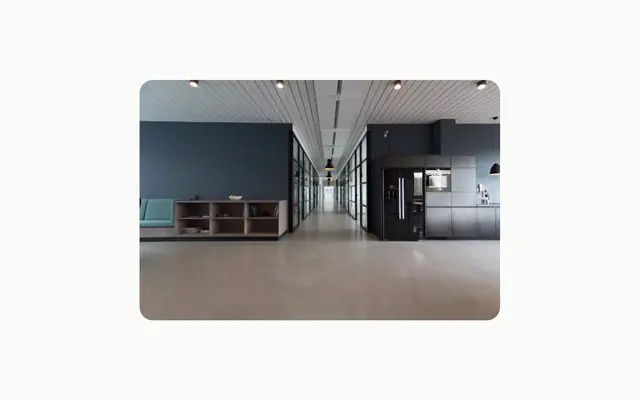
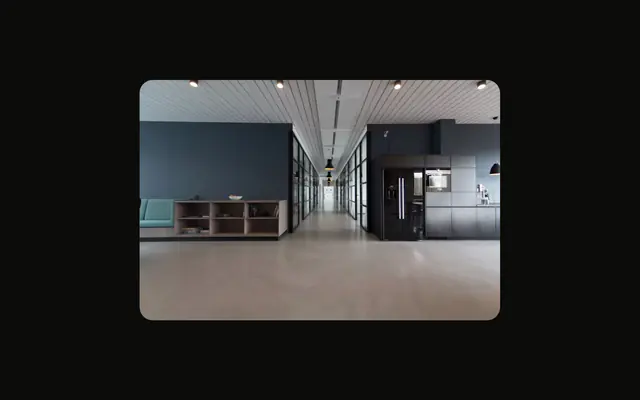
Two simple windows, one at a ratio of 4 by 3 and one at 21 by 9, side by side. ratio is the screen's width over its height, 16 by 10 by default, and the image is cropped to it from the top. Match it to your screenshot and nothing is cut. The toolbar stays the same height whatever the ratio, like a real window.
FAQ
How do I put a screenshot in the Safari window?
Pass the image's address as src, say what it shows in alt, and put the page's address in url. The image covers the screen and is cropped from the top, where a page starts. Set ratio to the screenshot's width over its height, and nothing is cut. A full-page capture shows its top and loses the rest.
What is the difference between the two Safari modes?
default shows the sidebar, back and forward buttons, the privacy shield, reload in the address bar, and share, new tab and tabs on the other side. simple keeps only the window buttons and the address bar. Either way the toolbar is a picture: none of its buttons does anything.
How do I show a URL in the Safari address bar?
Pass it as url, without the scheme, as Safari shows it. A padlock comes before it, and a long address is cut with an ellipsis. It's always written left to right, even on a right-to-left page. Leave url out and the address bar is empty.
Can the Safari window play a video in React?
Yes. Pass videoSrc and the recording plays muted, looping and inline, cropped to the screen from the top. It starts from an effect, not the autoplay attribute, so a visitor who asks for reduced motion sees it paused with its controls. Pass src too and that image shows until the video starts.
Can I put a live page in the Safari window?
Yes. Children fill the screen above src or videoSrc, at the screen's ratio, and anything taller is cut. Give the outer child a full height and lay it out like a page.
Pass the page as the component's children.
How does the Safari window behave when it's narrow?
The window takes the width of its container and the toolbar keeps its height. Below 28rem the side buttons and the shield go, so the address bar keeps its room. That's a container query on the window, so it follows the window's width, not the viewport's. On a right-to-left page the toolbar mirrors, and back and forward point the other way.
API Reference
Safari
<div> data-slot="safari"
alt?string
What the screenshot or video shows, read by screen readers. Leave it empty when the picture is decoration.
- Default
""
mode?"default" | "simple"
How much of the toolbar shows: default has the sidebar, back and
forward, share, new tab and tabs buttons around the address bar;
simple keeps the window buttons and the address bar.
- Type
"default" | "simple"- Default
"default"
ratio?number
The screen's width divided by its height, such as 16 / 10. A picture
of another shape is cropped to it.
- Default
1.6
src?string
An image that fills the screen, cropped to it from the top.
url?string
The address shown in the address bar, after a padlock.
videoSrc?string
A video that fills the screen, muted and looping. It plays on its own, except under reduced motion, where it waits with its controls showing.
className?string
Merged with the part's classes.
data-mode?string
Mirrors mode.
--safari-ratiostring