shadcn.io is an independent project built on shadcn/ui
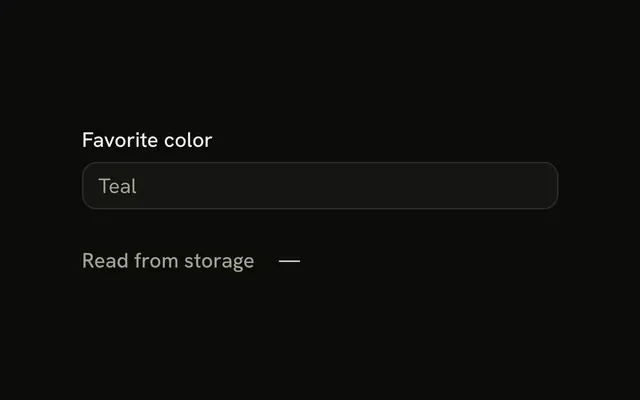
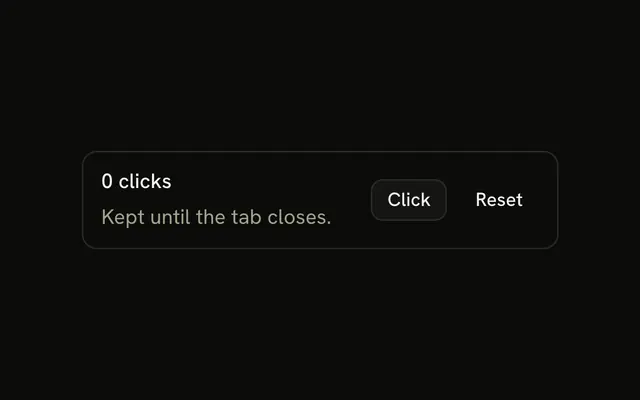
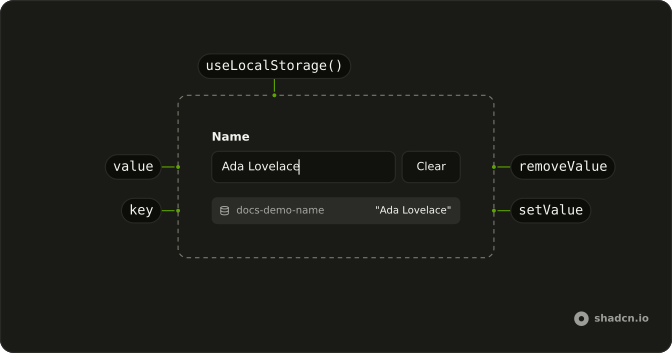
useLocalStorage keeps a value in localStorage and gives you a setter and a way to remove it.
It follows the useState shape: the current value, a setter that accepts a value or a function, and removeValue. Other tabs and other callers of the same key stay in sync. When you only need to know that the browser is there before you touch storage, use useIsClient. React gets the initial value on the server, then reads storage after hydration.
Installation
Anatomy
Usage
import { useLocalStorage } from "@/hooks/use-local-storage";const [theme, setTheme, removeTheme] = useLocalStorage("theme", "light");Pass initializeWithValue: false when the first client render must match the server. removeTheme() deletes the key and restores "light".
FAQ
Does useLocalStorage sync across browser tabs?
Yes. It listens for the browser storage event, which fires in other tabs when this key changes. It also dispatches a local-storage event after writes in this tab, and listens for that, so two components on the same page stay aligned. The handler ignores events for a different key. When an event arrives it reads the key again and stores that value in state.
Is useLocalStorage safe during server rendering?
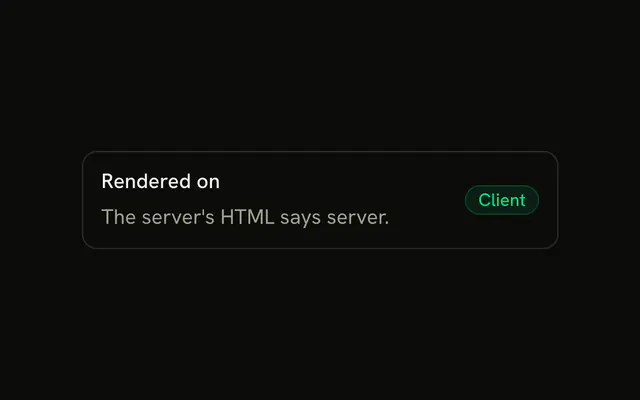
The server cannot read localStorage, so the hook returns the initial value there. With initializeWithValue left at its default true, the client first render reads storage and can disagree with the HTML. Pass false when the first client render must match the server. An effect then reads storage and updates state. A missing or blocked localStorage also falls back to the initial value.
Can I store a Date or another non-JSON value?
Yes. Pass serializer and deserializer in the options. The serializer turns your value into a string before setItem. The deserializer turns that string back into your value when the hook reads. For a Date, store an ISO string and parse it on the way out. Without those options the hook uses JSON.stringify and JSON.parse. A failed parse returns the initial value.
How do I clear the stored value?
Call the third item in the tuple, removeValue. It removes the key, sets state back to the initial value, and notifies other listeners on the page. The initial value can be a value or a function, and the function is called when the key is removed. removeValue does nothing on the server, where storage is not available. It does not change other keys.
What happens if localStorage is full or throws?
The setter wraps the write in try and catch. If setItem throws, the hook logs a warning and leaves React state unchanged, because the state update comes after a successful write. The page keeps running with the previous value. Free space or remove the key and try again. A read error uses the same idea: the hook catches it and returns the initial value.
Does the function form of the setter see React state?
It reads the current localStorage entry, not the React state, and passes that into your function. After a normal update the two match. If storage was changed outside this state, the function sees what is stored. On the server the setter returns immediately and does not call your function. JSON is the default format unless you passed your own serializer.
API Reference
Parameters
keystring
The localStorage key.
initialValueT | (() => T)
The value while nothing is stored (or a function that returns it).
- Type
T | (() => T)
options?UseLocalStorageOptions<T>
How the value is turned into a string and back, and when it's first read.
- Type
UseLocalStorageOptions<T>
options.deserializer?(value: string) => T
Turns the stored string back into a value. JSON.parse when left out (and the initial value when that throws).
- Type
(value: string) => T
options.initializeWithValue?boolean
Reads localStorage on the first render. false starts from the initial value and reads it after mounting, for markup that must match the server's.
- Default
true
options.serializer?(value: T) => string
Turns the value into the stored string. JSON.stringify when left out.
- Type
(value: T) => string
Returns
[0] valueT
The stored value, or the initial value when nothing is stored.
[1] setValueReact.Dispatch<React.SetStateAction<T>>
Stores a value, or one computed from the current, like useState's setter, and updates every component reading this key. /
- Type
React.Dispatch<React.SetStateAction<T>>
[2] removeValue() => void
Deletes the key from localStorage and goes back to the initial value.
- Type
() => void