shadcn.io is an independent project built on shadcn/ui
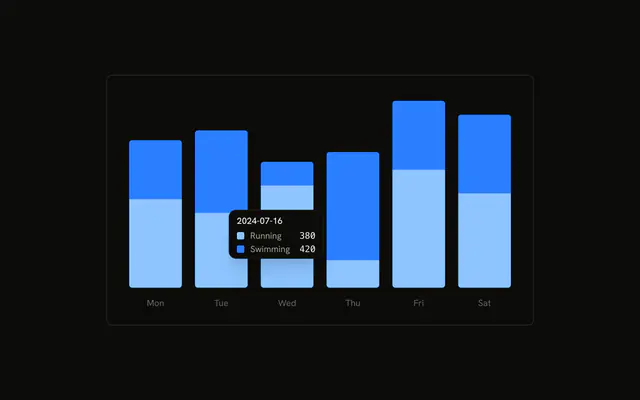
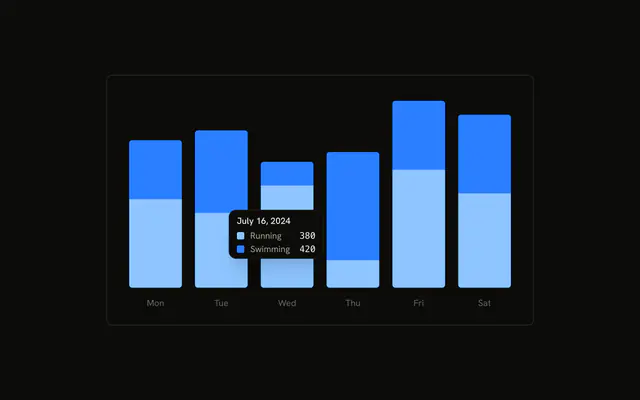
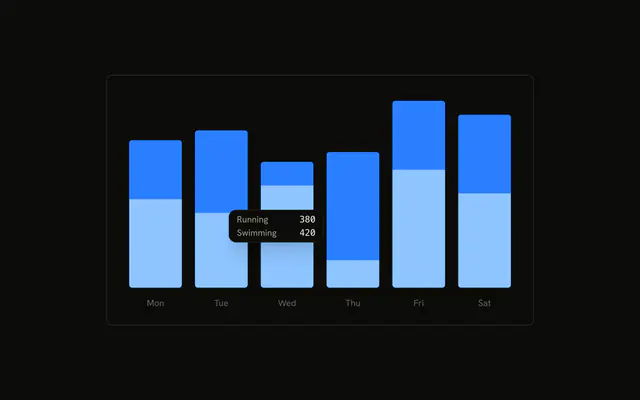
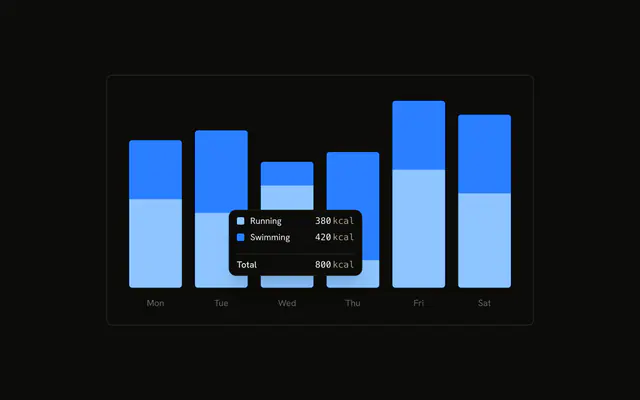
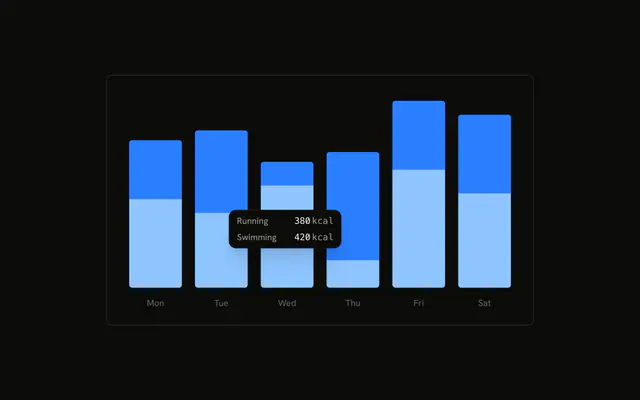
Stacked running and swimming bars. The tooltip is already open on the second day. Its title is Activities, from the chart config, not the hovered date. Line markers sit beside the two series.
Use a label key when every hover should share one title from the config. Format the date instead if the title should change per bar. A Tooltip is for a control, not a series. In React, Base UI does not invent Activities. That label is in the config you pass.
Installation
Anatomy

Usage
<div className="w-full max-w-xl rounded-md border bg-background p-4">
  <ChartContainer config={chartConfig}>
    <BarChart accessibilityLayer data={chartData}>
      <XAxis
        axisLine={false}
        dataKey="date"
        tickFormatter={formatWeekday}
        tickLine={false}
        tickMargin={10}
      />
      <Bar
        dataKey="running"
        fill="var(--color-running)"
        radius={[0, 0, 4, 4]}
        stackId="a"
      />
      <Bar
        dataKey="swimming"
        fill="var(--color-swimming)"
        radius={[4, 4, 0, 0]}
        stackId="a"
      />
      <ChartTooltip
        content={
          <ChartTooltipContent indicator="line" labelKey="activities" />
        }
        cursor={false}
        defaultIndex={1}
      />
    </BarChart>
  </ChartContainer>
</div>
FAQ
How does the tooltip title become Activities?
ChartTooltipContent sets labelKey="activities". That key is looked up in config, where activities has label: "Activities" and no color. The same title is used for every bar. The date stays on the axis.
What does indicator line draw?
indicator="line" draws a narrow bar in the series color beside Running and Swimming. The default indicator is dot. The same prop also accepts dashed. The row names come from those entries' label in config.
What does the axis show if the tooltip doesn't?
XAxis uses dataKey="date" and tickFormatter={formatWeekday}, which prints a short weekday from the date string. axisLine and tickLine are false, and tickMargin is 10.
Why is a tooltip open before I hover?
ChartTooltip sets defaultIndex={1} and cursor={false}. Index 1 is the second row, 2024-07-16, so that bar's tooltip renders on first paint. cursor={false} turns the hover cursor off.
API Reference
Chart
Sets config={chartConfig}, indicator="line" and labelKey="activities". The rest is on the Chart page.