shadcn.io is an independent project built on shadcn/ui
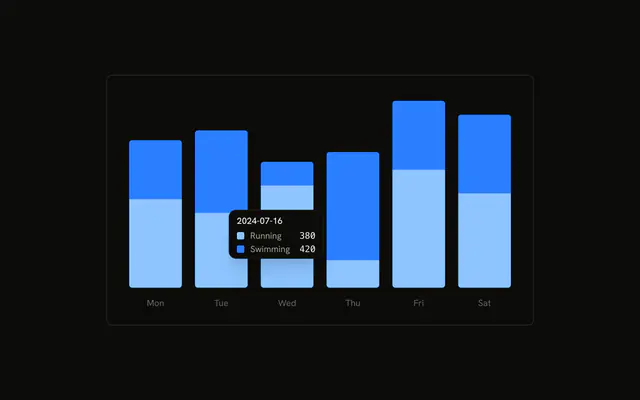
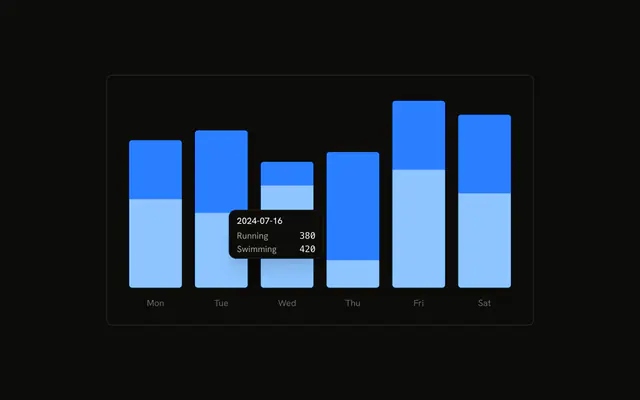
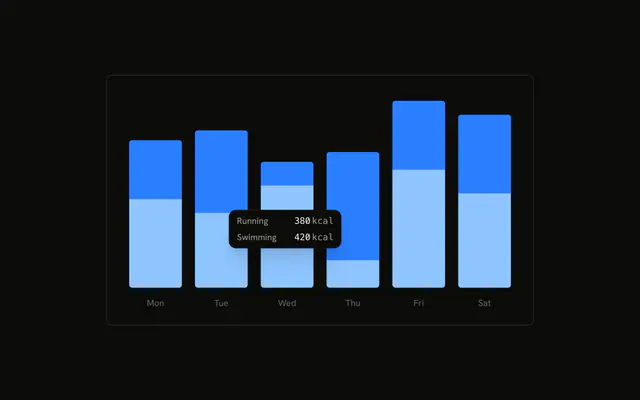
The same stacked running and swimming bars, with the tooltip already open on the second day. Each series has a thin line in its color instead of a dot, next to the name and value. The date is still the title.
Use a line marker when dots feel heavy, or when the swatch should echo a line chart. Hide it if the color is already obvious. For a hover that is not on a chart, use a Tooltip. In React, Base UI does not pick the marker. You set it, and you pass the rows.
Installation
Anatomy

Usage
<div className="w-full max-w-xl rounded-md border bg-background p-4">
  <ChartContainer config={chartConfig}>
    <BarChart accessibilityLayer data={chartData}>
      <XAxis
        axisLine={false}
        dataKey="date"
        tickFormatter={formatWeekday}
        tickLine={false}
        tickMargin={10}
      />
      <Bar
        dataKey="running"
        fill="var(--color-running)"
        radius={[0, 0, 4, 4]}
        stackId="a"
      />
      <Bar
        dataKey="swimming"
        fill="var(--color-swimming)"
        radius={[4, 4, 0, 0]}
        stackId="a"
      />
      <ChartTooltip
        content={<ChartTooltipContent indicator="line" />}
        cursor={false}
        defaultIndex={1}
      />
    </BarChart>
  </ChartContainer>
</div>
FAQ
What does indicator line draw?
ChartTooltipContent sets indicator="line". That is a narrow bar, w-1, painted with the series color, beside Running and Swimming. The default is dot, a size-2.5 swatch. The same prop accepts dashed.
Where does that bar's color come from?
The indicator uses the series color. config sets running to var(--chart-1) and swimming to var(--chart-2), and the bars fill var(--color-running) and var(--color-swimming). The row name is the label from config.
Does this tooltip still have a title?
Yes. This demo doesn't set hideLabel, so the title is the raw date, like 2024-07-16. XAxis shows a short weekday through tickFormatter={formatWeekday}. The rows under the title are the two series and their values.
Why is a tooltip open on load?
ChartTooltip sets defaultIndex={1} and cursor={false}. Index 1 is the second row. cursor={false} turns the hover cursor off. BarChart sets accessibilityLayer.
API Reference
Chart
Sets config={chartConfig} and indicator="line". The rest is on the Chart page.