shadcn.io is an independent project built on shadcn/ui
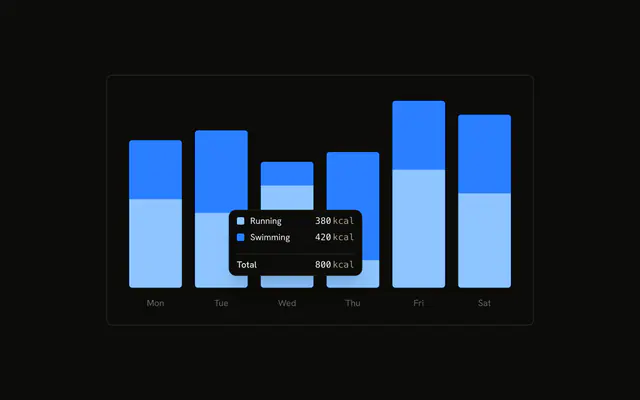
Stacked running and swimming bars. The tooltip is already open on the second day, with no date. Each row is the series name and the value followed by kcal.
Use a formatter to add a unit, and keep the rows simple. Add a total only when the day needs one. A Tooltip will not format chart series. In React, Base UI does not append kcal. The formatter in the demo does.
Installation
Anatomy

Usage
<div className="w-full max-w-xl rounded-md border bg-background p-4">
  <ChartContainer config={chartConfig}>
    <BarChart accessibilityLayer data={chartData}>
      <XAxis
        axisLine={false}
        dataKey="date"
        tickFormatter={formatWeekday}
        tickLine={false}
        tickMargin={10}
      />
      <Bar
        dataKey="running"
        fill="var(--color-running)"
        radius={[0, 0, 4, 4]}
        stackId="a"
      />
      <Bar
        dataKey="swimming"
        fill="var(--color-swimming)"
        radius={[4, 4, 0, 0]}
        stackId="a"
      />
      <ChartTooltip
        content={<ChartTooltipContent formatter={formatItem} hideLabel />}
        cursor={false}
        defaultIndex={1}
      />
    </BarChart>
  </ChartContainer>
</div>
FAQ
What does the formatter render?
ChartTooltipContent sets formatter to formatItem. That function receives the value and the series name. It prints the label from config (Running or Swimming), then the value and the text kcal. The value uses font-mono and tabular-nums.
Does the default dot still show?
No. A formatter replaces the whole row, so this tooltip has no color dot and no built-in value. The row is the markup formatItem returns, with min-w-[130px]. The name falls back to the series key when config has no entry for it.
Why is the date missing from the tooltip?
hideLabel hides the tooltip title. The date stays on XAxis, where tickFormatter is formatWeekday, a short weekday of the date string. axisLine and tickLine are false, and tickMargin is 10.
Why is a tooltip already open?
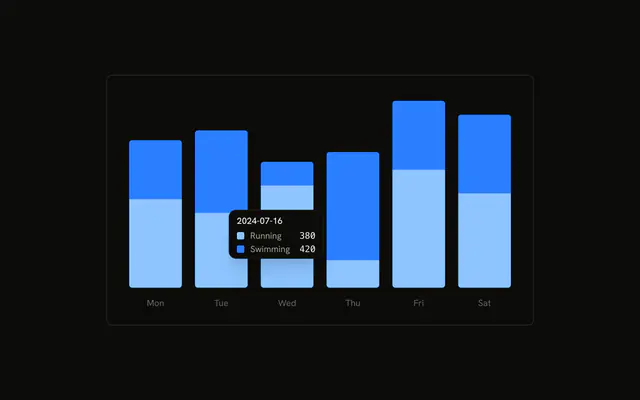
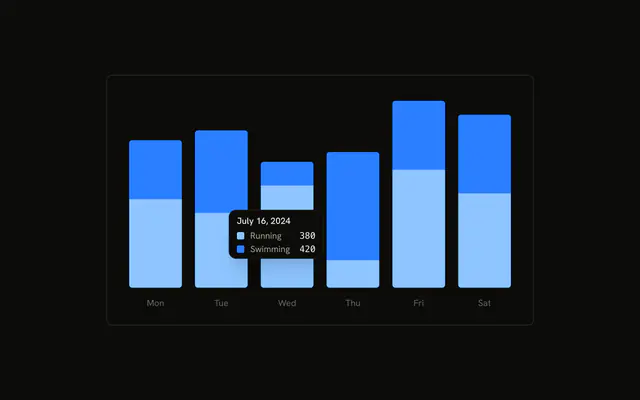
ChartTooltip sets defaultIndex={1} and cursor={false}. Index 1 is 2024-07-16. cursor={false} turns the hover cursor off. BarChart sets accessibilityLayer.
API Reference
Chart
Sets config={chartConfig}, formatter={formatItem} and hideLabel. The rest is on the Chart page.