shadcn.io is an independent project built on shadcn/ui
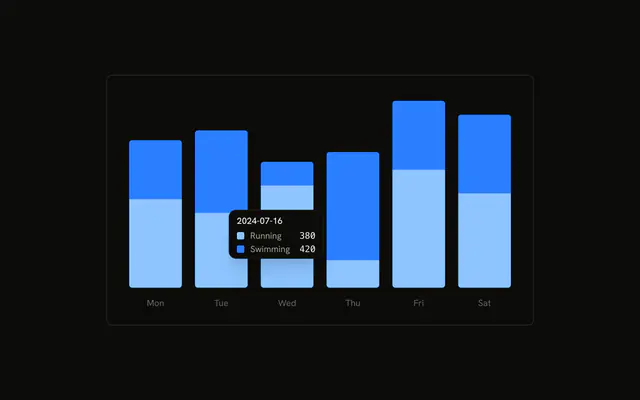
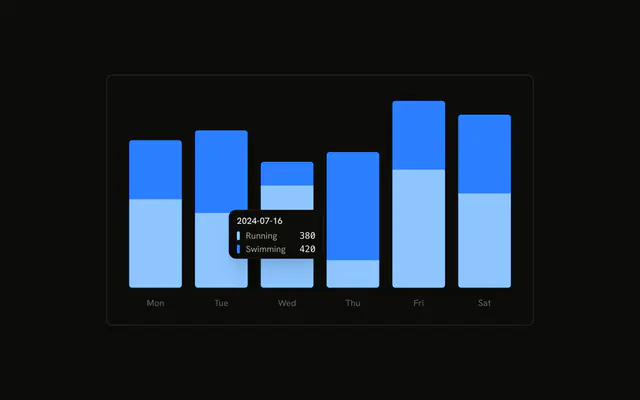
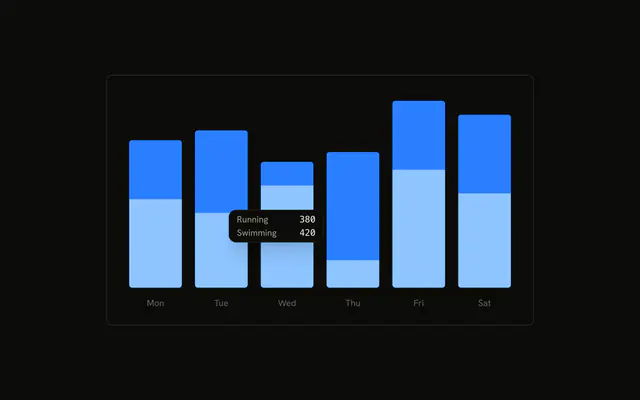
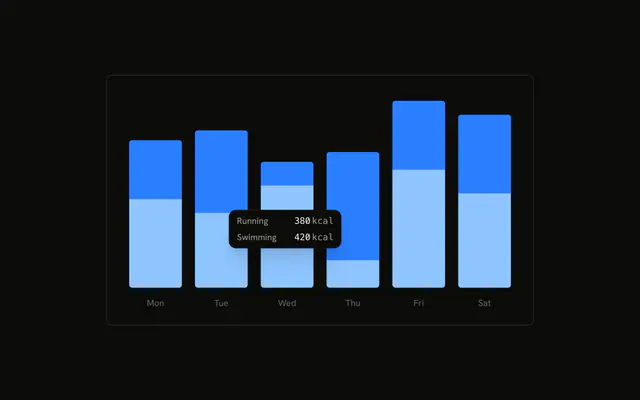
Stacked running and swimming bars, tooltip already open on the second day. The title is the date. Each row is only the series name and its value, with no color mark.
Drop the marks when the names are enough and the chart already shows the colors. Keep a dot if the tooltip is the only legend. A Tooltip is the hover for a button or a link. In React, Base UI does not hide the marks. You turn them off.
Installation
Anatomy

Usage
<div className="w-full max-w-xl rounded-md border bg-background p-4">
  <ChartContainer config={chartConfig}>
    <BarChart accessibilityLayer data={chartData}>
      <XAxis
        axisLine={false}
        dataKey="date"
        tickFormatter={formatWeekday}
        tickLine={false}
        tickMargin={10}
      />
      <Bar
        dataKey="running"
        fill="var(--color-running)"
        radius={[0, 0, 4, 4]}
        stackId="a"
      />
      <Bar
        dataKey="swimming"
        fill="var(--color-swimming)"
        radius={[4, 4, 0, 0]}
        stackId="a"
      />
      <ChartTooltip
        content={<ChartTooltipContent hideIndicator />}
        cursor={false}
        defaultIndex={1}
      />
    </BarChart>
  </ChartContainer>
</div>
FAQ
How do I remove the color dots?
ChartTooltipContent sets hideIndicator. The dots are omitted. The title, the series names, and the values stay. This demo doesn't set indicator, so the hidden shape would have been the default dot.
What is left in each row?
The label from config, Running or Swimming, and the value with toLocaleString, in font-mono and tabular-nums. nameKey isn't set, so the lookup uses the series key, running or swimming.
What is the tooltip title?
The raw date from XAxis, like 2024-07-16, because hideLabel is not set and there is no labelFormatter. The axis itself uses tickFormatter={formatWeekday}, a short weekday. tickMargin is 10.
Why is a tooltip open on load?
ChartTooltip sets defaultIndex={1} and cursor={false}. Index 1 is the second row. cursor={false} turns the hover cursor off. BarChart sets accessibilityLayer.
API Reference
Chart
Sets config={chartConfig} and hideIndicator. The rest is on the Chart page.