shadcn.io is an independent project built on shadcn/ui
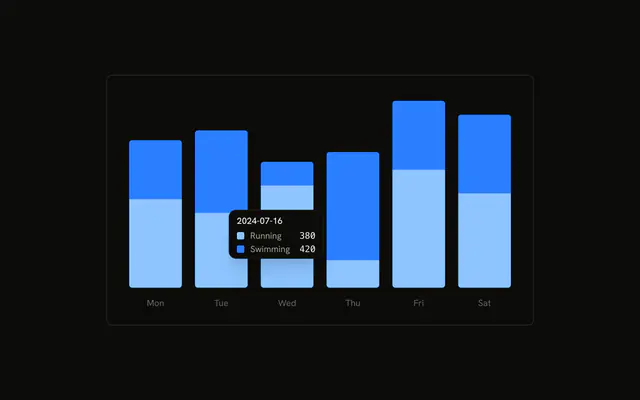
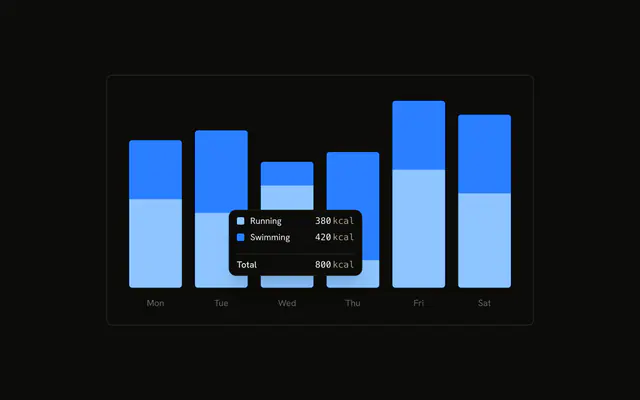
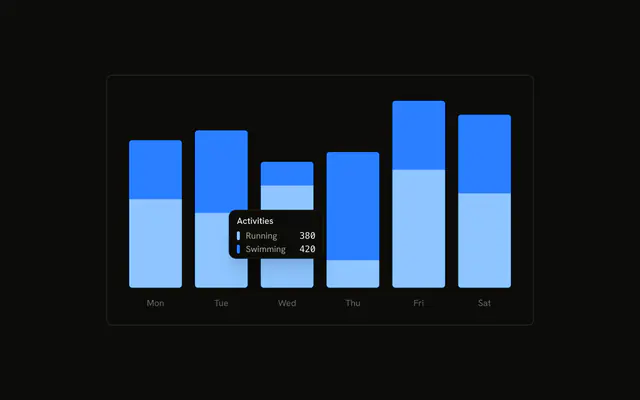
Stacked running and swimming bars. The tooltip is already open on the second day, with no date. Each series shows its icon instead of a color dot, next to the name and value. The icons are not in the series color.
Use icons when they identify a series better than a dot. Keep the dot if the icon would be noise. A Tooltip does not read chart config icons. In React, Base UI does not choose the icons. You set them on the config.
Installation
Anatomy

Usage
<div className="w-full max-w-xl rounded-md border bg-background p-4">
  <ChartContainer config={chartConfig}>
    <BarChart accessibilityLayer data={chartData}>
      <XAxis
        axisLine={false}
        dataKey="date"
        tickFormatter={formatWeekday}
        tickLine={false}
        tickMargin={10}
      />
      <Bar
        dataKey="running"
        fill="var(--color-running)"
        radius={[0, 0, 4, 4]}
        stackId="a"
      />
      <Bar
        dataKey="swimming"
        fill="var(--color-swimming)"
        radius={[4, 4, 0, 0]}
        stackId="a"
      />
      <ChartTooltip
        content={<ChartTooltipContent hideLabel />}
        cursor={false}
        defaultIndex={1}
      />
    </BarChart>
  </ChartContainer>
</div>
FAQ
How do the icons get into the tooltip?
Set icon on the config entry. Running uses FootprintsIcon and swimming uses WavesIcon, next to the labels Running and Swimming. ChartTooltipContent draws that component in place of the color dot.
Do the icons use the series color?
No. Tooltip icons paint with text-muted-foreground at size-2.5. The bar color stays on fill: var(--color-running) and var(--color-swimming), from var(--chart-1) and var(--chart-2).
Why is there no date in the tooltip?
ChartTooltipContent sets hideLabel, so the title is hidden. XAxis still shows the day through tickFormatter={formatWeekday}, a short weekday of the date string. The row is the icon, the label, and the value.
Why is a tooltip open on load?
ChartTooltip sets defaultIndex={1} and cursor={false}. Index 1 is the second row, 2024-07-16. cursor={false} turns the hover cursor off. BarChart sets accessibilityLayer.
API Reference
Chart
Sets config={chartConfig} and hideLabel. The rest is on the Chart page.