shadcn.io is an independent project built on shadcn/ui
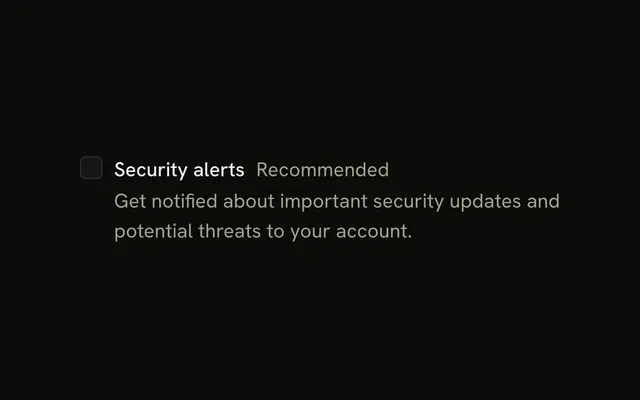
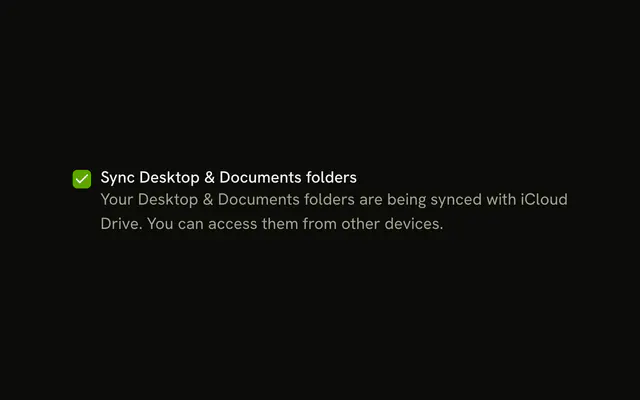
One checkbox labeled Marketing emails. Under it, muted text says people will receive emails about new products, features and updates.
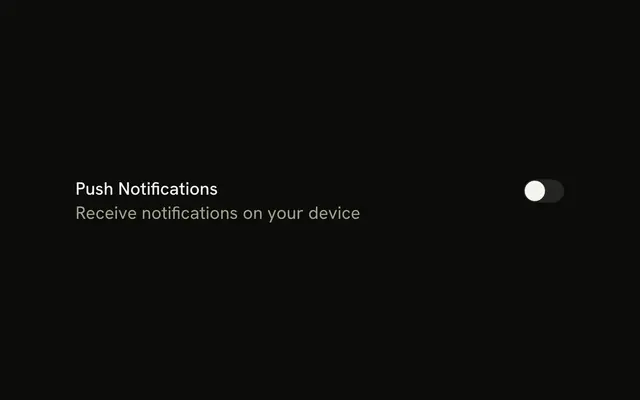
Add that line when the consequence is easy to miss, such as an email opt-in. A Switch fits a setting that applies the moment it changes. Base UI in React does not write the helper sentence.
Installation
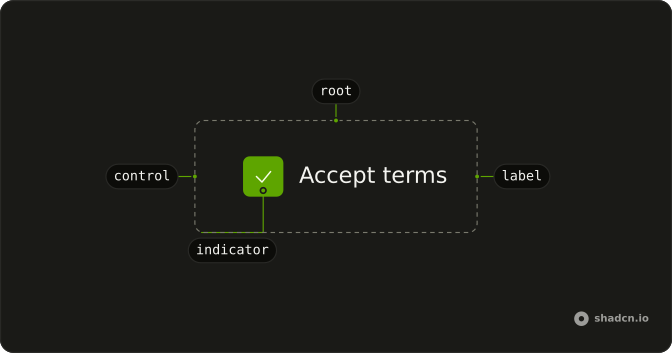
Anatomy
Usage
<Field className="max-w-sm" orientation="horizontal">
  <Checkbox id="marketing-emails" name="marketing-emails" />
  <FieldContent>
    <FieldLabel htmlFor="marketing-emails">Marketing emails</FieldLabel>
    <FieldDescription>
      Receive emails about new products, features, and updates.
    </FieldDescription>
  </FieldContent>
</Field>
FAQ
When should I add description text to checkboxes?
When the label alone doesn't say what checking it means: what an email list will send, what data is shared, what a permission allows. If people would ask "what does this do?", add a description. Skip it for self-explanatory options like "Enable dark mode".
How long should description text be?
One or two short sentences. The description explains the consequence; it isn't a policy. Link to full terms when there is more to say, and keep each line quick to scan.
Why is the description muted?
FieldDescription uses text-muted-foreground at a smaller size, so the label reads first and the description second. The two levels let people decide from the label and read on only when they need the detail.
How does description text wrap on narrow screens?
It wraps like any paragraph, and the field caps the block at max-w-sm here. Because the field holds a FieldContent, it aligns its items to the start, so the checkbox stays level with the label instead of drifting to the middle of a tall block.
API Reference
Field
Sets orientation="horizontal" and htmlFor="marketing-emails". The rest is on the Field page.
Checkbox
Sets id="marketing-emails" and name="marketing-emails". The rest is on the Checkbox page.