shadcn.io is an independent project built on shadcn/ui
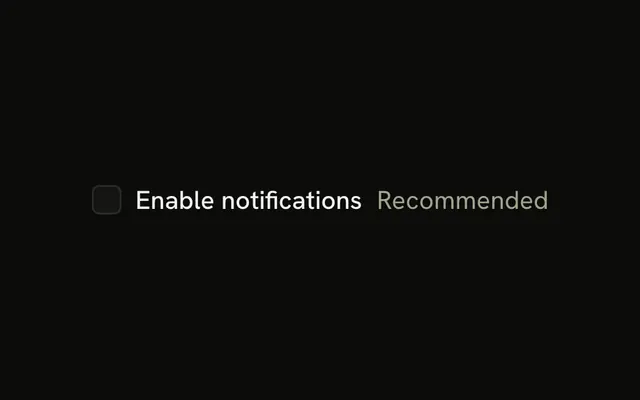
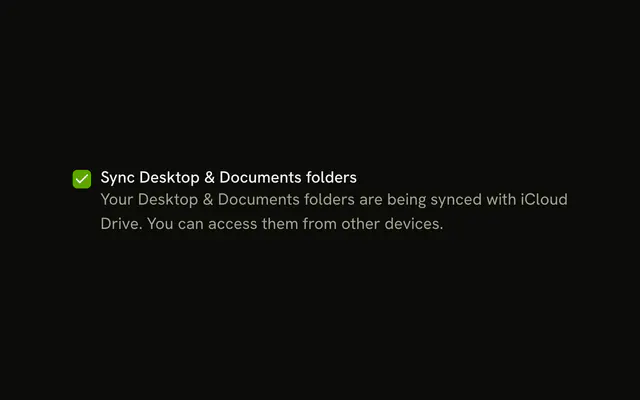
Security alerts has Recommended in muted text on the same line. Under that, a sentence covers security updates and threats to the account.
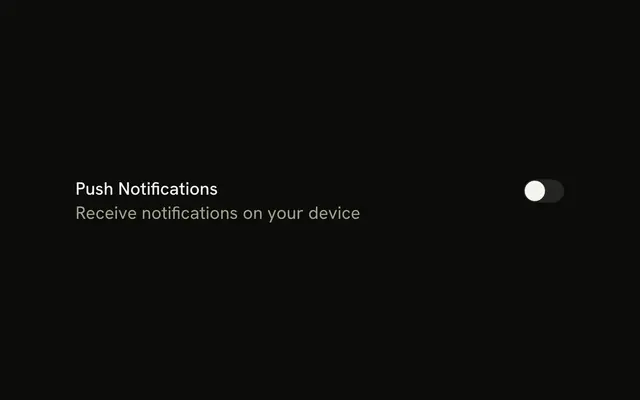
Keep both when a setting needs a nudge and a reason. If it should apply immediately, use a Switch instead of a box. On React, Base UI does not mark an option as recommended.
Installation
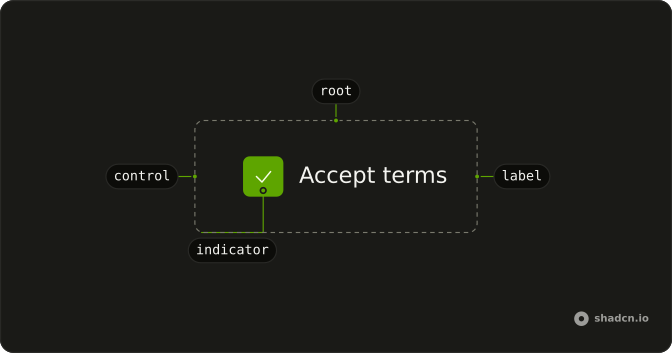
Anatomy
Usage
<Field className="max-w-sm" orientation="horizontal">
  <Checkbox id="security-alerts" name="security-alerts" />
  <FieldContent>
    <div className="flex items-baseline gap-2">
      <FieldLabel htmlFor="security-alerts">Security alerts</FieldLabel>
      <span className="text-muted-foreground text-sm">Recommended</span>
    </div>
    <FieldDescription>
      Get notified about important security updates and potential threats to
      your account.
    </FieldDescription>
  </FieldContent>
</Field>
FAQ
When should I use both subtitle and description?
When an option needs a quick qualifier and an explanation: the subtitle is the nudge (Recommended), the description is the reason. Keep it for settings that matter, like security or billing. Use only the subtitle, or only the description, when the other line would repeat it.
How does visual hierarchy work with subtitle and description?
The label is full-strength text, the subtitle is muted on the same line, and the description is muted on its own line below. People read the option's name first, then the qualifier, then the detail if they want it.
Do subtitle and description work well on mobile?
Yes, but each option takes more height. In a long list that adds scrolling, so give the full treatment only to the options that need it and keep the rest to a label.
How do I avoid subtitle and description saying the same thing?
Make the subtitle a category (Recommended, Optional, Pro) and the description the explanation. "Recommended" over "This is recommended" says nothing new; "Recommended" over what the alerts protect against does.
API Reference
Field
Sets orientation="horizontal" and htmlFor="security-alerts". The rest is on the Field page.
Checkbox
Sets id="security-alerts" and name="security-alerts". The rest is on the Checkbox page.