shadcn.io is an independent project built on shadcn/ui
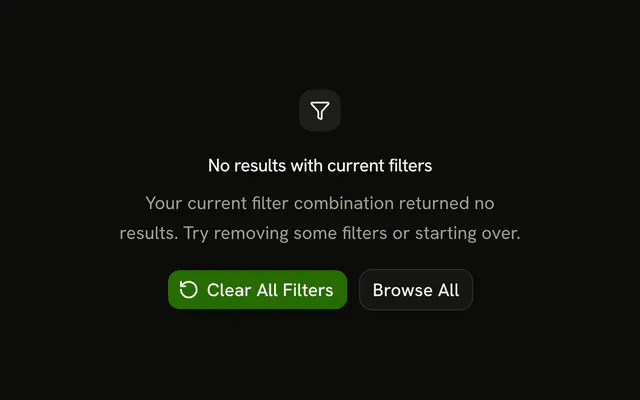
A filter icon, the title No items match your filters, and a hint to adjust them. An outline Clear Filters button sits under the text.
Use it above a filtered list that came back empty. If the request failed, say so in an Alert instead of this placeholder. In Solid, Ark UI does not reset the filters.
Installation
Anatomy
Usage
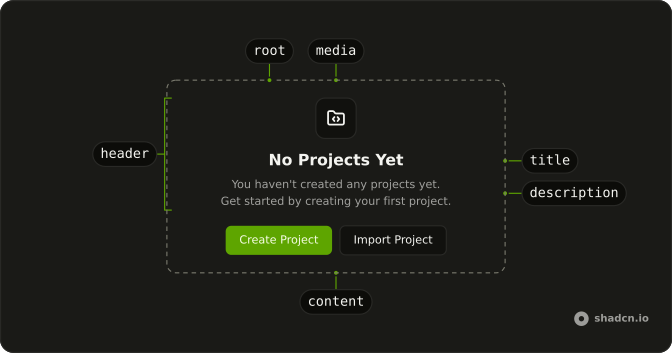
<Empty>
    <EmptyHeader>
      <EmptyMedia variant="icon">
        <FilterIcon aria-hidden="true" />
      </EmptyMedia>
      <EmptyTitle>No items match your filters</EmptyTitle>
      <EmptyDescription>
        Try adjusting your filters to see more results.
      </EmptyDescription>
    </EmptyHeader>
    <EmptyContent>
      <Button variant="outline">Clear Filters</Button>
    </EmptyContent>
  </Empty>
FAQ
How is the filter icon shown?
FilterIcon sits in EmptyMedia with variant="icon". The button does not repeat the icon.
What is the message?
EmptyTitle is "No items match your filters". EmptyDescription says to adjust the filters to see more results.
Where do the title and description live?
Both are in EmptyHeader, under the media. EmptyTitle is the short line. EmptyDescription is the muted sentence under it.
API Reference
Empty
Sets variant="icon". The rest is on the Empty page.
Button
Sets variant="outline". The rest is on the Button page.