shadcn.io is an independent project built on shadcn/ui
UI library: Ark UI
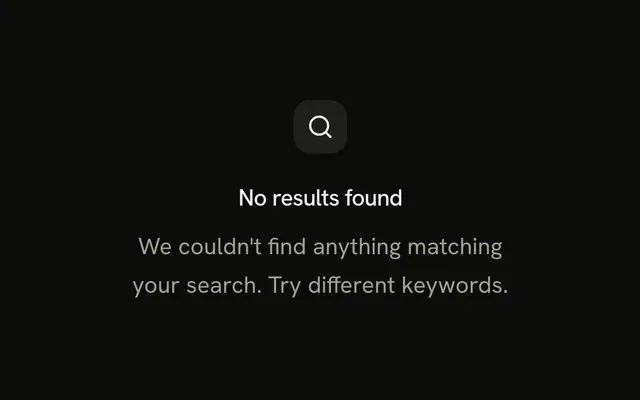
A search icon and a title that says no matches were found for the query. The description mentions spelling, and a ghost View All Items button sits under it.
Use it when dropping the query should show the full list. If there is no full list, skip the button and keep the message on Empty. In Solid, Ark UI does not clear the query.
Installation
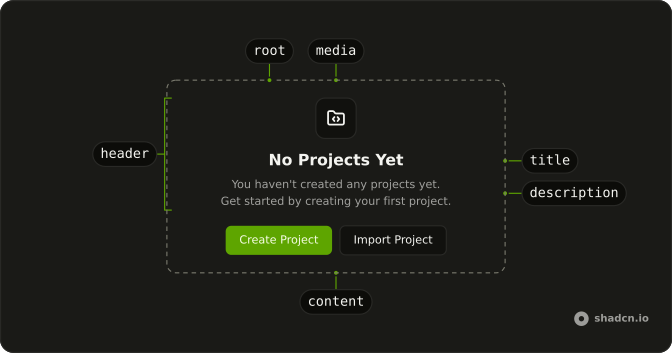
Anatomy
Usage
<Empty>
    <EmptyHeader>
      <EmptyMedia variant="icon">
        <SearchXIcon aria-hidden="true" />
      </EmptyMedia>
      <EmptyTitle>No matches found for "query"</EmptyTitle>
      <EmptyDescription>
        Check your spelling or try searching for something else.
      </EmptyDescription>
    </EmptyHeader>
    <EmptyContent>
      <Button variant="ghost">View All Items</Button>
    </EmptyContent>
  </Empty>
FAQ
Is the word query the visitor's search?
In this file it is literal text. EmptyTitle renders No matches found for "query", quotes included. Replace query with the string that was searched.
What does the description suggest?
EmptyDescription says to check spelling or search for something else. It is one sentence, with no link.
API Reference
Empty
Sets variant="icon". The rest is on the Empty page.
Button
Sets variant="ghost". The rest is on the Button page.