Color mixer.
Mix colors in four color spaces side by side and see why the space matters: sRGB's muddy middle next to OKLab's clean one. Copy the CSS color-mix() for the one you like.
Color mixer.
Need the UI around it? With Pro, your AI agent builds the form, the result card and the rest of the page from a prompt.
Get ProHow it works
3 steps, no account. It runs in your browser and nothing is uploaded.
Choose the colors
Type or pick two to four colors.
Compare the spaces
Each space shows its scale and its middle; set the ratio and the steps.
Copy the CSS
Pick the space you like and copy its color-mix() or the mixed color.
Related tools
More color tools. Every one free, in the browser.
Pricing
Build it with Pro
The tool is free. Pro adds 6,000+ blocks, premium templates and the MCP server, so your AI editor builds the product around it.
4.9/5 out of 5 · 150+ reviewsfrom 150+ founders and developers.
- Secure checkout via Stripe
- Code lives in your repo
- Keep what you've shipped if you cancel
- License terms
Questions and answers
Before you trust the result: what to know about the format, the limits, your data and the tools next to it.
Because mixing is averaging numbers, and each space has different numbers for the same colors. sRGB averages gamma-encoded values, so the middle of two hues sinks dark and gray. Linear RGB averages light, as overlapping lamps do, and comes out brighter. OKLab is built for even steps, so the middle sits halfway in lightness with no muddy dip. OKLCH walks around the hue wheel, keeping chroma, and passes through the hues between.
OKLab for most interface work: tints, shades, hover states and gradients that stay clean. OKLCH when you want the vivid path through intermediate hues, as in a rainbow gradient. sRGB only to match old tools that mix that way.
It's CSS: color-mix(in oklab, #2563eb 50%, #facc15) mixes two colors in the browser, in any of these spaces. It works in every current browser, so a hover shade can be written as a mix of the base color instead of a second hard-coded value.
Up to four. With two, the ratio slider sets how much of the second goes in; with three or four, they're mixed in equal parts and the CSS nests color-mix() so each gets its share.
Each space's row is a scale from the first color to the last through the ones between, from 3 to 11 steps. Click a step to copy its hex.
OKLCH can take the short way around the hue wheel (the default) or the long way, which passes through every other hue. CSS writes it as in oklch longer hue.
No. The mixing is arithmetic in your browser, and nothing is sent anywhere.
No. The "Color mixer" tool is free and opens without a sign-in, an account or an install.
Nothing. The "Color mixer" tool holds your input in the page's memory, so closing or reloading the tab clears it, and it saves nothing in this browser.
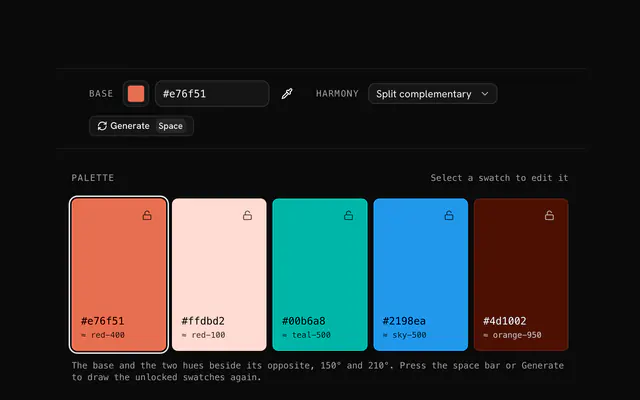
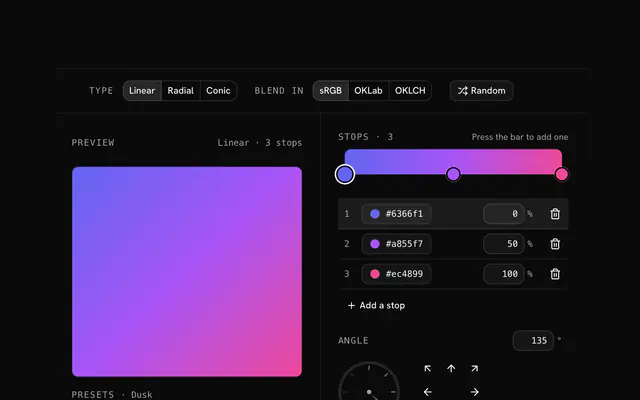
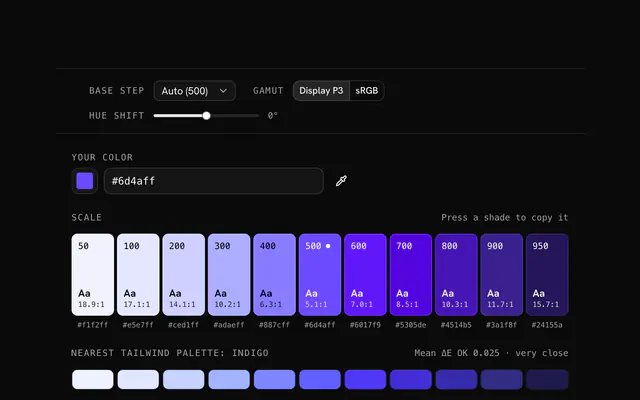
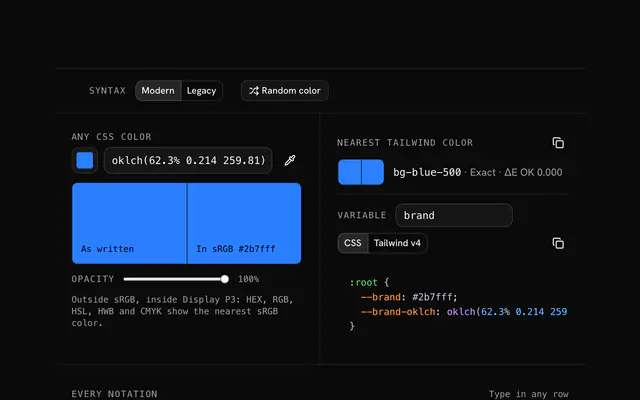
Closest to the "Color mixer" tool: Color palette generator, CSS gradient generator, Tailwind color generator, Color converter. Each opens on its own page, free and in the browser.
The "Color mixer" tool is one of 17 in its group. The group's page, /tools/color, lists them all.
The tool is free. Its interface is built from shadcn.io's own components (Button, Input, Slider and the rest of the registry under /ui), which come in React, Vue, Svelte and Solid. Pro adds the blocks and templates for the product around it.
4.9 out of 5 from 150+ developers


Build the product around it
Every block, template and icon, installed by your AI agent in your theme. The tools stay free.
Get Pro