Tailwind color generator.
Give it your brand color and get eleven shades from 50 to 950 shaped like Tailwind's own, in OKLCH, ready to paste as a v4 @theme or a v3 config.
Tailwind color generator.
Need the UI around it? With Pro, your AI agent builds the form, the result card and the rest of the page from a prompt.
Get ProHow it works
3 steps, no account. It runs in your browser and nothing is uploaded.
Enter your color
Type it in any CSS notation or pick it; it lands on its own step of the scale.
Shape the scale
Choose the base step, the gamut and any extra hue shift, and compare with the nearest Tailwind palette.
Export it
Copy or download it for Tailwind v4 or v3, as CSS variables or as JSON.
Related tools
More color tools. Every one free, in the browser.
Pricing
Build it with Pro
The tool is free. Pro adds 6,000+ blocks, premium templates and the MCP server, so your AI editor builds the product around it.
4.9/5 out of 5 · 150+ reviewsfrom 150+ founders and developers.
- Secure checkout via Stripe
- Code lives in your repo
- Keep what you've shipped if you cancel
- License terms
Questions and answers
Before you trust the result: what to know about the format, the limits, your data and the tools next to it.
From Tailwind's own palette. For your color's hue it takes the two Tailwind families on either side of it on the color wheel and blends their curves: how lightness falls from 50 to 950, how chroma swells in the middle and tapers at both ends, and how the hue drifts. The curve is then stretched so your color sits exactly on its step.
The step whose lightness, on Tailwind's curve for that hue, is nearest your color's. A mid blue lands on 500 like Tailwind's blue, a light yellow lower down. Pick a step yourself under Base step to pin it elsewhere, such as 600 for a brand color used on buttons.
Display P3 keeps chroma up to what P3 screens show, as Tailwind v4's palette does, and older screens map it down. sRGB caps every shade at what any screen shows, so the hex values in a v3 config are the exact colors. Shades that were capped are marked.
Real palettes turn warmer or cooler as they get darker, and the generator already copies the drift of Tailwind's families. Hue shift adds more: positive values rotate the dark end one way and the light end the other, by up to 30 degrees across the scale.
Tailwind v4 reads colors from CSS: paste the @theme block into your main stylesheet and bg-brand-500, text-brand-700 and the rest exist. Tailwind v3 reads tailwind.config.js: merge the colors object into theme.extend.colors.
Each swatch shows Aa in black or white, whichever reads better, with its WCAG ratio, so you can see at a glance which shades carry text. For a full check of one pair, open the contrast checker.
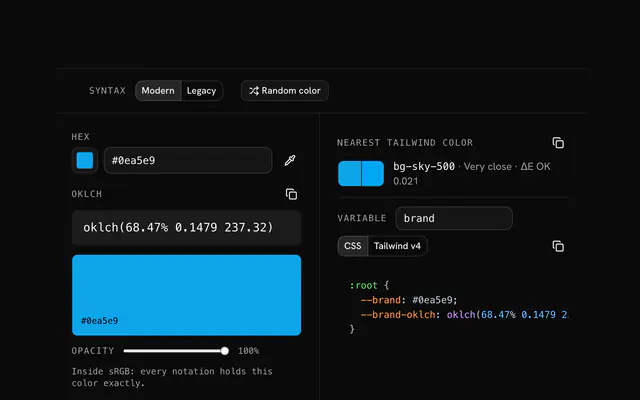
It lists the Tailwind family nearest your scale, step by step, and the mean ΔE OK between them, with that family's swatches under yours. Below about 0.02 the two scales are hard to tell apart and you may not need a custom color at all.
No. The scale is computed in your browser and nothing is sent anywhere.
No. The Tailwind color generator is free and opens without a sign-in, an account or an install.
Nothing. The Tailwind color generator holds your input in the page's memory, so closing or reloading the tab clears it, and it saves nothing in this browser.
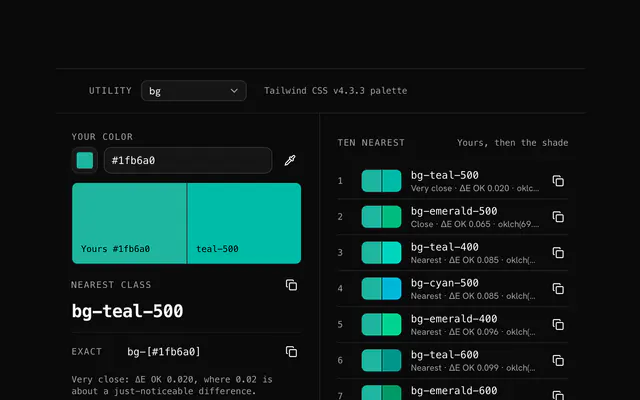
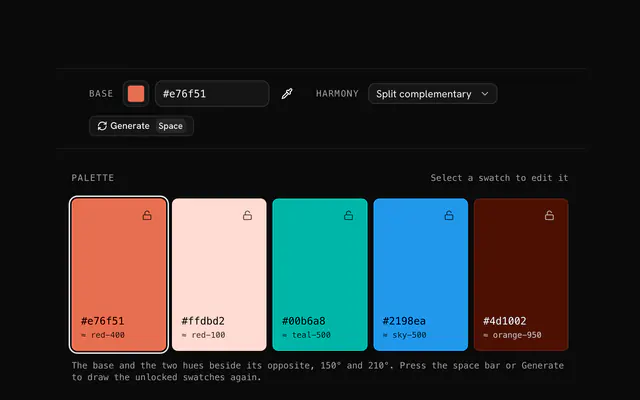
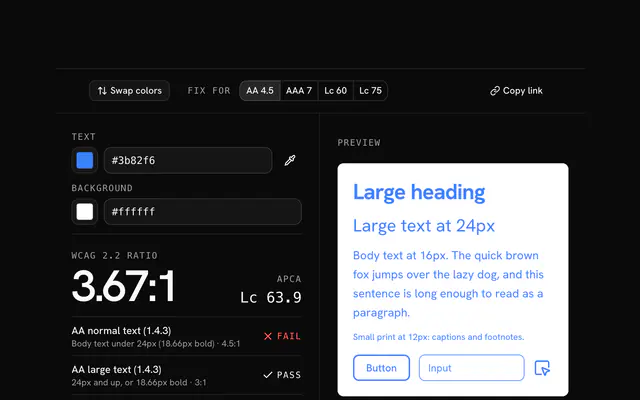
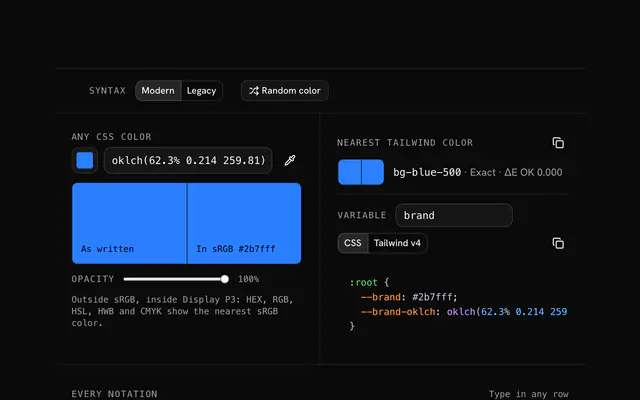
Closest to the Tailwind color generator: Tailwind color finder, Color palette generator, Contrast checker, Color converter. Each opens on its own page, free and in the browser.
The Tailwind color generator is one of 17 in its group. The group's page, /tools/color, lists them all.
The tool is free. Its interface is built from shadcn.io's own components (Button, Input, Slider and the rest of the registry under /ui), which come in React, Vue, Svelte and Solid. Pro adds the blocks and templates for the product around it.
4.9 out of 5 from 150+ developers


Build the product around it
Every block, template and icon, installed by your AI agent in your theme. The tools stay free.
Get Pro