Favicon generator.
Turn a letter, an emoji or your logo into every icon a site needs: favicon.ico, an SVG favicon, Apple's touch icon, Android's maskable icon and the manifest. Drawn in your browser, nothing uploaded.
Favicon generator.
Need the UI around it? With Pro, your AI agent builds the form, the result card and the rest of the page from a prompt.
Get ProHow it works
4 steps, no account. It runs in your browser and nothing is uploaded.
Pick a source
Type one to three letters, choose an emoji or drop an SVG or PNG logo.
Style it
Set the colors, the corner radius and the size, and watch it in a light and a dark tab.
Check the home screens
See Apple's icon on an iPhone and the maskable icon inside Android's safe zone.
Download and add
Take the ZIP, then paste the link tags into the head or the files into Next.js's app folder.
What each file does
Each file has its place. Browsers pick the one that fits the screen in front of them, so one set covers tabs, bookmarks, home screens and installed apps.
favicon.ico
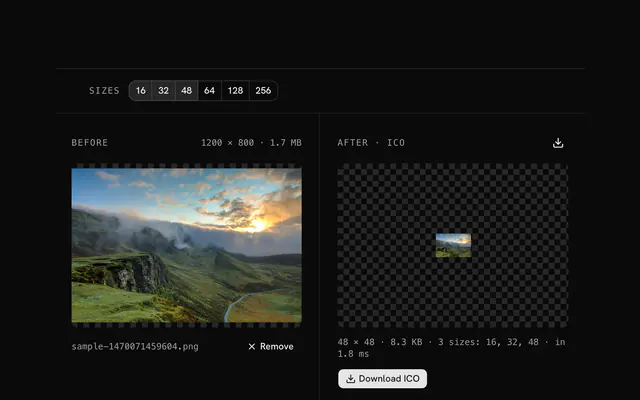
The file every browser, feed reader and crawler asks for at the root. Its 16, 32 and 48 pixel frames cover tabs, bookmarks and the Windows taskbar.
favicon.svg
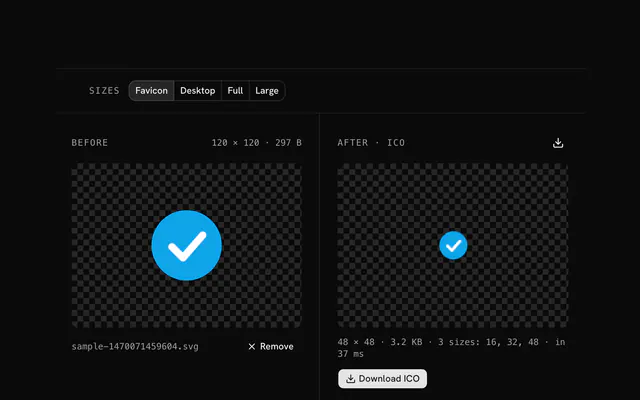
One vector file for every tab size and zoom, in Chromium browsers and Firefox. Browsers that don't read SVG icons fall back to the ICO.
apple-touch-icon.png
180 pixels, square and opaque. iOS rounds the corners itself and turns transparent pixels black, so this one always has its background.
icon-192.png and icon-512.png
The two sizes Chrome looks for in the manifest before it offers to install: 192 for the home screen, 512 for the splash screen.
icon-maskable-512.png
Drawn edge to edge with the content in the central 80% circle, so Android can crop it to any launcher shape without cutting the logo.
site.webmanifest
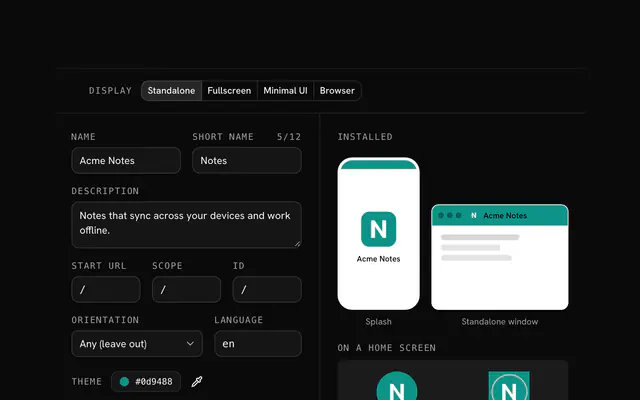
The name, colors and icons a browser reads when someone installs the site or adds it to a home screen.
theme-color
The theme-color meta tag tints the browser's toolbar on phones; the manifest's theme_color colors an installed app's title bar.
Dark tabs
A transparent letter favicon carries a prefers-color-scheme rule inside its SVG, so it switches color when the browser turns dark.
Related tools
More web and SEO tools. Every one free, in the browser.

Pricing
Build it with Pro
The tool is free. Pro adds 6,000+ blocks, premium templates and the MCP server, so your AI editor builds the product around it.
4.9/5 out of 5 · 150+ reviewsfrom 150+ founders and developers.
- Secure checkout via Stripe
- Code lives in your repo
- Keep what you've shipped if you cancel
- License terms
Questions and answers
Before you trust the result: what to know about the format, the limits, your data and the tools next to it.
Four things cover nearly every browser and device: favicon.ico for /favicon.ico requests and older browsers, favicon.svg for sharp tabs at any zoom, a 180-pixel apple-touch-icon.png for iPhones and iPads, and a web app manifest listing 192 and 512 pixel icons for Android and installs. This tool writes all of them, plus a maskable icon.
Browsers, feed readers and crawlers ask for /favicon.ico at the site's root whether or not a page links it, and Windows shortcuts and many bots read nothing else. One ICO with 16, 32 and 48 pixel frames answers all of them in a few kilobytes, so it stays in the set beside the SVG.
An icon drawn edge to edge with its content inside a central circle 80% as wide as the icon, the safe zone. Android crops it to its launcher's shape (a circle, a squircle, a rounded square) instead of shrinking the icon onto a white plate. The preview draws the safe zone over it.
Yes. A style rule inside the SVG with a prefers-color-scheme: dark media query recolors it when the browser is dark. The tool adds one when a letter favicon has no fill, since a dark letter on a transparent tab would vanish; a filled square reads on both themes as it is.
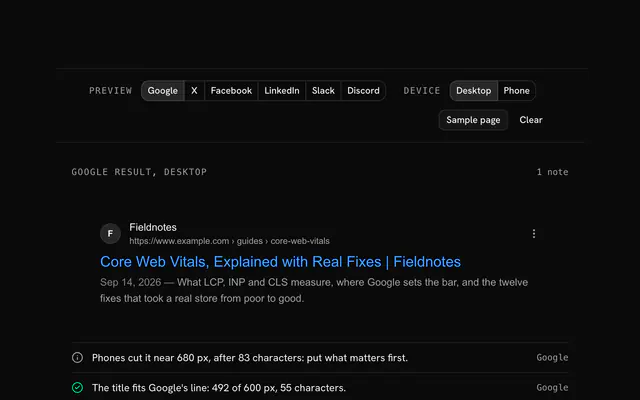
It shows the one your home page links with <link rel="icon">, if Googlebot can fetch it. Google asks for a square icon whose side is a multiple of 48 pixels; the ICO's 48-pixel frame and icon-192.png both qualify.
Switch the source to Image and drop an SVG, PNG, JPG or WebP. An SVG is drawn as vectors at every size and becomes favicon.svg as well; a bitmap should be at least 512 pixels square, or the large icons are enlarged from it.
Choose Next.js above the code. favicon.ico, icon.svg and apple-icon.png go in the app folder, where Next.js writes their link tags itself; the manifest becomes app/manifest.ts and the theme color goes in the layout's viewport export.
No. Each icon is drawn on a canvas in your browser, favicon.ico is packed by the page's own code and the ZIP is built on your device. The page sends nothing, and a dropped logo never leaves it.
No. The Favicon generator is free and opens without a sign-in, an account or an install.
Nothing. The Favicon generator holds your input in the page's memory, so closing or reloading the tab clears it, and it saves nothing in this browser.
Three PNG frames of 16, 32, 48 pixels, each drawn at its own size rather than shrunk from a big one, so the small ones stay crisp. They cover tabs on standard and 2× screens, bookmarks and the Windows taskbar.
4 system font stacks, sans, serif, mono, and rounded, each regular or bold, so nothing is fetched. The PNG and ICO files keep the letters as your system draws them; favicon.svg names the same stack, so each visitor's system draws it and it can differ slightly between a Mac, Windows and Android.
iOS shows transparent pixels in a touch icon as black and rounds the corners itself, so the 180-pixel apple-touch-icon.png is always a full square in the background color, with no radius. The tab icons follow the Fill and Radius settings.
It fills the whole 512-pixel square with the background and keeps the letter, emoji or image inside the central 80%, Android's safe zone, which the preview outlines. Raise the padding if a logo's corners matter.
Yes: type the folder in Served from, such as /icons/, and the link tags and the manifest's icon paths point there. The Next.js files ignore it, since icons in app/ are served from the root.
Closest to the Favicon generator: Web app manifest generator, PNG to ICO converter, SVG to ICO converter, Meta tag generator. Each opens on its own page, free and in the browser.
The Favicon generator is one of 14 in its group. The group's page, /tools/web, lists them all.
The tool is free. Its interface is built from shadcn.io's own components (Button, Input, Slider and the rest of the registry under /ui), which come in React, Vue, Svelte and Solid. Pro adds the blocks and templates for the product around it.
4.9 out of 5 from 150+ developers


Build the product around it
Every block, template and icon, installed by your AI agent in your theme. The tools stay free.
Get Pro