Web app manifest generator.
Fill in a form and get a manifest.webmanifest with its icons, checked against what Chrome needs to offer an install. Everything is made in your browser.
Web app manifest generator.
Need the UI around it? With Pro, your AI agent builds the form, the result card and the rest of the page from a prompt.
Get ProHow it works
4 steps, no account. It runs in your browser and nothing is uploaded.
Name the app
Type the name and short name, the start URL, the scope and the id.
Choose how it opens
Pick the display mode and the theme and background colors, and watch the splash screen and the window.
Make the icons
Draw them from a letter, an emoji or your logo, the maskable one inside Android's safe zone.
Check and download
Read the checks, then take the ZIP or copy the JSON, the link tag or the Next.js file.
Related tools
More web and SEO tools. Every one free, in the browser.
Pricing
Build it with Pro
The tool is free. Pro adds 6,000+ blocks, premium templates and the MCP server, so your AI editor builds the product around it.
4.9/5 out of 5 · 150+ reviewsfrom 150+ founders and developers.
- Secure checkout via Stripe
- Code lives in your repo
- Keep what you've shipped if you cancel
- License terms
Questions and answers
Before you trust the result: what to know about the format, the limits, your data and the tools next to it.
A JSON file, linked from every page with <link rel="manifest">, that tells browsers how the site behaves once installed: its name and short name, the URL it opens on, the window it runs in, its colors and its icons. Chrome, Edge, Safari and Firefox on Android read it when someone installs the site or adds it to a home screen.
In Chrome and Edge: a name or short name, a start_url, a display of standalone, fullscreen, minimal-ui or window-controls-overlay, icons of 192 and 512 pixels, and the site served over HTTPS. A service worker is no longer part of the criteria, though it's still what makes an app work offline.
short_name is what a home screen or app launcher prints under the icon, where about 12 characters fit; name is shown where there's room, such as the install dialog and the splash screen. Without a short name, the long name is cut.
start_url is where the installed app opens; scope is the part of the site it owns, and links outside it open in the browser instead. The start URL has to sit inside the scope, or browsers drop the scope. id is the app's identity: set it once (often /) so a later change of start URL doesn't make a second app.
theme_color colors the installed app's title bar and the task switcher, and the splash screen's status bar on Android. background_color fills the splash screen while the first page loads, so it should match the page's own background. Set a theme-color meta tag as well, since pages in a tab read that instead.
Each check names a member and what a browser does with it. A red one stops Chrome from offering to install the app (no name, the browser display, an icon size missing, a start URL outside the scope); an amber one costs something visible, such as a short name the launcher cuts.
The icons are drawn from the Icons section: one to three letters, an emoji or a dropped SVG or PNG logo, at 192 and 512 pixels and as a maskable 512 with its content inside Android's safe zone. Download them alone or in the ZIP with the manifest.
No. The form, the checks and the icons all run in your browser; the icons are drawn on canvases and the ZIP is made on your device. Nothing you type or drop is sent anywhere.
Nothing. The Web app manifest generator holds your input in the page's memory, so closing or reloading the tab clears it, and it saves nothing in this browser.
The four the spec defines: standalone, fullscreen, minimal-ui, and browser. The window preview shows each one: a title bar in the theme color, no bar at all, back and reload buttons, or a whole browser bar. browser is flagged, since Chrome won't offer to install it.
any (left out of the file, since it's the default), natural, portrait and landscape, and the primary and secondary form of each. Browsers apply it only to the installed app, mostly on phones and tablets.
manifest.webmanifest, the extension the spec suggests, which servers should send as application/manifest+json. Any name works as long as the link tag points at it; manifest.json and site.webmanifest are common too.
Yes: a start URL outside the scope is flagged as an error, because browsers then drop the scope. It compares paths, so a scope of /app/ needs a start URL such as /app/ or /app/today.
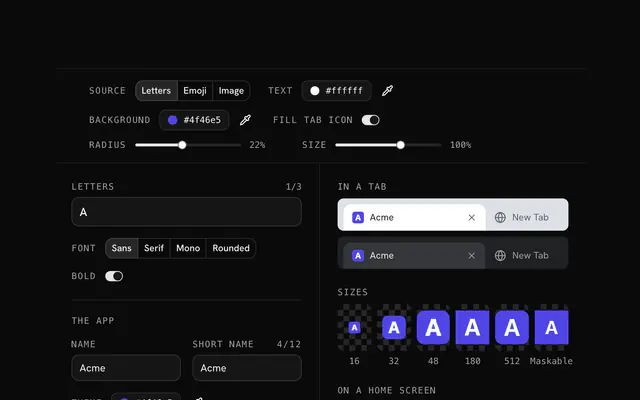
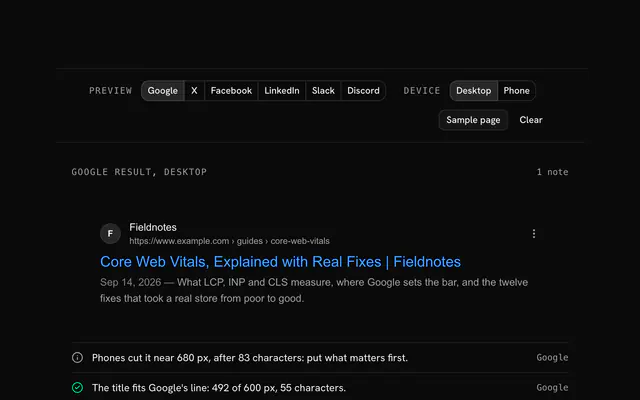
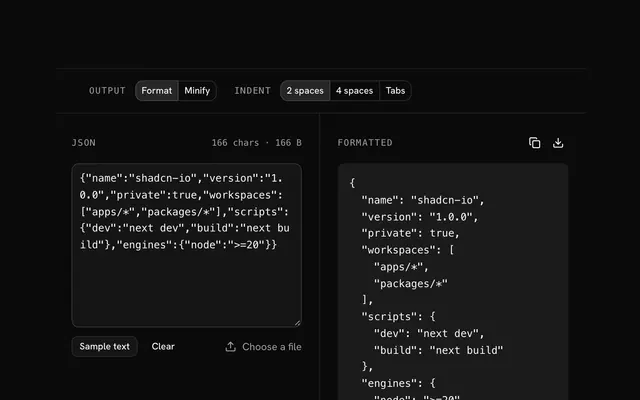
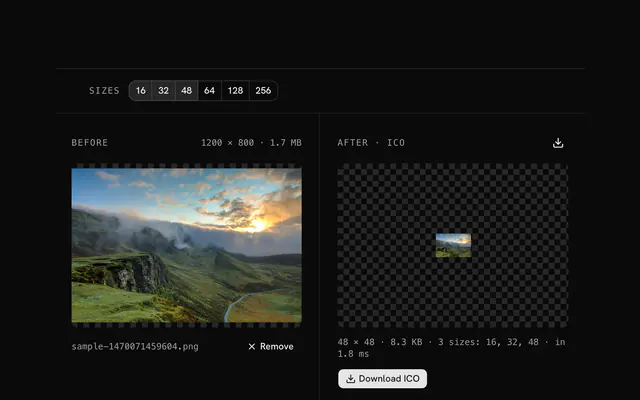
Closest to the Web app manifest generator: Favicon generator, Meta tag generator, JSON formatter and validator, PNG to ICO converter. Each opens on its own page, free and in the browser.
The Web app manifest generator is one of 14 in its group. The group's page, /tools/web, lists them all.
The tool is free. Its interface is built from shadcn.io's own components (Button, Input, Slider and the rest of the registry under /ui), which come in React, Vue, Svelte and Solid. Pro adds the blocks and templates for the product around it.
4.9 out of 5 from 150+ developers


Build the product around it
Every block, template and icon, installed by your AI agent in your theme. The tools stay free.
Get Pro