Meta tag generator.
Fill in a page's title, description, image and social fields and watch the Google result and five share cards change as you type, with Google's cut measured in pixels. Copy the tags as HTML or as Next.js metadata.
Meta tag generator.
Need the UI around it? With Pro, your AI agent builds the form, the result card and the rest of the page from a prompt.
Get ProHow it works
4 steps, no account. It runs in your browser and nothing is uploaded.
Describe the page
Title, description and canonical URL first; the counters show the characters and the pixels Google measures.
Add the share image
Paste its URL or drop the file to preview it, its size checked against each platform.
Check every preview
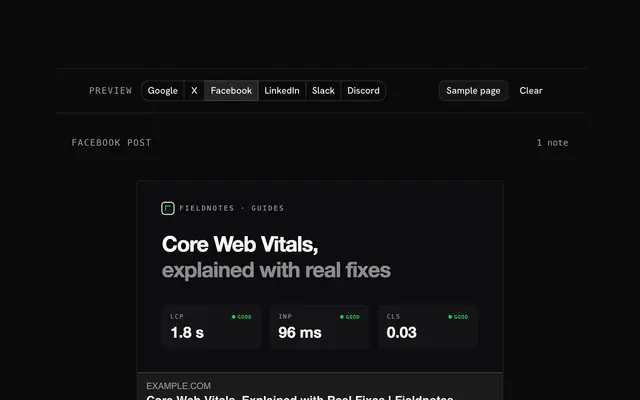
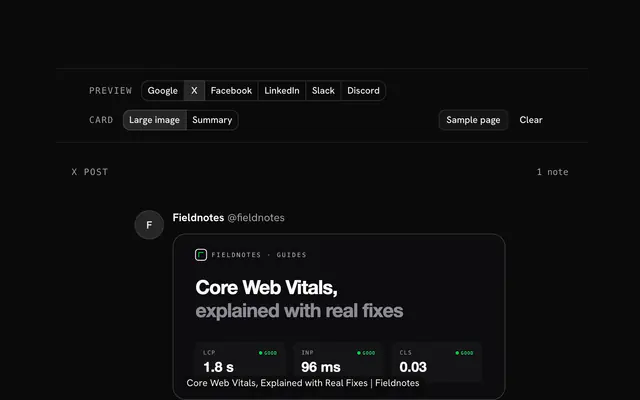
Google on desktop and phone, X, Facebook, LinkedIn, Slack and Discord, with the checks under them.
Copy the tags
As HTML for the head, or as a Next.js metadata and viewport export.
Related tools
More web and SEO tools. Every one free, in the browser.
Pricing
Build it with Pro
The tool is free. Pro adds 6,000+ blocks, premium templates and the MCP server, so your AI editor builds the product around it.
4.9/5 out of 5 · 150+ reviewsfrom 150+ founders and developers.
- Secure checkout via Stripe
- Code lives in your repo
- Keep what you've shipped if you cancel
- License terms
Questions and answers
Before you trust the result: what to know about the format, the limits, your data and the tools next to it.
A title and a meta description for search, a canonical link, and the Open Graph tags (og:title, og:description, og:image, og:url, og:type) that every share card is drawn from. X reads Open Graph too and needs only twitter:card on top. The keywords tag is ignored by Google and can go.
Google measures pixels, not characters. A desktop title link holds about 600 px of 20px Arial, roughly 55 to 60 characters, and a snippet about 920 px, roughly 150 to 160 characters, less on a phone. Put the words that matter first: whatever falls past the cut becomes an ellipsis.
No. Google shows it when it answers the search better than the page's own text, and writes its own snippet otherwise: a 2020 Ahrefs study of 192,000 pages found the description rewritten about 63% of the time. A specific, accurate description is still the one it picks most often.
The title does: it is one of the strongest hints of what a page is about. The meta description isn't a ranking factor, but it is the pitch under the title, so it changes how many people click. The keywords tag has been ignored by Google since 2009.
HTML suits any site: paste it into the head. The Next.js tab writes the same tags as the App Router's metadata and viewport exports, with metadataBase so URLs on your domain become paths; Next.js then adds the charset and viewport tags itself and copies the Open Graph title, description and image to X.
From your fields alone: each platform's layout is drawn at that platform's own width, and Google's cut is measured with your browser's Arial. The tool never fetches your page or another site, so the previews work before the page is live; the only thing loaded is an image URL you paste, by your browser, to show it and read its size.
No. The tags are written in your browser, and a dropped image is shown from your own device: only its pixel size, weight and type are read.
No. The Meta tag generator is free and opens without a sign-in, an account or an install.
Nothing. The Meta tag generator holds your input in the page's memory, so closing or reloading the tab clears it, and it saves nothing in this browser.
Titles in 20px Arial against 600 px on a desktop and 2 lines of 328 px on a phone; descriptions in 14px Arial against 920 px on a desktop and 680 px on a phone. The widths come from your browser's own Arial through a canvas, so they match Google's closely, though Google publishes no exact limit.
Yes, for an article with a published date: Google puts the date before the snippet and it takes room from the description, so the cut is measured with the date included.
The title's and description's pixel widths, a missing or relative canonical URL, the image's URL, format, size, ratio and weight against Facebook, LinkedIn and X, the X handles, og:locale's form, the robots directives and theme-color. Problems are listed first, then notes.
Yes: turn on the theme color's dark variant and it writes two theme-color tags with prefers-color-scheme media queries, or a themeColor array in the Next.js viewport export.
Two label and value pairs, written as twitter:label1 and twitter:data1, then twitter:label2 and twitter:data2. Slack shows them as fields under the description (a reading time, an author, a price); X ignores them today.
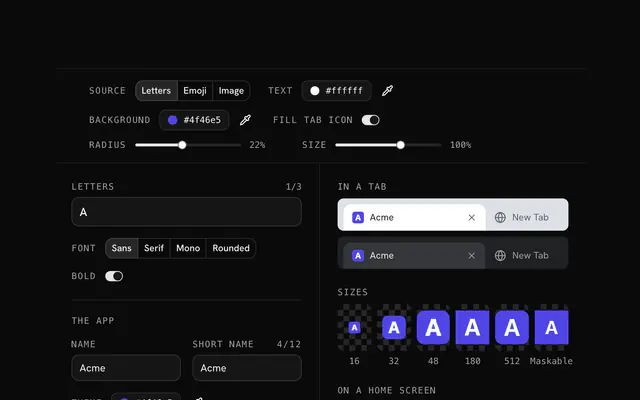
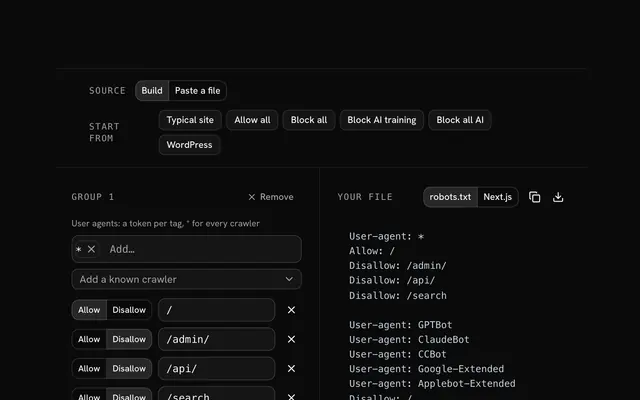
Closest to the Meta tag generator: Open Graph generator, Twitter card generator, Favicon generator, Robots.txt generator. Each opens on its own page, free and in the browser.
The Meta tag generator is one of 14 in its group. The group's page, /tools/web, lists them all.
The tool is free. Its interface is built from shadcn.io's own components (Button, Input, Slider and the rest of the registry under /ui), which come in React, Vue, Svelte and Solid. Pro adds the blocks and templates for the product around it.
4.9 out of 5 from 150+ developers


Build the product around it
Every block, template and icon, installed by your AI agent in your theme. The tools stay free.
Get Pro