Image color picker.
Drop an image and click any pixel for its color in HEX, RGB, HSL and OKLCH, with a loupe to land on the right one and a history of your picks.
Image color picker.
Need the UI around it? With Pro, your AI agent builds the form, the result card and the rest of the page from a prompt.
Get ProHow it works
3 steps, no account. It runs in your browser and nothing is uploaded.
Open an image
Drop a picture on the pane or choose one; the center pixel is picked to start.
Pick a pixel
Move over it with the loupe, or use the arrow keys, and click or press Enter.
Copy the color
Copy any notation, or the whole history as hex codes.
Related tools
More color tools. Every one free, in the browser.
Pricing
Build it with Pro
The tool is free. Pro adds 6,000+ blocks, premium templates and the MCP server, so your AI editor builds the product around it.
4.9/5 out of 5 · 150+ reviewsfrom 150+ founders and developers.
- Secure checkout via Stripe
- Code lives in your repo
- Keep what you've shipped if you cancel
- License terms
Questions and answers
Before you trust the result: what to know about the format, the limits, your data and the tools next to it.
The exact pixel under the crosshair, read from the image at its full resolution, not from the scaled preview. The loupe shows the pixels around it enlarged so you can land on the one you want, even on a thin line or an anti-aliased edge.
The image is decoded by the browser into sRGB, as it's shown on the page. A photo with an embedded wide-gamut profile is converted on the way, so the value matches what a browser displays rather than the raw numbers in the file.
In Chrome and Edge, Pick from the screen opens the browser's eyedropper and reads any pixel on your display, outside the page too. Safari and Firefox don't offer it yet, so the button is hidden there.
Click the image, or focus it and move the crosshair with the arrow keys (Shift moves ten pixels) and press Enter. The pick appears in four notations, each with a copy button, and joins the history.
The last 16, newest first. Select one to show it again, or copy them all as a list of hex codes.
PNG, JPG, WebP, GIF, AVIF and SVG, and anything else your browser opens, up to 100 MB.
No. The image is read in this tab and never uploaded; closing the tab forgets it.
No. The Image color picker is free and opens without a sign-in, an account or an install.
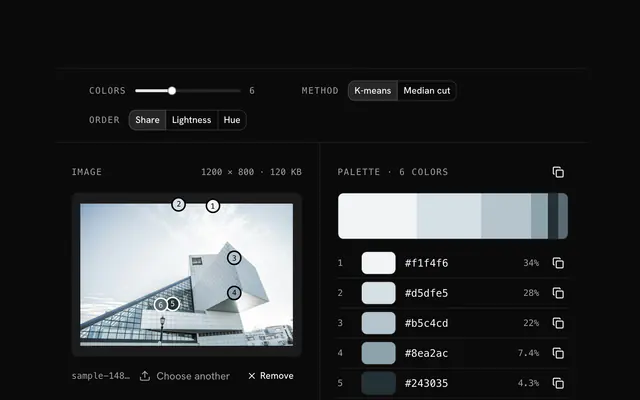
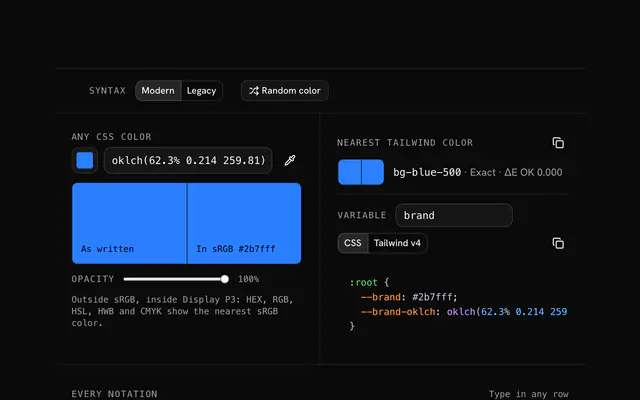
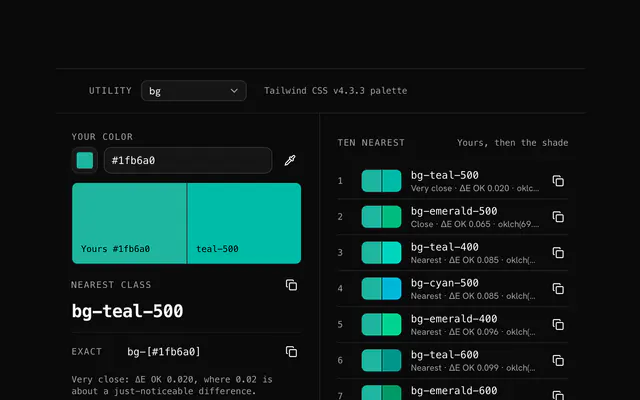
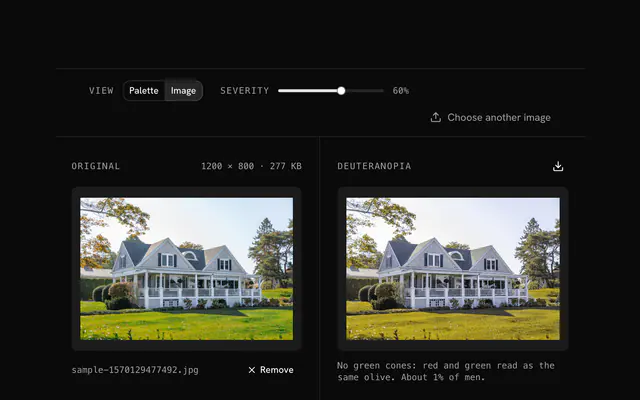
Closest to the Image color picker: Image color palette generator, Color converter, Tailwind color finder, Color blindness simulator. Each opens on its own page, free and in the browser.
The Image color picker is one of 17 in its group. The group's page, /tools/color, lists them all.
The tool is free. Its interface is built from shadcn.io's own components (Button, Input, Slider and the rest of the registry under /ui), which come in React, Vue, Svelte and Solid. Pro adds the blocks and templates for the product around it.
4.9 out of 5 from 150+ developers


Build the product around it
Every block, template and icon, installed by your AI agent in your theme. The tools stay free.
Get Pro