Image color palette generator.
Drop a picture and get its dominant colors with how much of it each covers, found by k-means in a perceptual color space, ready to paste as Tailwind or CSS.
Image color palette generator.
Need the UI around it? With Pro, your AI agent builds the form, the result card and the rest of the page from a prompt.
Get ProHow it works
3 steps, no account. It runs in your browser and nothing is uploaded.
Open an image
Drop a photo, a screenshot or an illustration, or choose one.
Set the palette
Choose how many colors, the method and the order.
Export it
Copy the code for Tailwind, CSS or JSON, or download the strip.
Related tools
More color tools. Every one free, in the browser.
Pricing
Build it with Pro
The tool is free. Pro adds 6,000+ blocks, premium templates and the MCP server, so your AI editor builds the product around it.
4.9/5 out of 5 · 150+ reviewsfrom 150+ founders and developers.
- Secure checkout via Stripe
- Code lives in your repo
- Keep what you've shipped if you cancel
- License terms
Questions and answers
Before you trust the result: what to know about the format, the limits, your data and the tools next to it.
It samples up to 40,000 pixels on an even grid, reads them in OKLab (where distance matches perceived difference), splits them into boxes by a median cut that minimizes the error at each split, then refines the boxes' centers with k-means. Each color is the average of its cluster, and its share is how many pixels it holds.
Yes. There is no random start: the median cut seeds k-means, so the same image and settings give the same palette every time.
Median cut is fast and keeps small but distinct areas; k-means moves each color to the true center of what it represents, which reads closer to the picture. K-means is the default.
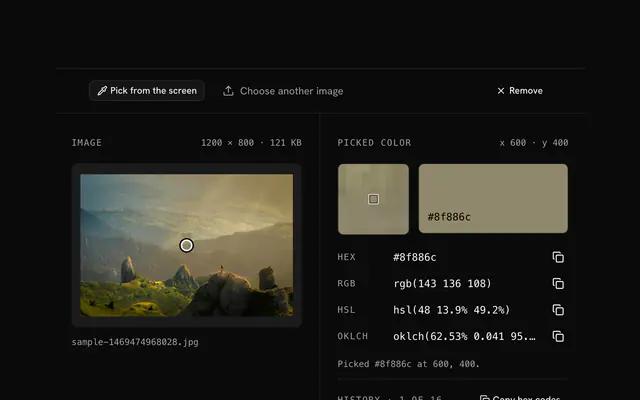
Each color is the mean of many pixels, so a photo's palette is a little softer than its most vivid pixel. For one exact pixel, use the image color picker.
From 3 to 12, 6 by default. Fewer gives the big areas; more brings in accents. Transparent pixels are left out.
The dots on the image mark a pixel near the center of each color's cluster, so you can see where every color comes from.
Tailwind v4 @theme, a Tailwind v3 config, CSS custom properties and JSON, plus the strip as SVG or PNG, with each band as wide as the color's share.
No. The image is decoded and measured in your browser and never uploaded.
No. The Image color palette generator is free and opens without a sign-in, an account or an install.
Nothing. The Image color palette generator holds your input in the page's memory, so closing or reloading the tab clears it, and it saves nothing in this browser.
Closest to the Image color palette generator: Image color picker, Color palette generator, Tailwind color generator, Color converter. Each opens on its own page, free and in the browser.
The Image color palette generator is one of 17 in its group. The group's page, /tools/color, lists them all.
The tool is free. Its interface is built from shadcn.io's own components (Button, Input, Slider and the rest of the registry under /ui), which come in React, Vue, Svelte and Solid. Pro adds the blocks and templates for the product around it.
4.9 out of 5 from 150+ developers


Build the product around it
Every block, template and icon, installed by your AI agent in your theme. The tools stay free.
Get Pro