Kanban board.
A kanban board kept in your browser: drag cards between columns, or move them with the arrow keys. It saves as you go, and nothing leaves your device.
Kanban board.
Need the UI around it? With Pro, your AI agent builds the form, the result card and the rest of the page from a prompt.
Get ProHow it works
4 steps, no account. It runs in your browser and nothing is uploaded.
Add cards
Add a card at the foot of a column, then press its title to give it a tag and a note.
Move them
Drag a card to another column, or focus its handle and use the arrow keys.
Shape the board
Add, rename or delete columns; Undo steps back through any change.
Export
Copy the board as Markdown, or download it as JSON to open again later.
Related tools
More productivity. Every one free, in the browser.
Pricing
Build it with Pro
The tool is free. Pro adds 6,000+ blocks, premium templates and the MCP server, so your AI editor builds the product around it.
4.9/5 out of 5 · 150+ reviewsfrom 150+ founders and developers.
- Secure checkout via Stripe
- Code lives in your repo
- Keep what you've shipped if you cancel
- License terms
Questions and answers
Before you trust the result: what to know about the format, the limits, your data and the tools next to it.
A board of columns, usually To do, In progress and Done, with a card for each piece of work. Moving a card to the right shows its progress, and a glance at the columns shows what is waiting, what is moving and what is finished.
In this browser's localStorage, on this device, a moment after each change and again when you leave the page. Another browser opens on the sample board; download yours as JSON to move it or keep a copy.
A title, a short tag such as Design or Bug, and a note. Press a card's title to edit all three or delete the card; the tag shows in small capitals and the note's first two lines show under the title.
Up to eight. Add column puts a new one at the end, ready to name; press a column's name to rename it, and its bin icon deletes it with its cards. The last column can't be deleted.
Tab to the card's grip handle and press an arrow key: up and down move it within its column, left and right to the next column at the same place. The focus stays on the card, and the status line says where it went.
Yes. With a mouse, drag a card from anywhere on it; with a finger, drag it by its grip handle, so the rest of the card still scrolls the page. A line shows where the card will land.
Yes. Undo, or Ctrl+Z (Cmd+Z on a Mac) while you're not typing in a field, steps back through the last 30 changes: moves, edits, deleted cards and columns, and Clear cards.
The copy icon takes the board as Markdown, a heading per column and a bullet per card with its tag and note. The download icon saves it as JSON, which Open a board reads back here.
No. The board runs in your browser, makes no request with your cards and needs no account. Nobody else can see it, which also means there is no sharing or sync between devices.
No. The "Kanban board" tool is free and opens without a sign-in, an account or an install.
A sample board: To do, In progress and Done, with seven cards from a small team's week. Clear cards empties it and keeps the columns, and Undo brings the cards back.
Up to 8 columns, with no set limit on cards. A card's title holds up to 200 characters, its tag 24 and its note 2,000.
One localStorage entry on this device, holding the columns and their cards. The undo steps live only while the page is open, and nothing is sent to a server.
It opens its own JSON: an object with a list of columns, each with a title and its cards, each card with a title and, if you like, a tag and a note. Another app's export needs reshaping to that first.
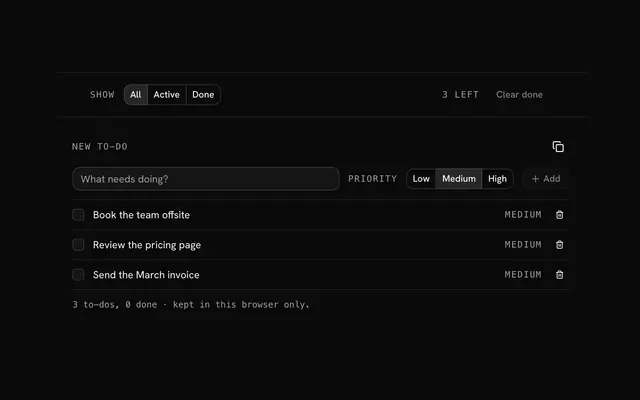
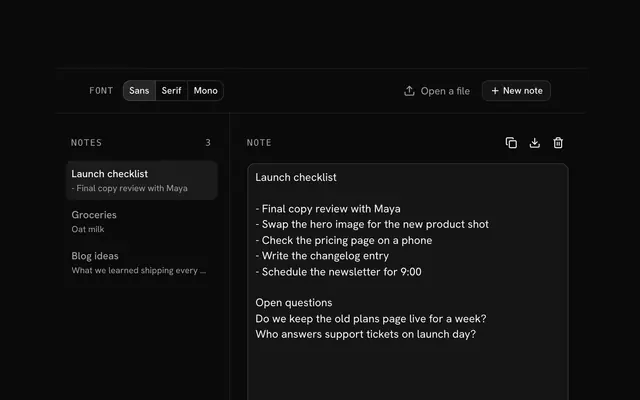
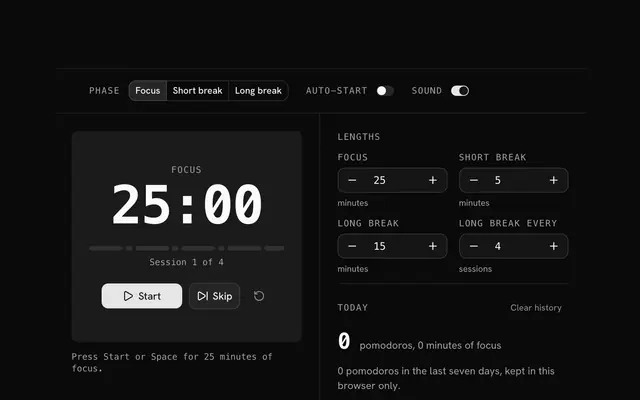
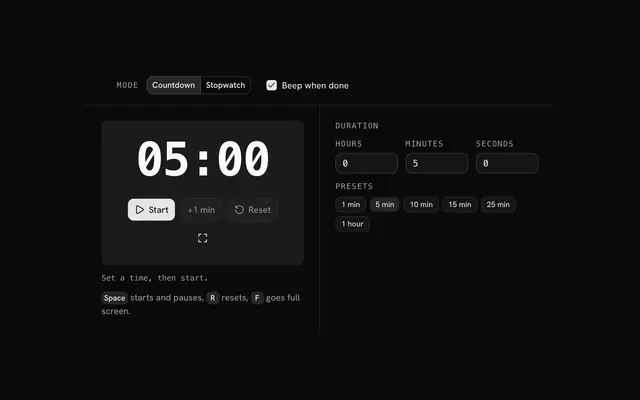
Closest to the "Kanban board" tool: To-do list, Online notepad, Pomodoro timer, Timer and stopwatch. Each opens on its own page, free and in the browser.
The "Kanban board" tool is one of 6 in its group. The group's page, /tools/productivity, lists them all.
The tool is free. Its interface is built from shadcn.io's own components (Button, Input, Slider and the rest of the registry under /ui), which come in React, Vue, Svelte and Solid. Pro adds the blocks and templates for the product around it.
4.9 out of 5 from 150+ developers


Build the product around it
Every block, template and icon, installed by your AI agent in your theme. The tools stay free.
Get Pro